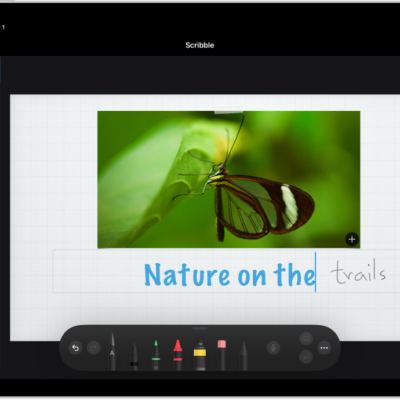
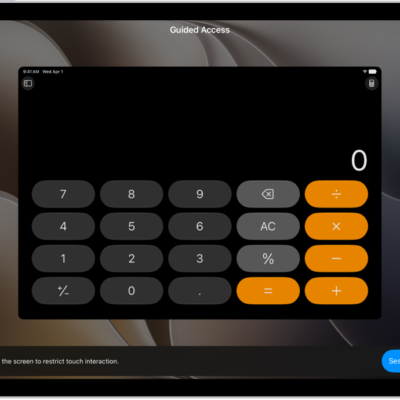
If you have difficulty using double tap or squeeze on Apple Pencil, you can adjust Apple Pencil settings for accessibility. You can change how firmly you need to press for the squeeze action, choose a slower duration for double tap, or turn double tap off.
Note: Double tap is available on supported iPad models with Apple Pencil (2nd generation) and Apple Pencil Pro. Squeeze is available on supported iPad models with Apple Pencil Pro.
- Open Settings, tap Accessibility, and then tap Apple Pencil.
- Do any of the following:
- Drag the slider to adjust how firmly you need to press for the squeeze action. Turn on Extended Range for additional firmness options.
- Turn double tap on or off.
- Choose a slower duration for double tap.
Quick tip: Apple Pencil settings have more options for customizing Apple Pencil; just go to Settings > Apple Pencil.
See also
Tags: accessibility, Apple Pencil