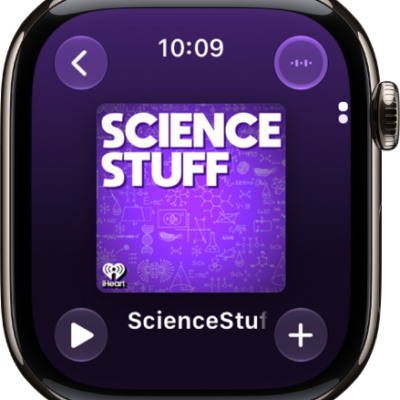
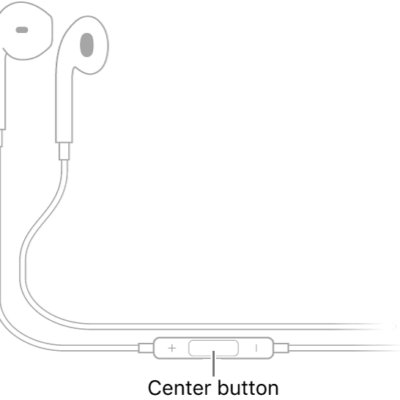
You can play audio from Apple Watch on Bluetooth headphones or speakers.
Bluetooth headphones and speakers pair with your watch once they’re in discovery mode, as the instructions that came with them describe. You can also monitor and adjust your headphone volume, reduce loud sounds, and view loud headphone audio notifications, and Apple Watch can even cap your headphone audio at a specific decibel level.
Here’s how to connect Apple Watch to Bluetooth headphones or speakers.
Quick tip: AirPods you set up with your iPhone are ready to use with your Apple Watch, too, so press play and listen.
Pair Bluetooth headphones or speakers
Follow the instructions that came with the headphones or speakers to put them in discovery mode. When the Bluetooth device is ready, follow these steps:
- Go to the Settings app on Apple Watch. Tap Bluetooth.
- Tap the device when it appears.
You can also tap the More Actions button on the play screens of the Audiobooks, Music, Now Playing, and Podcasts apps to open the AirPlay setting.
Monitor and adjust your headphone volume
- Press the side button to open Control Center.
-
While listening to your headphones, tap the Hearing Devices Switch button.
A meter shows the current headphone volume.
- Tap the volume controls below Headphone Volume or tap the slider. Then turn the Digital Crown to adjust.
Reduce loud sounds
Your Apple Watch can cap the volume of your headphone audio at a specific decibel level.
- Open the Settings app on your Apple Watch.
- Go to Sounds & Haptics, tap Headphone Safety, and tap Reduce Loud Sounds.
- Turn on Reduce Loud Sounds and then set a level.
View loud headphone audio notifications
If loud audio in your headphones goes on long enough that it could affect your hearing, you get a headphone notification, and Apple Watch automatically turns the volume down to a more moderate level to protect your hearing.
To view details about headphone notifications, follow these steps:
- Open the Settings app on your Apple Watch.
- Go to Sounds & Haptics and tap Headphone Safety. Tap Last 6 Months below Headphone Notifications.
You can also open the Health app on your iPhone, tap the Search button, tap Hearing, tap Headphone Notifications, then tap a notification.
See also