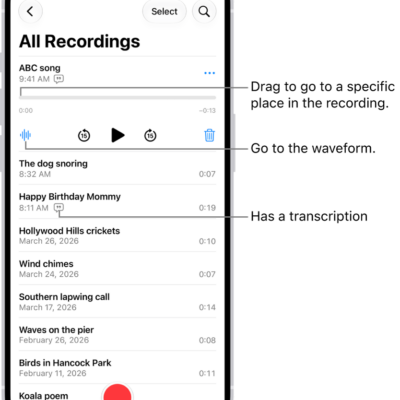
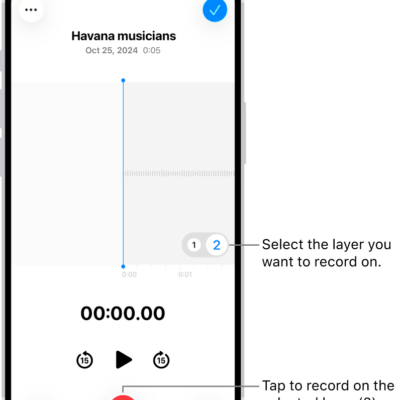
You can duplicate a recording in the Voice Memos app (in the Utilities folder) on your iPhone, which is useful when you need another copy of it. You can make changes to the copy, save it, and give it a new name.
The duplicate shows up right below the original version in the list of recordings, with “copy” added to its name. You can change that name to a new one, too.
- Start the Voice Memos app (in the Utilities folder) on your iPhone.
- In the list of recordings, tap a recording, tap the More Actions button, and then tap Duplicate.
The duplicate appears right below the original version in the list and has “copy” added to its name. To change the name, tap it, then type a new one.
Tag: Voice Memos