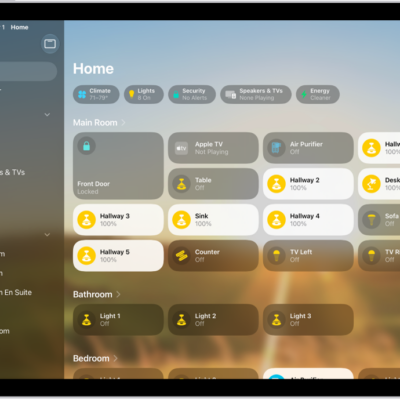
When you first start using the Home app, a setup assistant helps you create a home. You can then add accessories, control them remotely, share access to your home devices with others, and more.
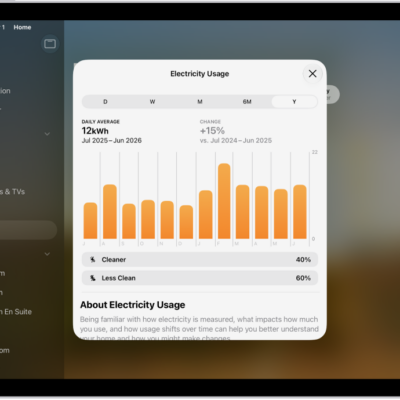
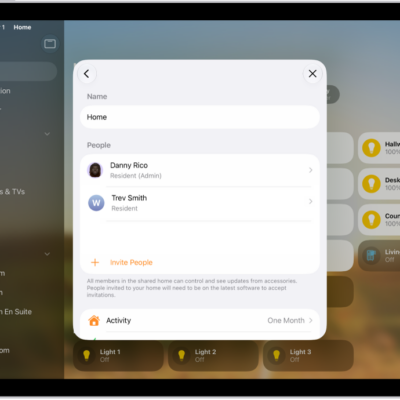
You can add compatible accessories throughout your home, like locks, lights, cameras, and thermostats. With a home hub, you can share full resident access with family and friends, or limited guest access with pet-sitters and other temporary visitors. And with a participating utility provider, you can view how much electricity your home uses.
Add accessories
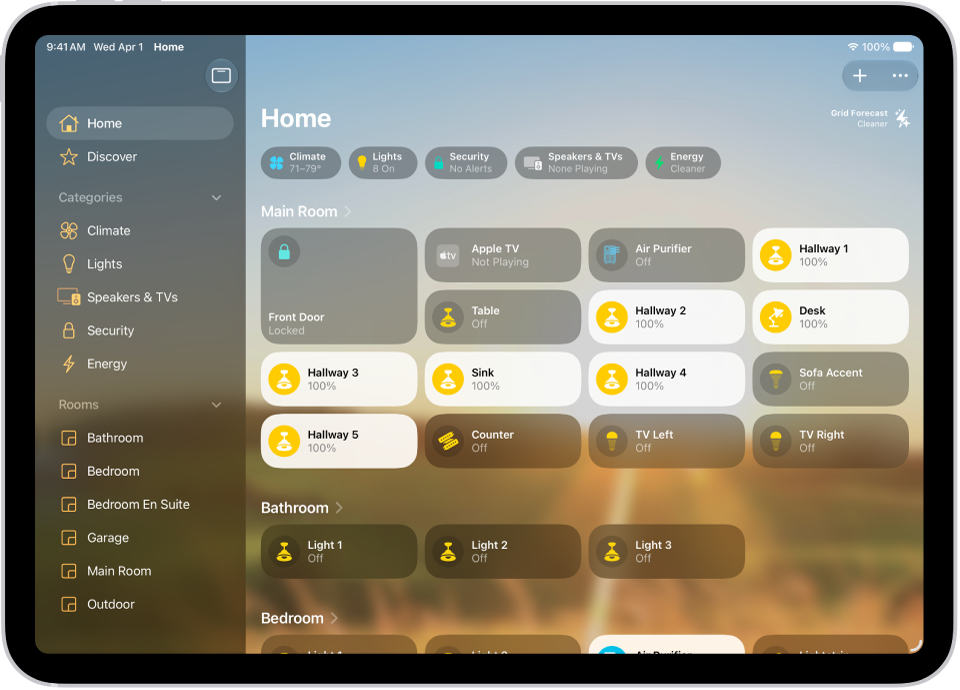
You can add compatible accessories throughout your home—such as locks, lights, cameras, and thermostats. Tap the Add button in the top right, tap Add Accessory, then follow the onscreen instructions.
Allow guest access
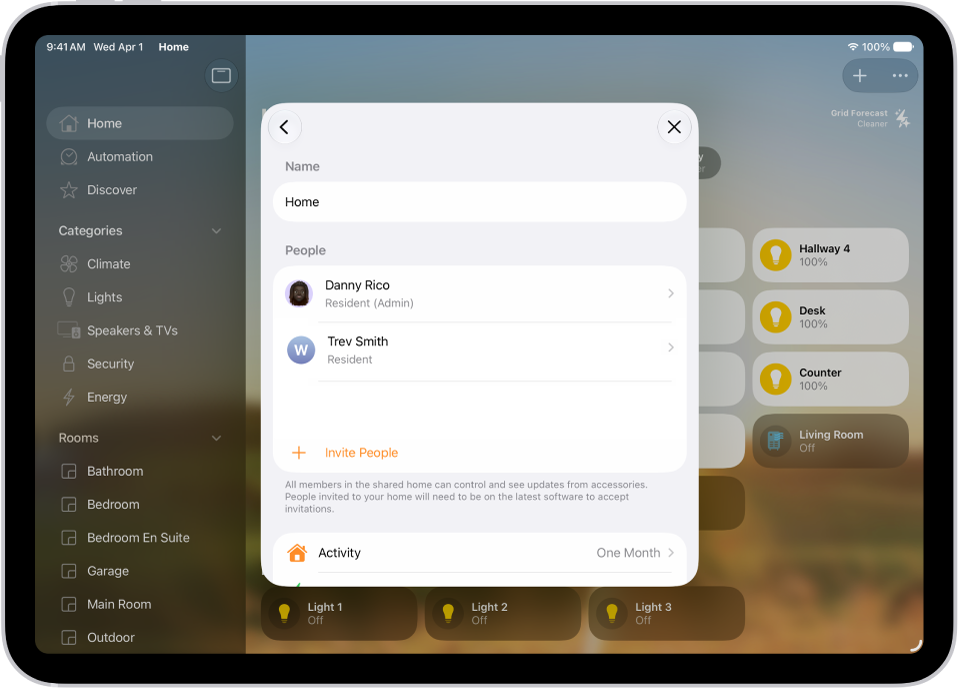
With a home hub—you can share full resident access to your Home app devices with family and friends, or limited guest access to pet-sitters, service workers, or other temporary visitors. Tap the Add button, tap Add People, then choose Resident or Guest. Enter your recipient, then tap Send Invite.
Monitor your energy usage
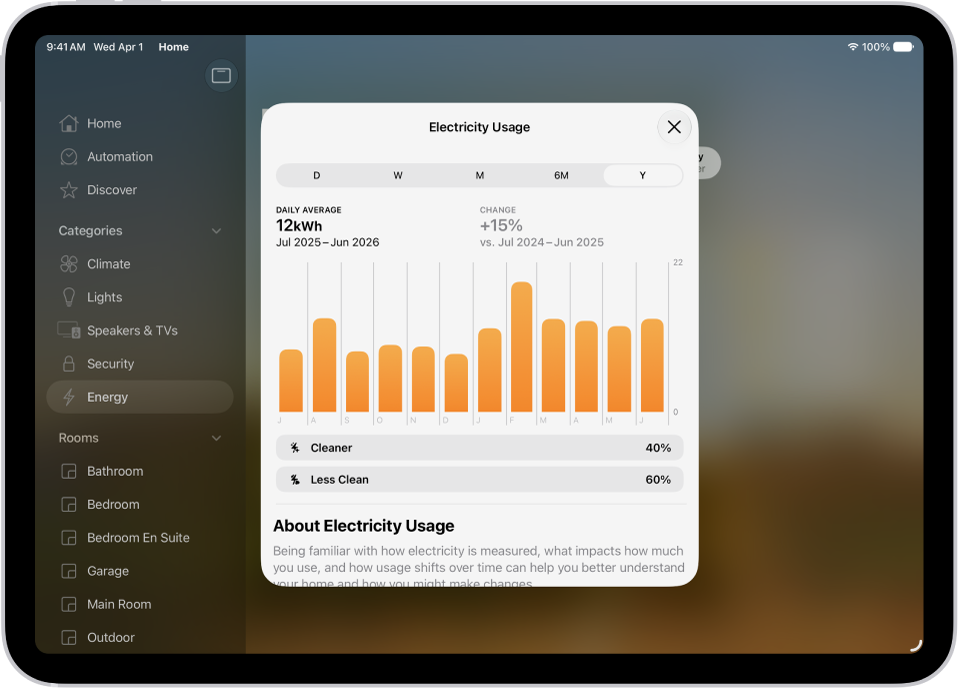
If you have a participating residential utility provider, you can view how much electricity your home uses, track your usage over time, and view your electricity rate plan information. To add a provider, tap the More button, tap Home Settings, tap Energy, then tap Connect Account.
These guides go deeper into setting up and controlling your home:
- Set up accessories with Home on iPad
- Invite others to control accessories in your home
- View electricity usage and rates on iPad (participating U.S. providers only)
- Set up security cameras in Home on iPad
- Control accessories with Home on iPad