The News app collects all the stories you want to read, from your favorite sources, about the topics that interest you most. Apple News+ subscribers can also access features like audio stories, puzzles, and recipes.
Siri learns what’s important to you as you read and suggests stories you might like. And channels and topics you follow appear in the Today feed.
Here’s how to get started with News on iPhone.
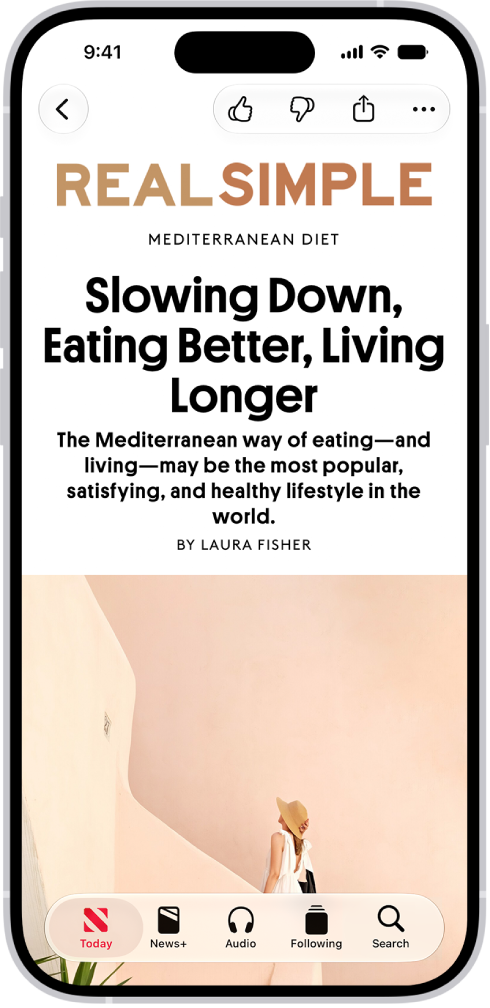
Catch up on the latest news
From breaking news to science to entertainment, browse stories in the News app. The more you read, the better Siri gets at understanding what’s important to you and suggesting stories you might like.
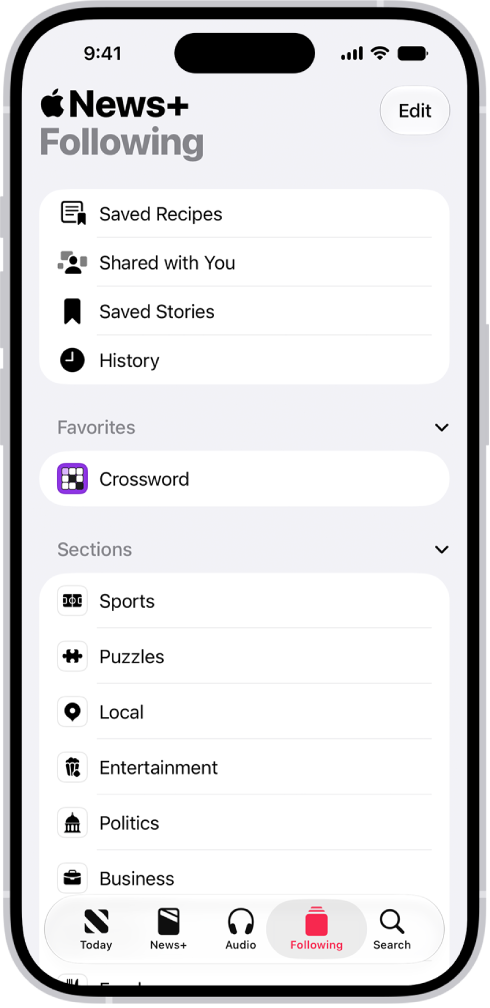
Customize your feed
Tap the Search tab to find a specific channel or topic you’re interested in. Tap the topic, then tap the Follow button to follow it. Channels and topics you follow appear in the Today feed. If there’s a channel or topic that you don’t want to see in your Today feed, tap Following, touch and hold the channel or topic, then choose Block Channel, Block Topic, or Stop Suggesting.
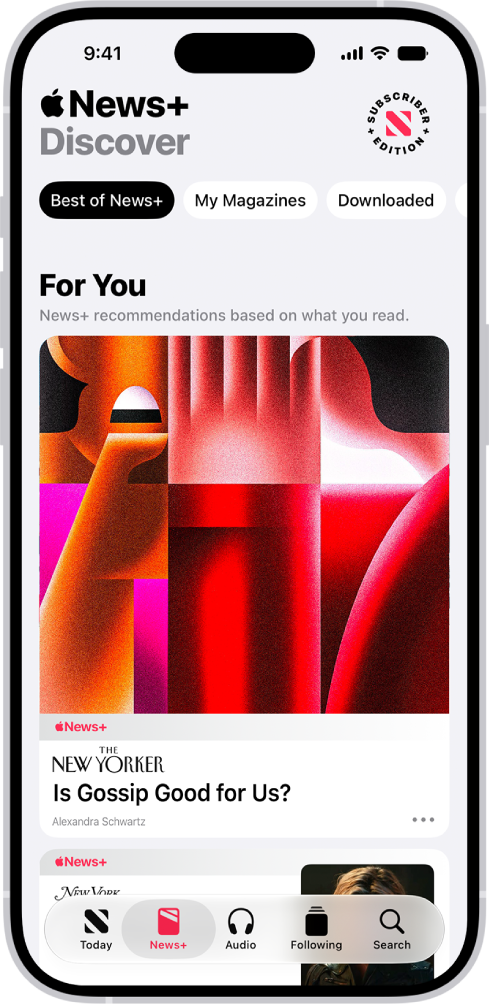
Subscribe to Apple News+
When you subscribe to Apple News+, you can access hundreds of magazines and newspapers, along with puzzles, recipes, and audio stories. You can share issues with others or download them for offline reading. When prompted, tap a subscription button, then follow the onscreen instructions.
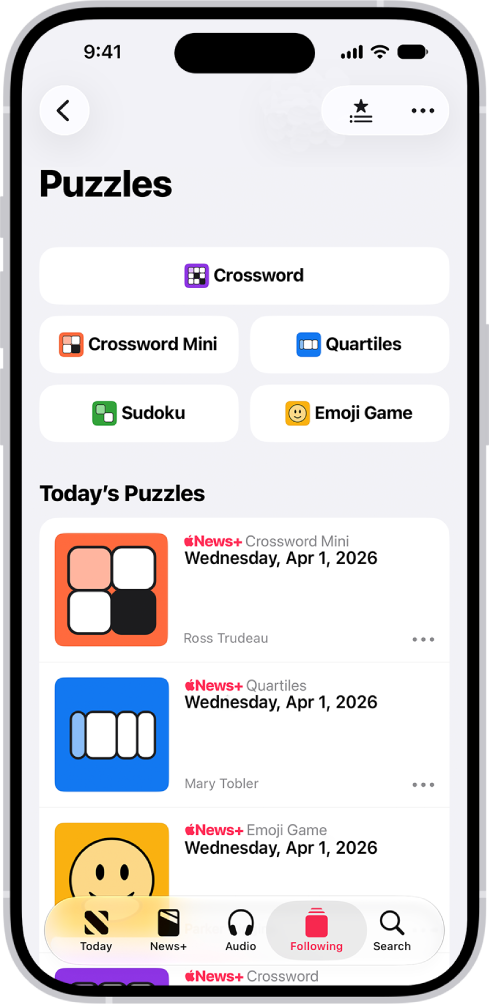
Take a break to test your wits
Apple News+ subscribers can solve daily puzzles—such as crosswords, Quartiles, sudoku, and Emoji Game. From the Today feed, tap Puzzles, then tap to open a puzzle. Some puzzles include a tutorial—in Quartiles, for example, tap the More button, then tap How to Play.
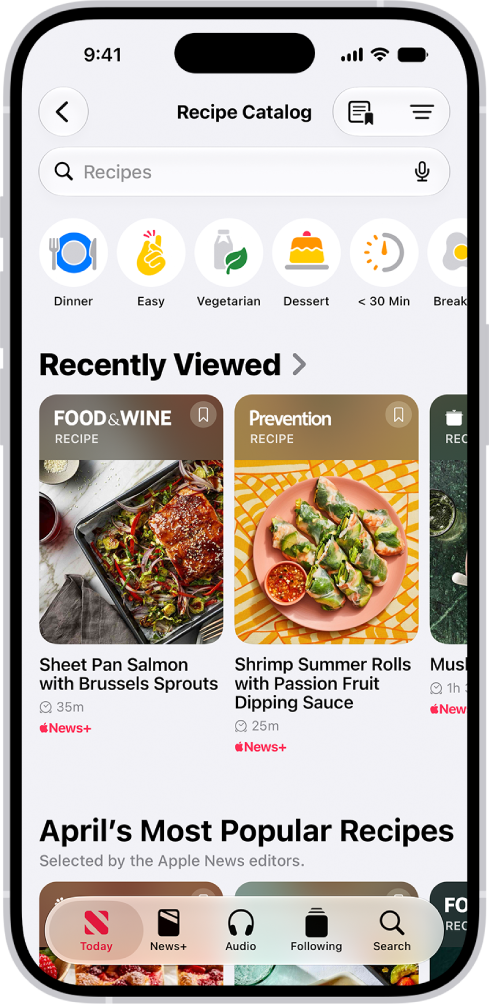
Cook up a feast
Apple News+ subscribers also have access to thousands of curated and personalized recipes. From the Today feed, tap Food, then tap the Recipe Catalog button or Recipe Catalog.