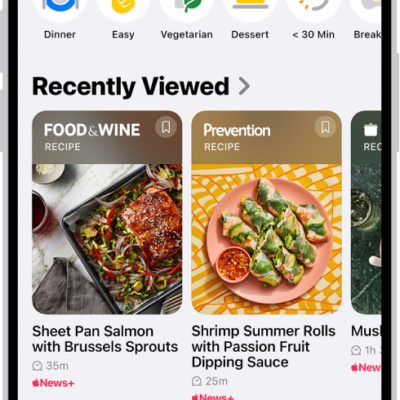
When you subscribe to Apple News+, you can access hundreds of magazines and newspapers, along with recipes, puzzles, and audio stories. You can share issues with others or download them for offline reading.
You can subscribe to Apple News+ or to Apple One Premier, which includes Apple News+ and other Apple services. You can also share Apple News+ with family members. And you can cancel or change your Apple News+ subscription.
Note: Apple News, Apple News+, Apple One and puzzles aren’t available in all countries or regions.
Subscribe to Apple News+
- Open the News app on your iPhone.
- Do one of the following:
- Tap the subscription button shown in a magazine, puzzle, recipe, or story.
- Tap News+ , then tap the subscription button.
- Follow the onscreen instructions.
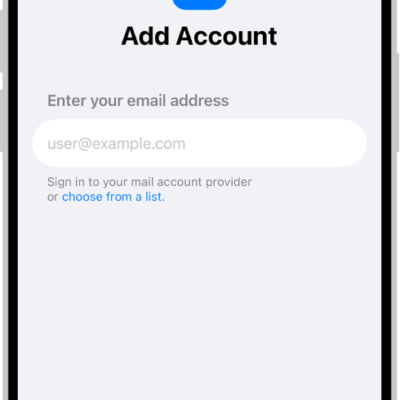
You may be asked to sign in to your Apple Account.
Share Apple News+ with family members
Once you subscribe to Apple News+ or Apple One Premier, you’re able to share Apple News+ with up to five other family members by using Family Sharing. Your family group members don’t have to do anything. Apple News+ becomes available to them the first time they open the News app once your subscription begins. Joining a family group with an Apple News+ or Apple One Premier subscription when you already subscribe means your subscription won’t renew on your next billing date, and you’ll use the group’s subscription instead. If the family group you join doesn’t subscribe, it uses your subscription.
Note: Apple News+ sharing with a family group ends when you cancel the subscription, leave a Family Sharing group, or remove a member from the Family Sharing group.
Cancel or change your Apple News+ subscription
- Open the News app on your iPhone.
- Tap Following, scroll down, tap Subscriptions (below Manage), and then do one of the following:
- Apple News+ only: Tap Cancel Subscription and then follow the onscreen instructions.
- Apple News+ and individual channels: Select Apple News+, tap Cancel Subscription, and then follow the onscreen instructions.