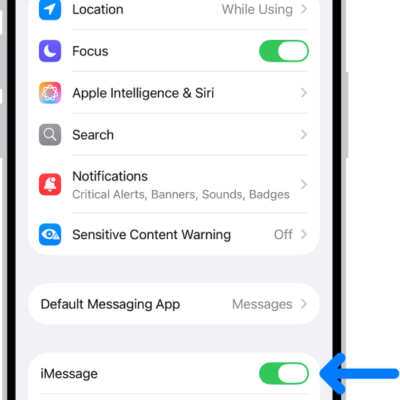
iMessage is Apple’s end-to-end encrypted messaging service that you can use to send and receive text messages in the Messages app on your iPhone, iPad, Mac, Apple Watch, and Apple Vision Pro.
If someone sends a message to your email address or phone number using iMessage, you receive it on all your Apple devices that are set up to receive messages sent to that address or number. And when you view an iMessage conversation, you see all messages sent from any device, so you can keep in touch wherever you are.
You need an Apple Account to use some iMessage features. If you’ve made purchases from the iTunes Store or App Store, or you’ve signed in to iCloud, you already have one.
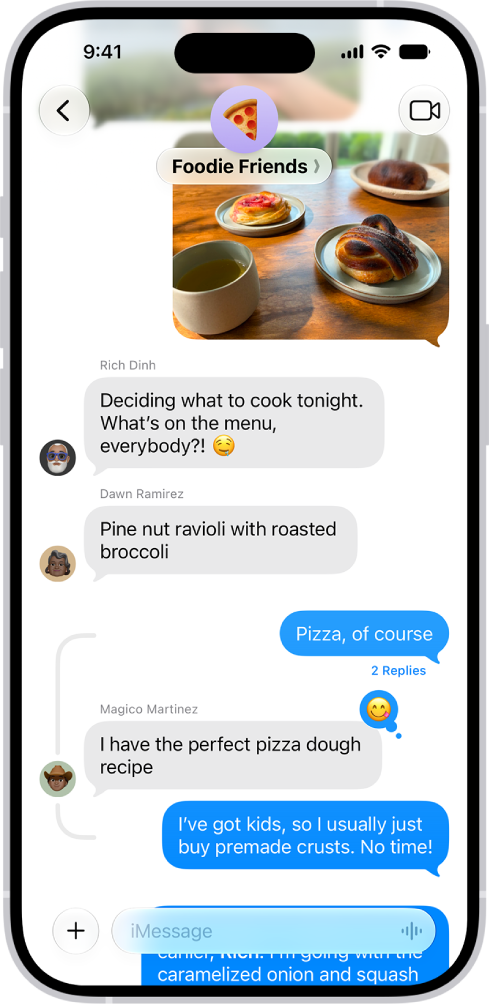
Here’s what you should know about communicating with others in iMessage:
- You can send texts over Wi-Fi or cellular service.
- Texts you send and receive using iMessage don’t count against your SMS, MMS, or RCS allowances in your cellular messaging plan, but cellular data rates may apply.
-
When you communicate with others who also use iMessage on an Apple device, the texts appear in blue bubbles. (SMS, MMS, and RCS messages appear in green bubbles.)
Messages are sent with iMessage when you see a blue send button. A green send button indicates the message is sent with SMS, MMS, or RCS.
- In a conversation, you can see if someone’s writing a message. If someone has read receipts turned on, you can also see if they’ve opened your message.
-
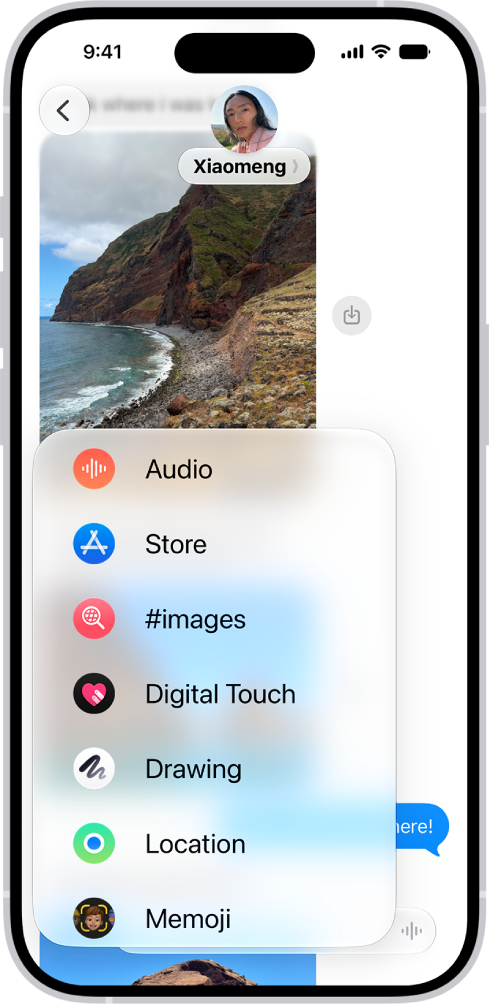
You can use a wider range of apps and features, like text formatting, editing, unsending, scheduling, backgrounds, polls, Memoji, drawings, collaboration, group conversation management, and more.
- When you use iMessage, you can report spam messages to Apple and screen unknown senders.
- For security, messages sent using iMessage are end-to-end encrypted as they’re sent, and you can also use Contact Key Verification. When a conversation is end-to-end encrypted, you see Encrypted at the top of the conversation. If you don’t see this indicator—for example, in SMS or MMS conversations—messages in the conversation aren’t protected from being read by others as they’re sent.
About RCS
RCS is a carrier-provided messaging service. In the Messages app on your iPhone, you can use it to communicate with people on both Apple and non-Apple devices. If iMessage isn’t available, Messages can send your text as RCS instead, and those messages show up in green bubbles.
And here are a few things worth knowing about RCS messaging:
- RCS is provided by your cellular carrier, not by Apple. To use RCS, you need a text-messaging plan from a carrier that supports it.
- RCS supports read receipts, typing indicators, Tapbacks, inline replies, and high-resolution photos and videos.
- RCS conversations can be end-to-end encrypted when both your carrier and your contact’s carrier support encrypted RCS.