How to make and receive phone calls with CarPlay
Use CarPlay to make phone calls and listen to voicemail from your iPhone. You can also use your vehicle’s built-in controls to help make a call, and everything you need is in the Phone app in CarPlay, including your voicemail.
Note: Phone doesn’t always appear in the recent apps list on the left of CarPlay Dashboard. Tap the Home button, and you’ll find it among the pages of all of your CarPlay apps.
Read Next
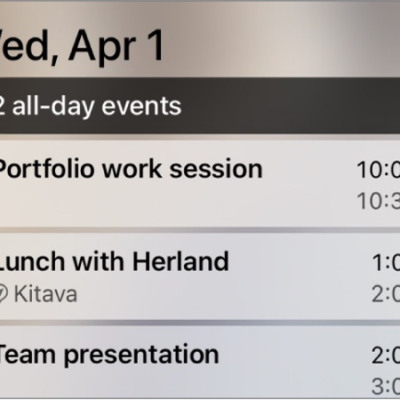
You can see upcoming events on CarPlay Dashboard or in Calendar in CarPlay, and get directions to an event or phone into it.
You can connect iPhone to CarPlay to use directions, phone calls, music, Calendar, and more from your vehicle's display.
You can change CarPlay settings to turn on Driving Focus, switch the appearance, change the wallpaper, and show or hide suggestions and album art.