In Apple News, you can set up a local news feed to stay up to date on news, events, and weather in the places that matter to you most. You can follow your preferred locations and customize them to prioritize news from a specific city, town, or neighborhood.
Stories from the primary location you follow also appear in your Today feed, and you can use your current location to find a news feed. You can also search for a news feed by state or country.
Note: Apple News isn’t available in all countries or regions. The Local News feed is available in the U.S. only.
Set up a local news feed
- Start the News app on your iPad.
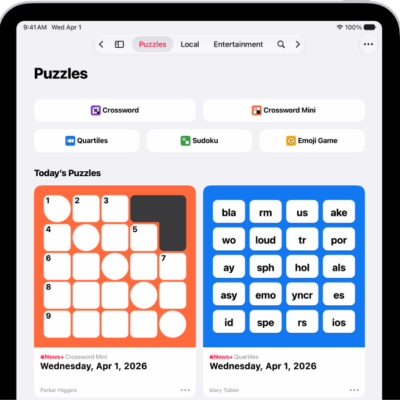
- Tap Local in the sidebar and then do either of the following:
- If you don’t follow any locations: Tap Get Started.
- If you follow one or more locations in Local News: Tap Locations and tap Manage Locations.
- Do any of the following:
- Search for a news feed using your current location: If you’re getting started with local news, tap Current Location. If you follow one or more locations, tap the search field and tap Current Location.
- Search for a location: Tap the search field and enter a city, town, or zip code. Then select a location from the search results.
- Search by state or country: Scroll down and select a state or country. A list of available feeds appears under Local News Feeds.
- Tap the Add button next to the location you want to follow. Tap the Close button or the Back button to go back to the list of locations.
- Tap the Close button to go back to the local news feed.
The sidebar lists locations you follow under Local News.
Read local news
- Start the News app on your iPad.
- Tap Local in the sidebar and tap a story to read it.
Customize the news feed for a location
For news and weather, you can prioritize a specific city, town, or neighborhood within a location you follow.
- Start the News app on your iPad.
- Tap Local in the sidebar and tap Locations.
- Tap Manage Locations.
- Tap Customize under the name of a location you follow. If you already added a specific location, tap the location’s name to change it.
- Tap the search field and enter a city, town, or zip code. Then select a location from the search results.
Change locations in your local news feed
- Start the News app on your iPad.
- In the sidebar, scroll down to Local News. Then select the location you want to view.
Follow local publishers
You can follow local publishers directly when you search for local news feeds by state or country.
- Start the News app on your iPad.
- Tap Local in the sidebar and tap Locations.
- Tap Manage Locations and then scroll down and select a state or country.
- Scroll down to Local Publishers and tap the Add button next to the publishers you want to follow.
See also