You can have your iPhone, or your family member’s iPhone, check for sensitive images and warn you before you view them. Once Sensitive Content Warning is on, a warning appears before sensitive images are received or sent. It’s in Privacy & Security settings.
Turn on Sensitive Content Warning
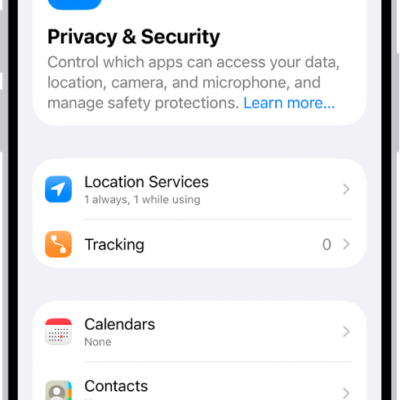
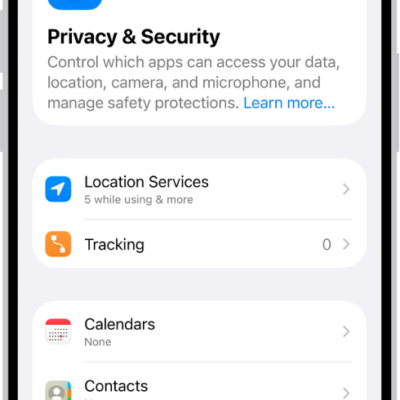
- Open Settings and then tap Privacy & Security.
- Scroll down and tap Sensitive Content Warning and then turn on Sensitive Content Warning.
Before sending or receiving sensitive images, you or your family member will get a warning.
Note: Sensitive Content Warning is turned on automatically if you set up Screen Time and turn on Communication Safety.
Screen Time is also where you can block inappropriate content and set restrictions on purchases.
Tag: Privacy & Security