You can use the Find My app to remove an AirTag or third-party item from your Apple Account so someone else can register it. You start by bringing the item near your iPhone. If it isn’t nearby, you can still remove it, but the item must be reset before anyone can register it.
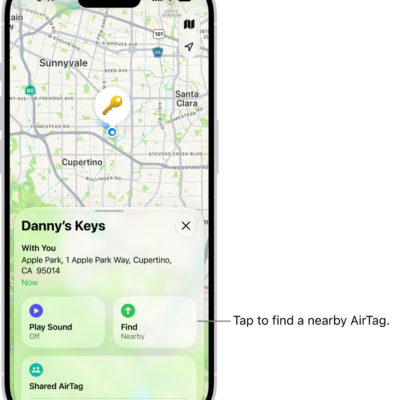
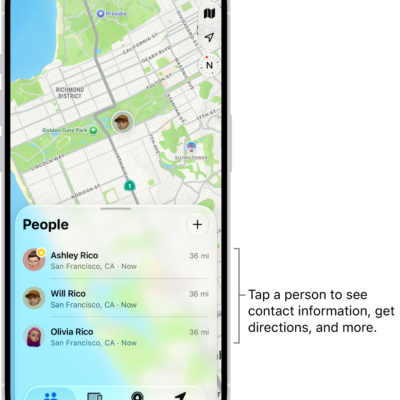
- Start the Find My app on your iPhone.
- Tap Items and tap the item you want to remove. Tap the more button.
-
Bring the item near your iPhone.
If the item isn’t near your device, you can still remove it from your account. However, the item must be reset before anyone can register it to their Apple Account.
- Tap Remove and then follow the onscreen instructions.
Note: Follow the manufacturer’s instructions to reset an item.
Tag: Find My