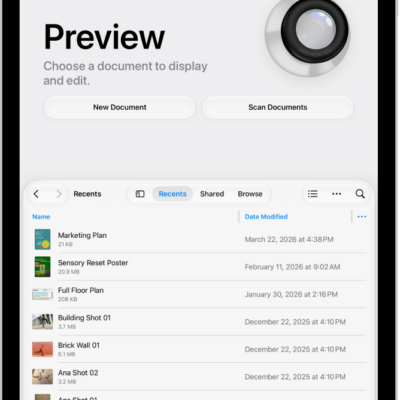
You can remove the background from an image in the Preview app on your iPad. You just open an image, and Remove Background is one of the options. You can also open and view PDFs and images, edit an image, or annotate a PDF or image in Preview.
- Open the Preview app on your iPad.
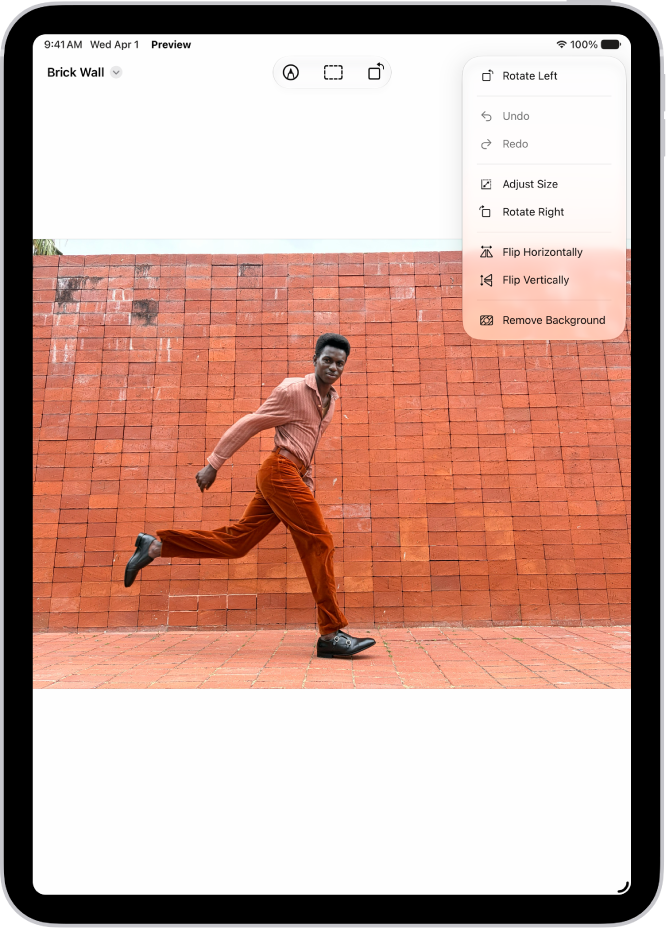
- Open an image.
- Tap the More button, then choose Remove Background.
See also
- Open and view PDFs and images in Preview on iPad
- Edit an image in Preview on iPad
- Annotate a PDF or image in Preview on iPad
Tag: Preview