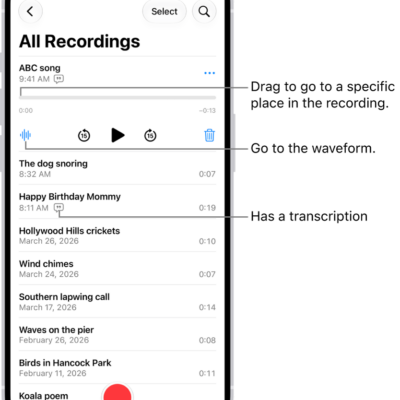
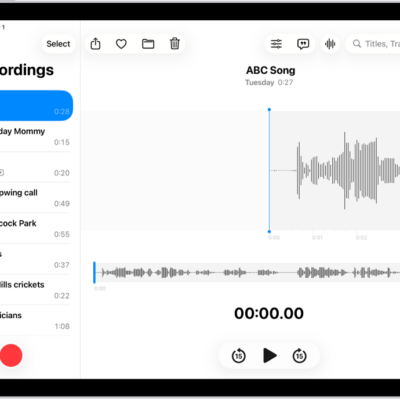
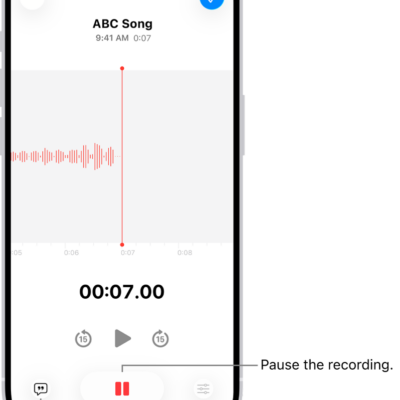
You can search for recordings or rename any recording in Voice Memos. A new recording is first named New Recording or the name of your location, and you can even search a transcript for a word or phrase.
Here’s how to search for or rename a recording in Voice Memos on iPhone.
Search for a recording
- Start the Voice Memos app (in the Utilities folder) on your iPhone.
- Swipe down from the middle of the list of recordings to reveal the search field.
- Tap the search field, enter part or all of the recording name, and then tap Search.
Note: Enter a word or phrase in this field, and you can search for it in a transcript, too.
Rename a recording
A recording is initially saved with the name New Recording or the name of your location, if Location Services is turned on in Settings > Privacy & Security. You can change the name.
- Start the Voice Memos app (in the Utilities folder) on your iPhone.
- Tap the recording and tap the name. Type a new one.
Tag: Voice Memos