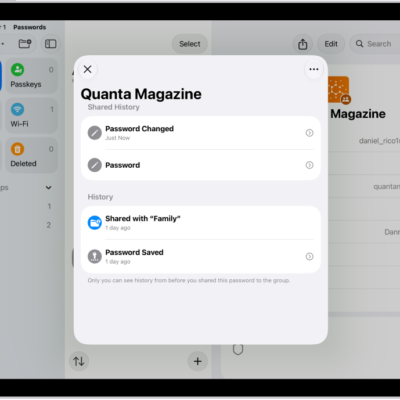
You can show user names, passwords, and verification codes in large text on your iPad. In the Passwords app, you just open an account, and Show in Large Type makes your user name, password, or verification code bigger and easier to read. You can also zoom in on the iPad screen.
- Go to the Passwords app on your iPad.
- Tap All, then tap an account.
- Touch and hold your user name, password, or verification code. Then tap Show in Large Type.
See also
Tag: Passwords