How to show user names and passwords in large text on iPhone
You can show user names, passwords, and verification codes in large text on your iPhone. It’s built into the Passwords app, where Show in Large Type makes the user name, password, or verification code for an account bigger and easier to read.
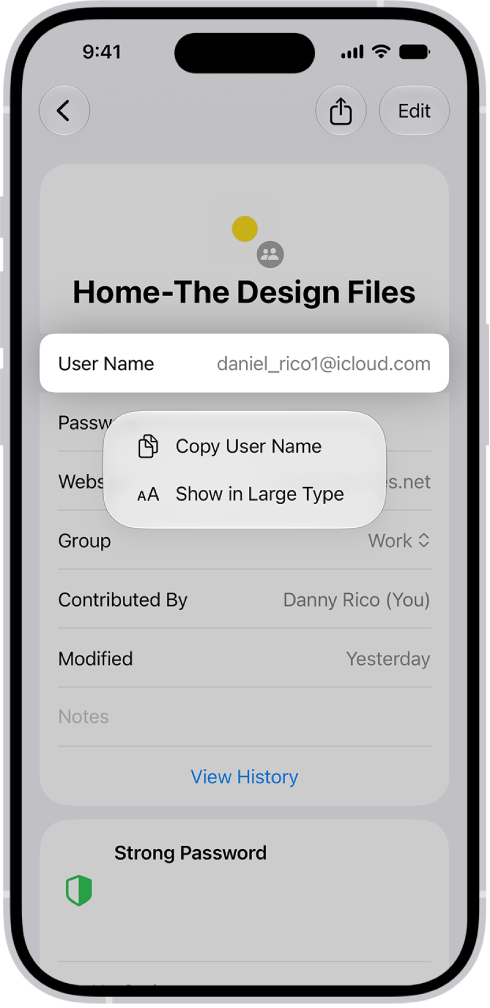
- Start the Passwords app on your iPhone.
- Tap All, then tap an account.
- Touch and hold your user name, password, or verification code. Then tap Show in Large Type.
Read Next
You can change weak or compromised passwords that iPhone flags, including ones found in data leaks, from the Security section of the Passwords app.
You can delete a password for a website or app from the Passwords app on iPhone, which also removes it from iCloud Keychain.
You can set up iPhone to generate and autofill one-time verification codes using a QR code or setup key, without SMS or extra apps.











