You can view the tabs that are open on your other Apple devices and keep tabs and Tab Groups updated across them. You must be signed in to iCloud with the same Apple Account on all your devices to manage Safari tabs on those devices.
You can even close a tab on another Apple device. To see tabs open on your Mac, too, Safari needs to be on in iCloud on your Mac, with two-factor authentication.
View tabs that are open on your other Apple devices
- Start the Safari app on your iPhone.
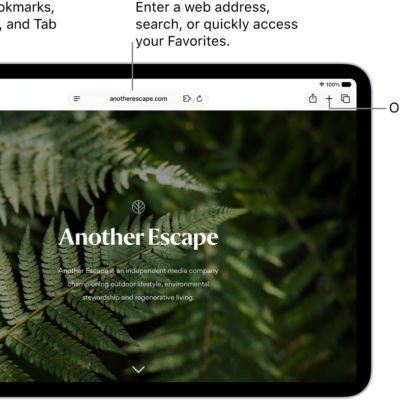
- Tap the Tabs button.
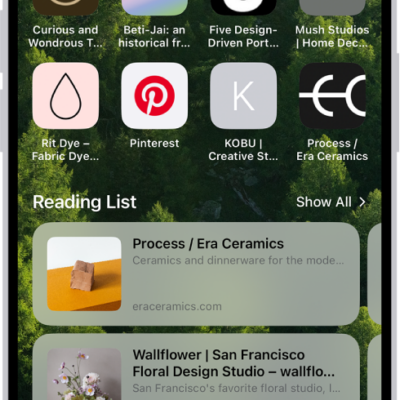
- Tap the Add button. Scroll to see the tabs open on your other devices at the bottom of the start page.
To close a tab on another Apple device, touch and hold the link, then choose Close. Note: To view tabs open on your other devices, you must have iCloud Tabs turned on for your start page.
Keep tabs and Tab Groups updated across your devices
- Start the Settings app on your iPhone.
- Tap your name, then tap iCloud.
- Tap See All and then make sure Safari is turned on.
Note: Tabs open on your Mac show up here too, as long as Safari is turned on in iCloud settings on your Mac, you’re signed in to the same Apple Account, and you use two-factor authentication.