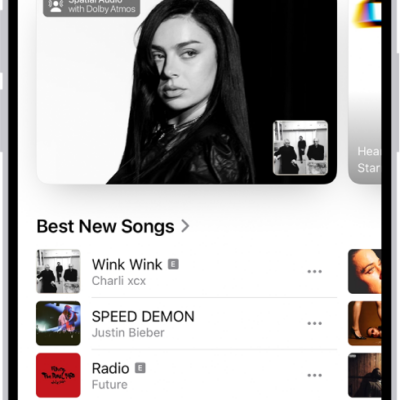
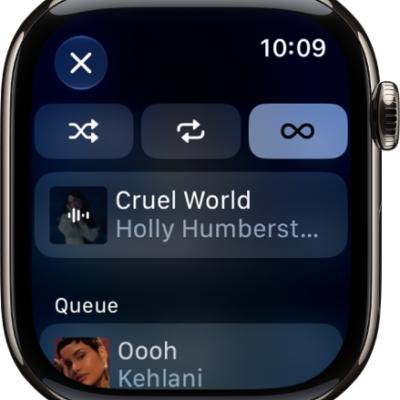
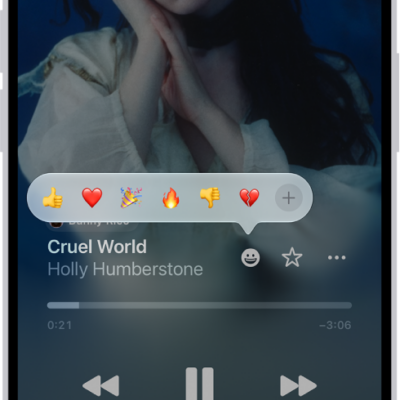
You can make a song or album a favorite so that you can easily find and play it again later. If you dislike a song or album, you receive fewer suggestions for similar music.
Letting Apple Music know what you like and dislike improves future recommendations, and you can also rate music in your library with one to five stars. Your ratings sync across devices signed in to the same Apple Account.
Tell Apple Music what you enjoy
- Open the Music app on your iPhone.
- Do any of the following:
- Touch and hold an album, playlist, or song, then tap Favorite or Suggest Less.
- On the Now Playing screen, tap the More button, then tap Favorite or Suggest Less.
Telling Apple Music what you like and dislike improves future recommendations.
Rate music in your library
- Open the Settings app on your iPhone.
- Tap Apps and tap Music.
-
Turn on Show Star Ratings.
Note: This option only appears if you already added a star rating to a song in your music library on your Mac or Windows device, and Sync Library is enabled on your iPhone (go to Settings > Apps > Music, then turn on Sync Library).
- Go to the Music app, touch and hold a song in your library, tap Rate Song, and then choose a rating from one to five stars.
Song ratings sync to all devices that are signed in to the same Apple Account.