With Live Speech, you can type and have your words spoken aloud, both in person and on phone and FaceTime audio calls.
On a call, people hear your words in the conversation; otherwise, they come out of the speaker on your Apple Watch. You can even use your Personal Voice, a synthesized voice that sounds like your own.
Here’s how to type to speak using Live Speech on Apple Watch.
Set up Live Speech
- Start the Settings app on your Apple Watch.
- Go to Accessibility and tap Live Speech. Turn on Live Speech.
-
Tap Voices, choose a voice, and tap Speak Sample to hear it.
To use the voice, tap Download [name of voice], then tap Use Voice.
- To set up the Accessibility Shortcut to turn on Live Speech, open Settings, tap Accessibility, tap Accessibility Shortcut, and choose Live Speech.
Type to speak
-
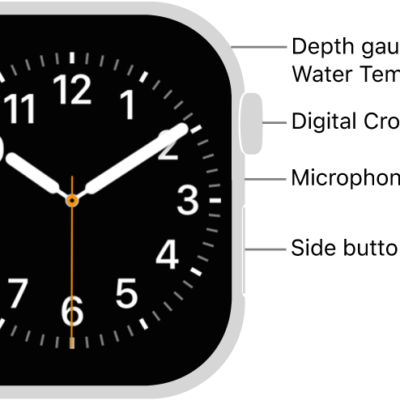
Triple-click the Digital Crown and choose Live Speech if you have more than one accessibility shortcut enabled. Then type what you’d like to have spoken or choose a favorite phrase.
Tip: Add your most frequently used phrases so you can quickly access them. Go to Settings > Accessibility > Live Speech, then tap Favorite Phrases.
- Tap Send to have your phrase spoken.
On a phone or FaceTime audio call, people hear your words spoken in the conversation. Otherwise, your words come out of the speaker on your Apple Watch.
Use your Personal Voice with Live Speech
With Personal Voice, you can create a synthesized voice that sounds like your own to communicate with family and friends. Use your Personal Voice to type to speak in FaceTime and phone calls, assistive communication apps, and in-person conversations. (Available in select languages.)
After you create a Personal Voice, you can use it on Apple Watch:
- Start the Settings app on your Apple Watch.
- Go to Accessibility and tap Live Speech.
- Tap English (US), then choose your Personal Voice.
Important: You may only use Personal Voice to create a voice on your iPhone, iPad, or Mac that sounds like you using your own personal voice for your personal, noncommercial use.
See also