With Apple Intelligence, you can use intelligent photo editing tools, create original images and Genmoji, create custom memory movies with a description, and more to power your creativity. Clean Up, Extend, and Reframe let you keep working on a photo after you take it, and Image Playground produces fun, original images in moments.
Note: Apple Intelligence on iPadOS 27 or later is available on an Apple Intelligence-enabled iPad mini (A17 Pro) and iPad models with M1 or later. Apple Intelligence is not available in all languages or regions. Usage limits may apply.*
Make your photos frame-worthy
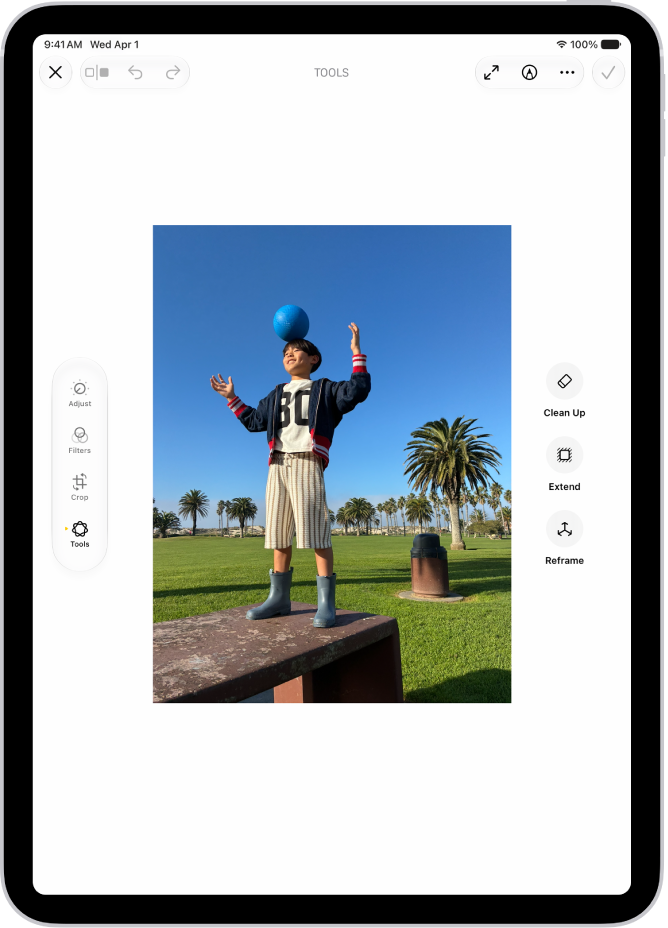
You can remove distracting objects, extend a photo beyond its original frame, and adjust its perspective. With Clean Up, Extend, and Reframe, a photo doesn’t have to be finished once you take it. Open a photo in the Photos app, then tap the Edit button to get started.
Clean up, extend, and reframe photos
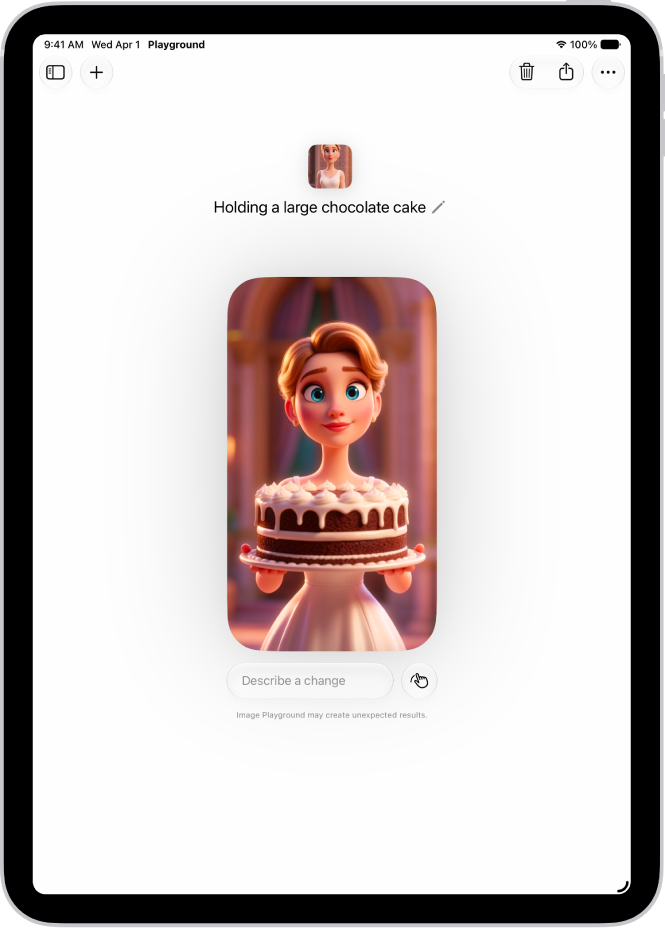
Create one-of-a-kind images with Image Playground
Produce fun, original images in moments with Image Playground. Open the Playground app, tap the Add button, then describe an image. Or choose a photo and apply an image style, like Animation or Sketch.
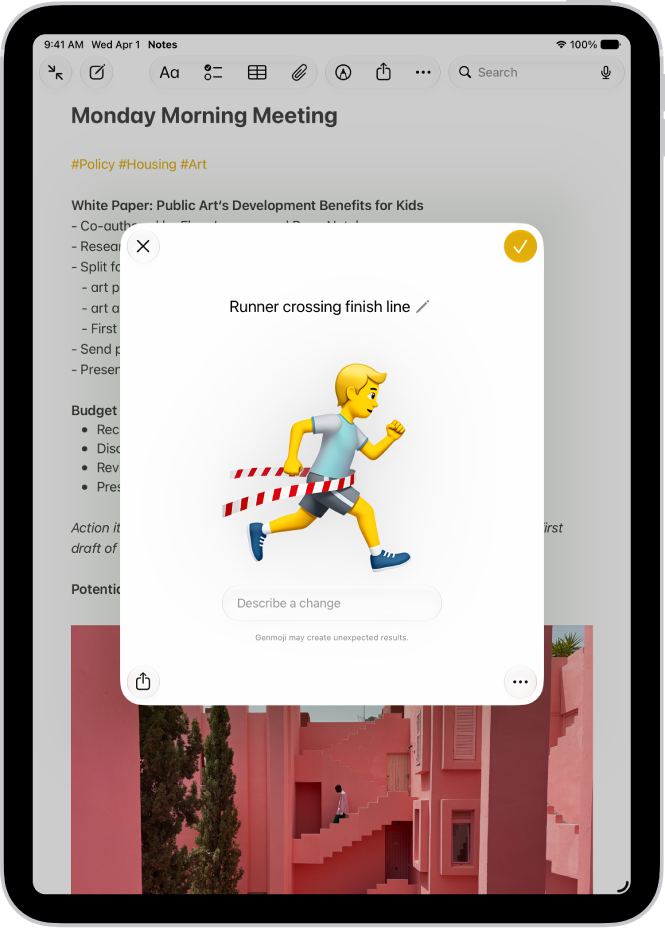
Make your own emoji with Genmoji
You can also make custom emoji from simple text descriptions with Genmoji. To get started tap the Emoji button or the Next Keyboard key on your keyboard, then tap Genmoji.
Even more creativity features
-
Create memory movies
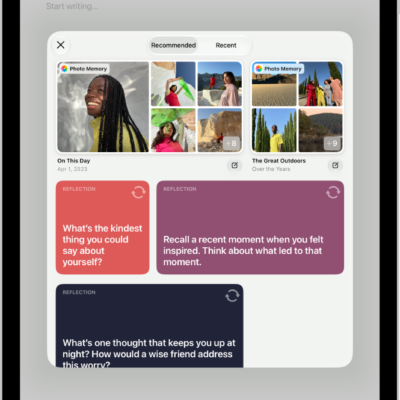
You can create a custom memory movie of a story you want to see with a description.
-
Transform rough sketches into images
Use Image Wand in the Notes app to create images based on rough sketches you create. You can also create an image based on words and images from the surrounding area.
-
Create original images in Messages
You can create images with Image Playground directly in the Messages app.
-
Create backgrounds with Image Playground
Use Image Playground to create one-of-a-kind images for the backgrounds of your conversations.
-
Create original images in Freeform
Use Image Playground to create one-of-a-kind images directly in the Freeform app.
*Apple Intelligence is available with Siri and device language set to Chinese (Simplified), Chinese (Traditional), Danish, Dutch, English, French, German, Italian, Japanese, Korean, Norwegian, Portuguese, Spanish, Swedish, Turkish, or Vietnamese. Some features may not be available in all regions or languages. Some devices may not be available in all regions. Siri AI is available in beta in iOS 27, iPadOS 27, macOS 27, watchOS 27, and visionOS 27 and requires an Apple Intelligence–enabled device set to a supported language. Available in English to start. Siri AI will not be initially available in the EU on iOS, iPadOS, and watchOS. Certain Apple Intelligence features that rely on server-side models are subject to daily usage limits, including but not limited to Siri AI, Intelligent Photo Editing Tools, Image Playground, and AFM 3 Cloud models in Shortcuts. Daily limits may vary by feature, request complexity, system demand, system policies, and other factors. Expanded access to such features will be available for a fee in the future. Use of these features is subject to the Apple Intelligence Terms and Conditions.