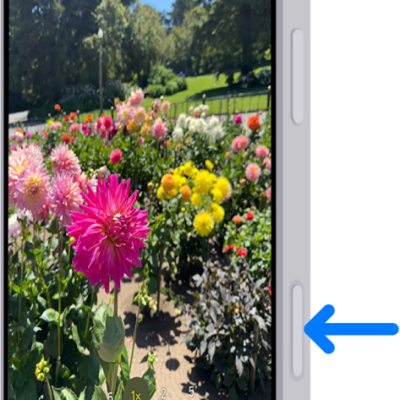
Instead of opening the camera, you can set the Camera Control on supported models to open the Magnifier app, the Code Scanner, or your favorite third-party camera app. You can also turn off the Camera Control so it doesn’t open the camera or any other camera app when clicked. With None, no app opens when you click the Camera Control.
- Open the Settings app on your iPhone.
- Tap Camera, tap Camera Control, and choose one of the following options:
- Camera: Opens Camera.
- Code Scanner: Opens a QR code scanner.
- Magnifier: Opens the Magnifier app .
- None: No app opens when you click the Camera Control.
Tags: camera, Camera Control