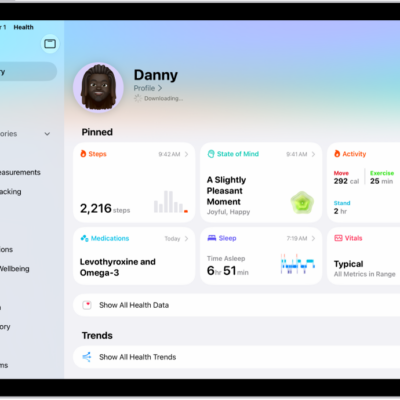
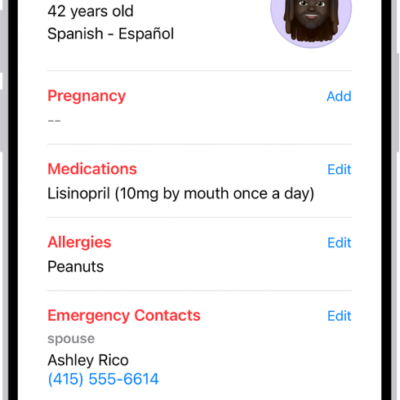
Sleep data provides insight into your sleep habits. To obtain sleep data, you can use a sleep tracker or monitor, set up a sleep schedule on iPhone and let iPhone estimate your time in bed, or manually add the data on your iPad.
In the Health app, you can view sleep data by week or month, change the time span displayed in the graph, and view the details for a day. You can also get cumulative sleep data.
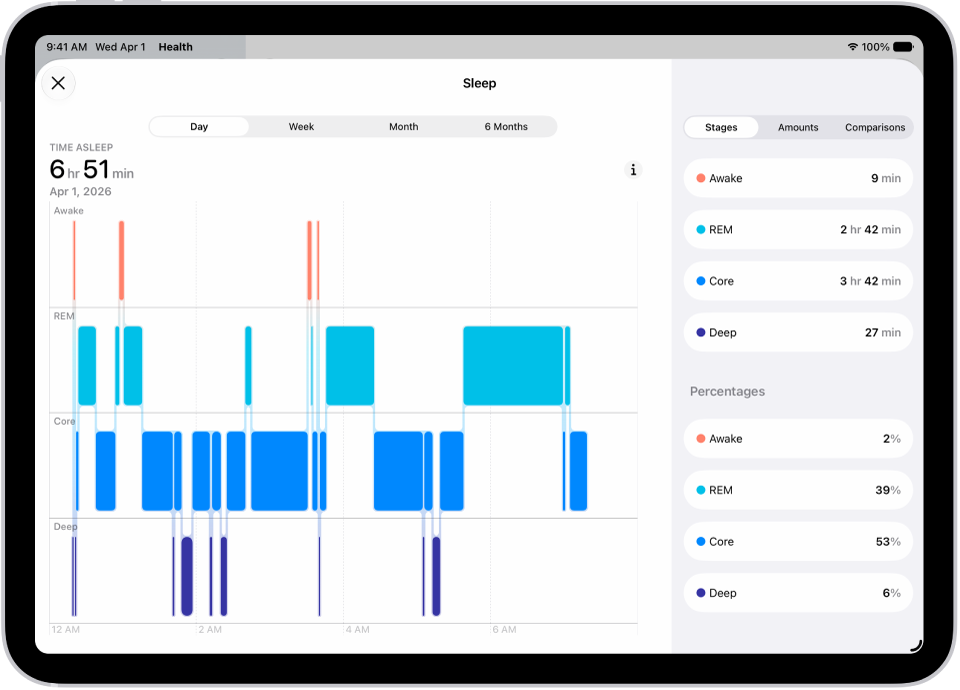
- Go to the Health app on your iPad.
- Tap the Browse button and tap Sleep.
- Tap Sleep and then do any of the following:
- View sleep data by week or month: Tap a tab at the top of the screen.
- Change the time span displayed in the graph: Swipe the graph left or right.
- View the details for a day: Tap the column for the day.
- Manually add sleep data: Tap Add Data in the top-right corner of the screen.
- Get cumulative sleep data: Tap Show More Sleep Data.
See also
Tag: Health