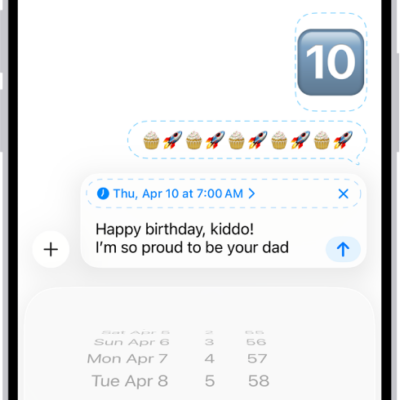
iPhone makes it easy to reach the people important to you, so you can catch up with phone or video calls and quickly text your group of friends. It starts with a smarter address book, where phone numbers, email addresses, and birthdays are there when you need them, from Messages to FaceTime to Mail.
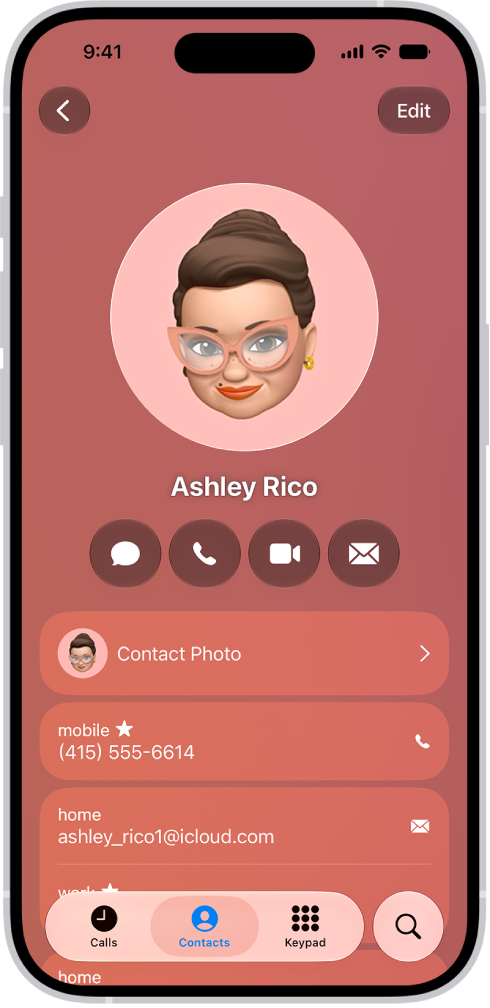
A smarter address book
In the Contacts app, enter phone numbers, email addresses, birthdays, and more once, and you’ll have them anywhere you need them, from Messages to FaceTime to Mail.
You can also add contact information from another account (like Google or Yahoo). Go to the Settings app , tap Apps, tap Contacts, tap Contacts Accounts, then tap Add Account.
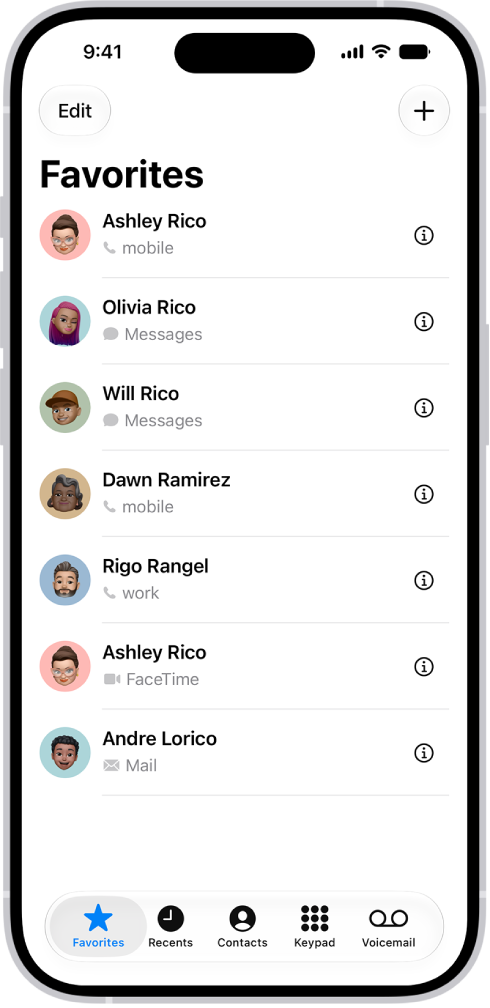
Find your favorites
Add the people you talk to frequently to your Favorites list in the Phone app to make them easier to reach. In Unified view, your favorites appear in a grid. In Classic view, tap Favorites to view your favorites in a list.
Note: To switch between Unified and Classic views, tap the Filter button.
In the Phone app, tap Contacts, select a contact, then tap Add to Favorites.
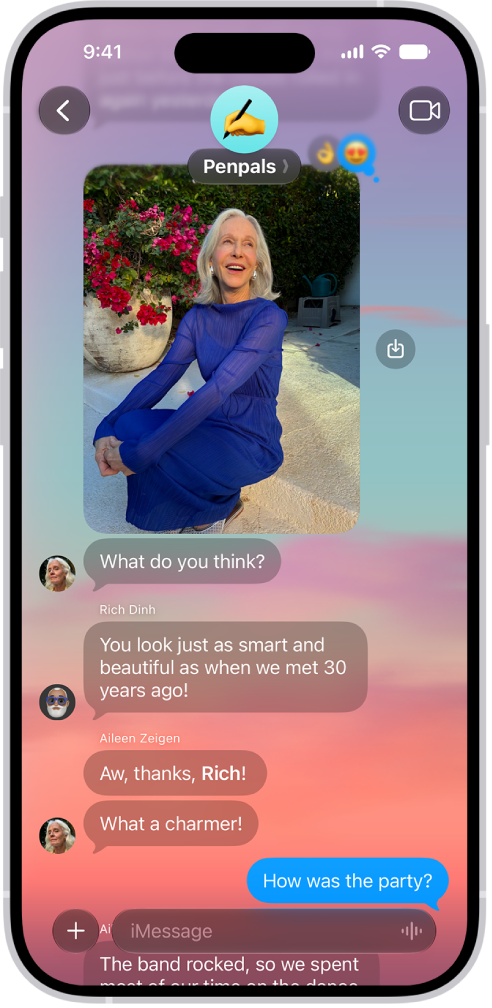
Start a group conversation
To talk to a group of people all at the same time, like members of your family, you can send them messages.
In the Messages app, tap the Compose button, enter the contacts you want to start a conversation with, then send the first message.
In group conversations, you can make payments with Apple Cash, send photos or videos, or create a poll to help make decisions like what to make for dinner or where to take your next family outing.

Make a video call
With FaceTime, you can make video calls to your friends and family.
In the FaceTime app , tap New Call, select the contact you want to call, then tap FaceTime.

Add people to a FaceTime call
You can add more people to a FaceTime call—friends and family can join at any time. Tap the screen to show the controls, tap the More button, then tap Add People.
For more ways to keep in touch, check out these guides:
- Add and use contact information on iPhone
- Use contacts from the Phone app on iPhone
- Have a group conversation in Messages on iPhone
- Make FaceTime calls on iPhone
- Make a Group FaceTime call on iPhone
Not all features, Apple says, are available in all countries or regions.