









Apple automatically performs math and offers suggested results in Messages for iPhone 18 Pro or iPhone 18 Pro Max when you type in patterns it recognizes, such as formulas and units, after you type = (equals sign). These suggestions are grayed out inline in the message field until you tap the suggestion in the field or in the QuickType bar.
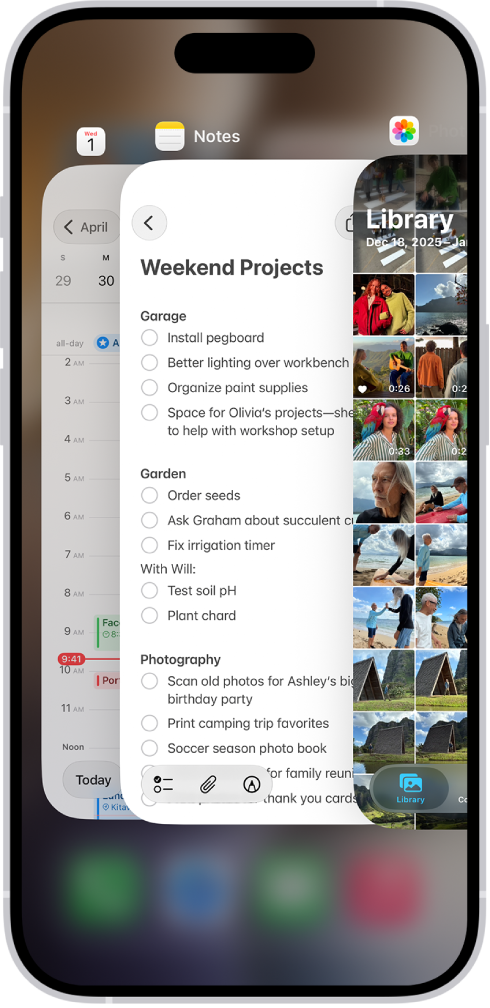
What if you don’t like these suggestions? It would seem that going to Settings > General > Keyboard > Show Math Results and turning it off would disable formula and conversion autosuggestions. In testing, I found that I had to force quit Messages and relaunch it to have the change apply. (To quit the app, open the App Switcher, swipe right to find the app, then swipe up on the app.) Re-enabling happened immediately.
Math results appear elsewhere, too. If you don’t want them provided at all, go to Settings > Screen Time > Content & Privacy Restrictions, enable Content & Privacy Restrictions, then tap Siri > Math Assistance, and set it to Block. This is a global switch.


