









GeeksModo Story Archive - August 2025
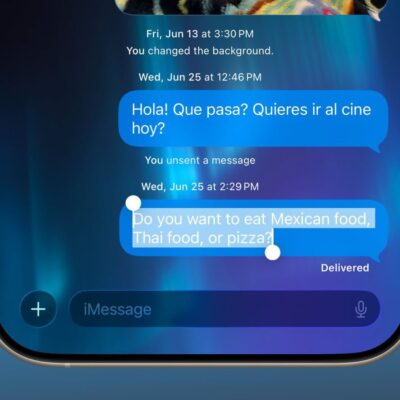
Not Getting Message Notifications on iPhone in iOS 26? Fix
Is your iPhone not notifying you of text messages after updating to iOS 26? You might not get new text notifications due to misconfigured settings or software bugs. Usually, the issue is temporary, and you
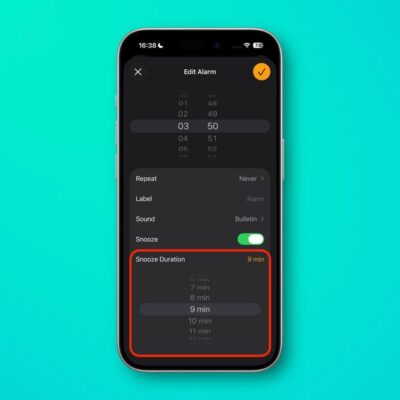
How to Fix iPhone Alarm Not Working on iOS 26
To fix an iPhone alarm that’s not working on iOS 26, start by checking the alarm’s configuration in the Clock app, such as AM/PM and recurring settings. Double check your Apple Watch, if you have

How to Fix iPhone Microphone Issues on iOS 26
If the microphones on your iPhone aren’t working after iOS 26 update, there are steps you can take to troubleshoot and solve the problem. Your iPhone has three mics, so make sure all three of
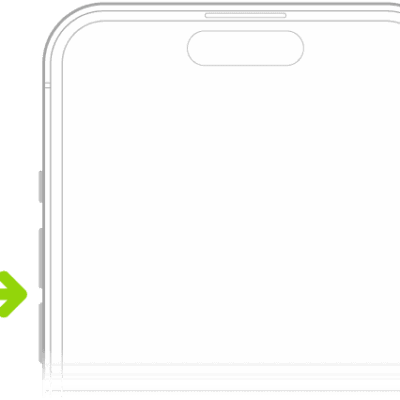
No sound on iPhone after iOS 26 Update? How to Fix The Issue
Having problems getting your iPhone to play music, podcasts, or other audio? We outline a few ways to fix no sound problem on iPhone after iOS 26 update. If there’s no sound on your iPhone
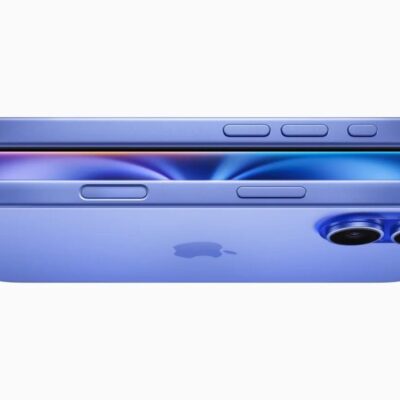
How to Fix iPhone Speakers Not Working After iOS 26 Update
If your iPhone speakers are not working after updating to iOS 26, there are some simple ways to troubleshoot possible problems. To start, make sure that the speakers aren’t muted with Silent mode or with
How to Fix iPhone Volume Buttons Not Working After IOS 26 Update
A broken volume button is often unexpected and can be annoying to deal with. After all, we don’t realize how much we use it until it no longer works. Not being able to turn your
How to Fix iPhone Not Sending Pictures to Android After iOS 26 Update
If your iPhone won’t send pictures to Android after iOS 26 update, ensure you’ve configured your phone’s settings correctly to avoid issues. Double-check the recipient’s number for typos and make sure you’ve enabled SMS before
How to Fix iPhone Voicemail Not Working in iOS 26
If you’re iPhone voicemail isn’t working after iOS 26 update, there are several troubleshooting steps you can try. First, make sure the voicemail and greeting are set up properly in your Phone app. You can
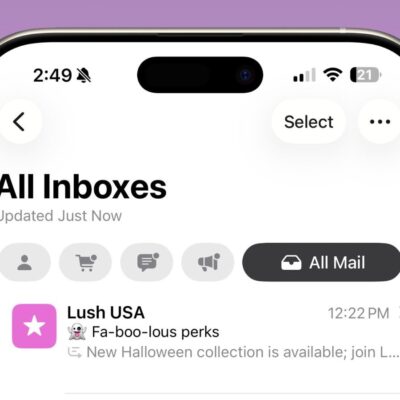
How to Fix iPhone Emails Not Updating After iOS 26 Update
If your iPhone emails aren’t updating after iOS 26 update, several issues could be the culprit. These include incorrect settings, software problems, differences in email protocols, and more. Here are different ways to fix your
How to Fix iPhone Not Receiving Emails After iOS 26 Update
If you aren’t getting emails after iOS 26 update, make sure the message wasn’t marked as spam and check your internet connection. Try refreshing, restarting, or reinstalling the Mail app. Ensure Background App Refresh is