








Got a tip for us?

GeeksModo Story Archive - October 2026
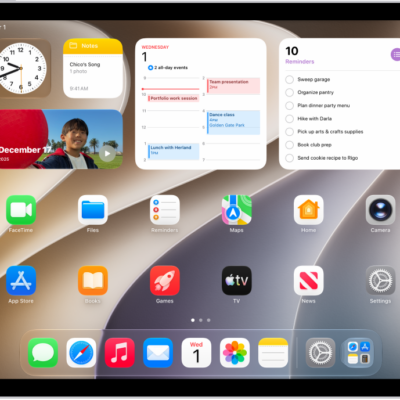
A screenshot showing an example of an iPad Home Screen.

How to search with Spotlight on iPad

You can search with Spotlight on iPad for apps, contacts, content in apps, and webpages, and choose which apps appear in Search.
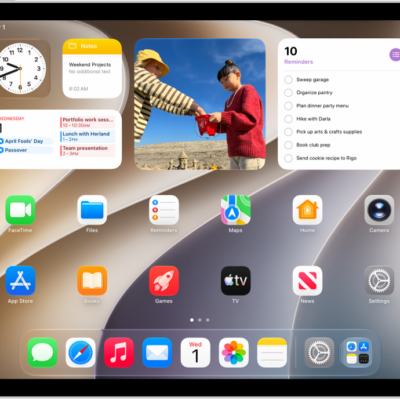
The iPad Home Screen with several app icons, including the Settings app icon, which you can tap to change your iPad sound volume, screen brightness, and more.

How to find settings on iPad

You can find settings on iPad by searching in the Settings app, from the Home Screen, or from the Lock Screen.
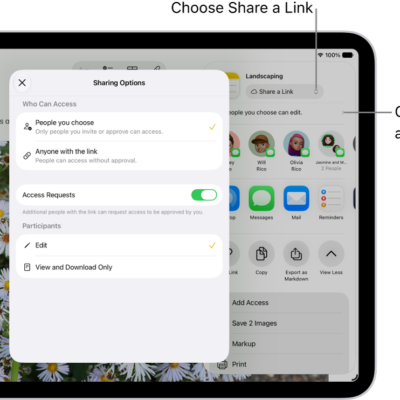
A collaboration invitation to a brainstorm in Notes, showing Share a Link for the share option and "People you choose can edit" as the access and permission setting. Four possible recipients, including a group, form a row below that. The next row offers different ways to share the note: AirDrop, Messages, Mail, and Reminders. The last row contains buttons to copy, export, and save the note.

How to share files and folders in iCloud Drive on iPad

You can share files and folders in iCloud Drive on iPad, collaborate with others, send a copy, and invite more people.

The iCloud settings screen showing the iCloud storage meter and a list of apps and features, including Photos, iCloud Drive, and iCloud Mail that can be used with iCloud.

How to set up iCloud Drive on iPad

You can set up iCloud Drive on iPad, browse it in the Files app, and choose which apps use iCloud Drive.
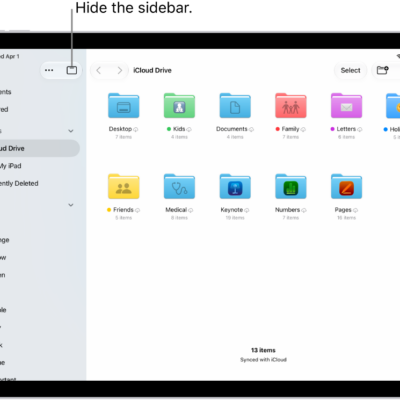
The Files app showing the files and folders in your iCloud Drive. At the top of the screen are buttons for selecting items, creating a new folder, changing the view (List, Icons, Columns), and Search.

How to find and view files and folders in Files on iPad

You can find and view files and folders in Files on iPad, search by location or tag, and choose which app opens a file.
The Files app showing the files and folders in your iCloud Drive. At the top of the screen are buttons for selecting items, creating a new folder, changing the view (List, Icons, Columns), and Search.

How to organize files and folders in Files on iPad

You can organize files and folders in Files on iPad, create folders, and copy, compress, rename, or move files.
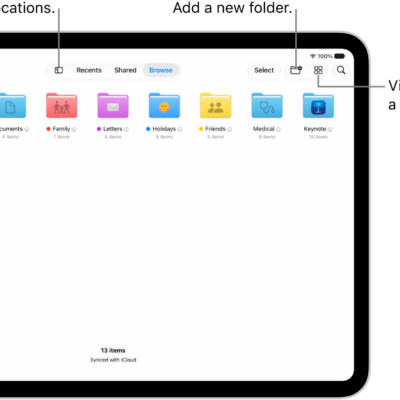
The Files app displaying multiple folders and locations named Downloads, Letters, Family, and so on. At the bottom of the screen are buttons for Recent files, Shared files, and the Browse tab.

Files app basics on iPad: find, organize, and share files

You can use the Files app on iPad to find, view, organize, compress, rename, and share files, and move them to and from iCloud Drive.
The Files app showing the files and folders in your iCloud Drive. At the top of the screen are buttons for selecting items, creating a new folder, changing the view (List, Icons, Columns), and Search.

How to modify files and folders in Files on iPad

You can modify files and folders in Files on iPad, customize folder colors and icons, change views, and move, copy, or share files.
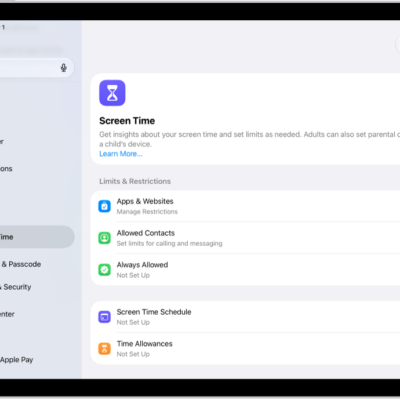
An image of Screen Time in Settings with options for Screen Time Schedules, Time Allowances, and more.

How to set up Screen Time for yourself on iPad

You can set up Screen Time for yourself on iPad to see how you use your devices, set Time Allowances, and view summaries.
An image of Screen Time in Settings with options for Screen Time Schedules, Time Allowances, and more.

How to create, change, or remove a Screen Time passcode on iPad

You can create, change, or remove a Screen Time passcode on iPad, and set up Screen Time Passcode Recovery.