









GeeksModo Story Archive - October 2026
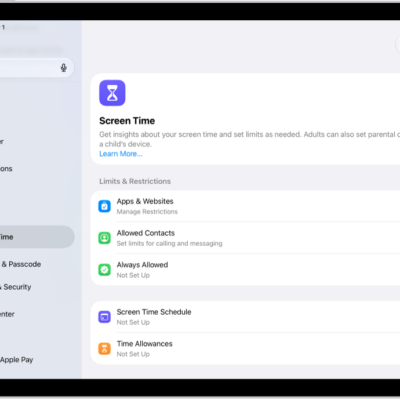
How to create, change, or remove a Screen Time passcode on iPad
You can create, change, or remove a Screen Time passcode on iPad, and set up Screen Time Passcode Recovery.
How to turn iPad on or off
You can turn iPad on or off with the buttons on the top and side of your iPad, or with controls in Settings and Control Center.
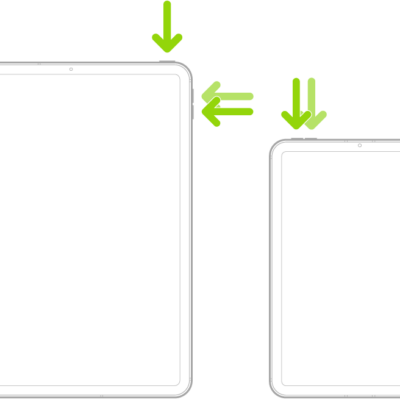
How to force restart iPad
You can force restart iPad when it isn't responding, using the steps for models with or without a Home button.
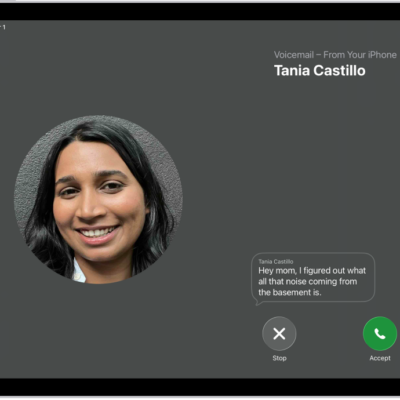
How to check your voicemail on iPad
You can check your voicemail on iPad in the Phone app, play, share, or delete messages, and read a transcript.
How to set up Voicemail on iPad
You can set up voicemail on iPad, turn on Live Voicemail, and store your voicemail in iCloud.
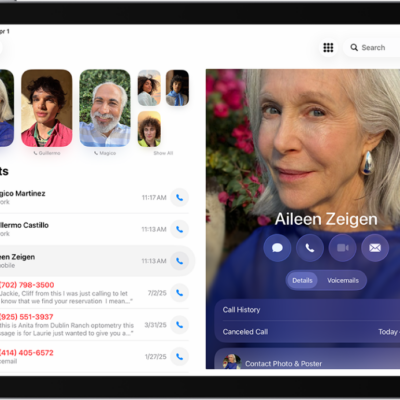
How to change your voicemail greeting and settings on iPad
You can change your voicemail greeting and settings on iPad, including your voicemail password and the alert sound for new messages.
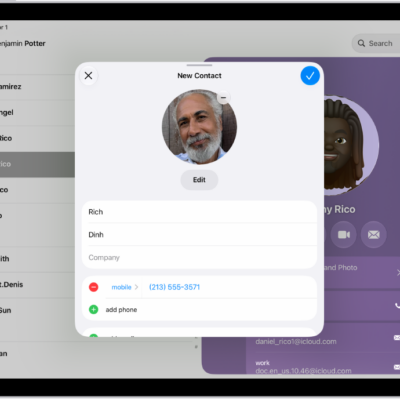
How to select ringtones on iPad
You can select ringtones on iPad, assign a distinctive ringtone to a contact, and turn the ringer on or off.
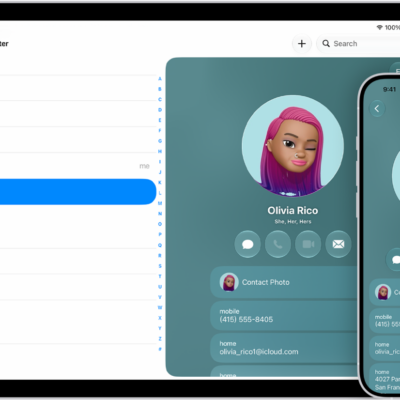
How to sync contacts across devices on iPad
You can sync contacts across devices on iPad with iCloud, or sync them between iPad and your Mac or Windows device.
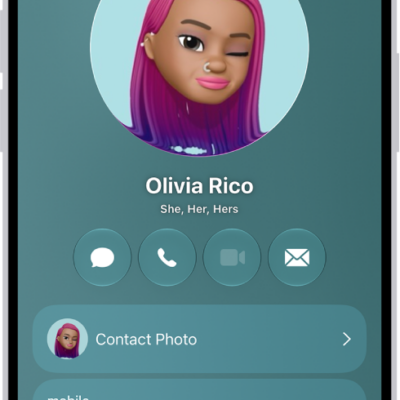
How to add or edit your contact info and photo on iPad
You can add or edit your contact info and photo on iPad in My Card, set your avatar and Contact Poster, and update your address.
How to get started with Contacts on iPad
You can get started with Contacts on iPad, create and share contacts, add accounts like iCloud or Google, and sync your contacts.