









GeeksModo Story Archive - October 2026
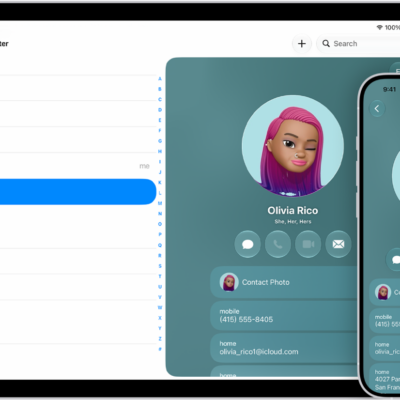
How to get started with Contacts on iPad
You can get started with Contacts on iPad, create and share contacts, add accounts like iCloud or Google, and sync your contacts.
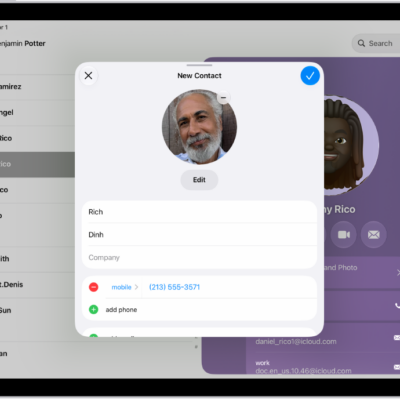
How to edit contacts on iPad
You can edit contacts on iPad, add photos, pronunciations, pronouns, and birthdays, and change labels.
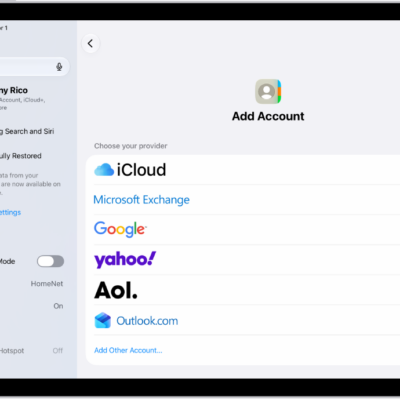
How to add or remove accounts in Contacts on iPad
You can add or remove accounts in Contacts on iPad, from iCloud and Exchange to Google and Yahoo, and choose a default account.
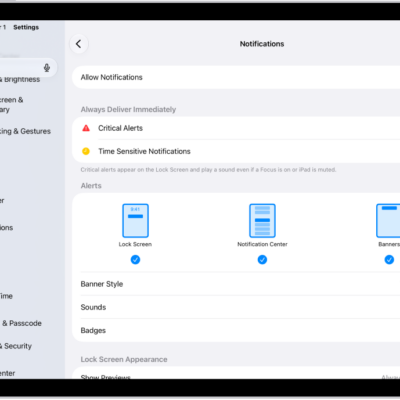
How to change notification settings on iPad
You can change notification settings on iPad, choose where notifications appear, set notification sounds, and customize them for each app.
How to summarize notifications and reduce interruptions with Apple Intelligence on iPad
You can summarize notifications and reduce interruptions with Apple Intelligence on iPad, with priority notifications and the Reduce Interruptions Focus.
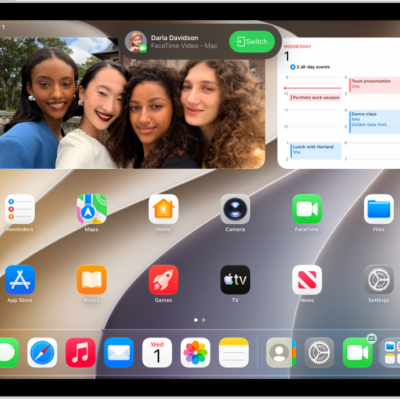
How to view and respond to notifications on iPad
You can view and respond to notifications on iPad, in Notification Center and on the Lock Screen, and customize them.
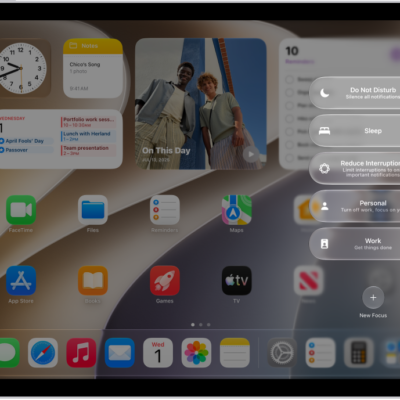
How to turn on or schedule a Focus on iPad
You can turn on or schedule a Focus on iPad from Control Center, or have it turn on automatically at certain times or places.
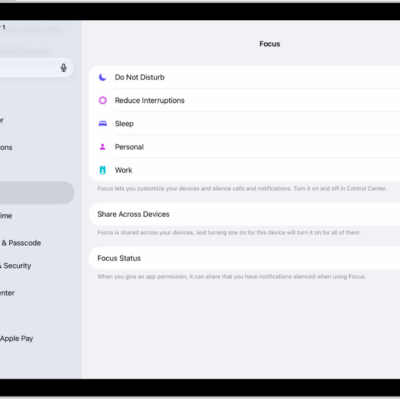
How to set up a Focus on iPad
You can set up a Focus on iPad to silence notifications, allow only the ones you choose, and create a custom Focus.
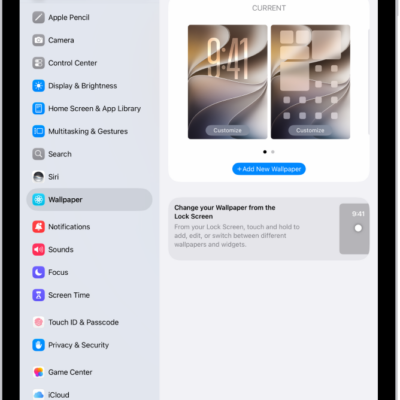
How to change the wallpaper on iPad
You can change the wallpaper on iPad for the Lock Screen or Home Screen with dynamic or still images, photos, or featured sets.
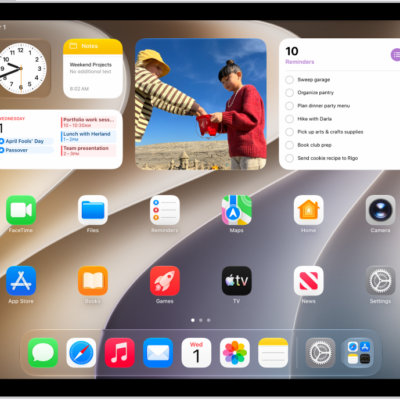
How to add, edit, and remove widgets on iPad
You can add, edit, and remove widgets on iPad, turn an app icon into a widget, and use a Smart Stack on your Home Screen.