









GeeksModo Story Archive - October 2026
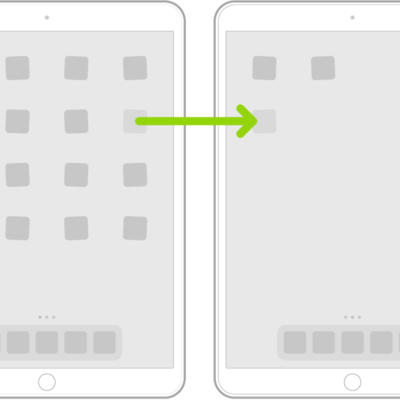
How to move apps and widgets on the iPad Home Screen
You can move apps and widgets on the iPad Home Screen, create new pages, remove widgets, and hide Home Screen pages.
How to organize your apps in folders on iPad
You can organize your apps in folders on iPad, create and delete folders, and move apps out of a folder to the Home Screen.
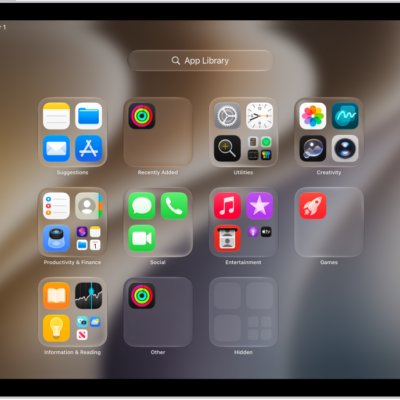
How to remove or delete apps from iPad
You can remove or delete apps from iPad, move an app from the Home Screen to App Library, and recover a deleted app.

How to view or change cellular data settings on iPad (Wi-Fi + Cellular models)
You can view or change cellular data settings on iPad (Wi-Fi + Cellular models), manage roaming, and control which apps use cellular data.
How to set up cellular service on iPad (Wi-Fi + Cellular models)
You can set up cellular service on iPad Wi-Fi + Cellular models with an eSIM or physical SIM, and lock your SIM card.
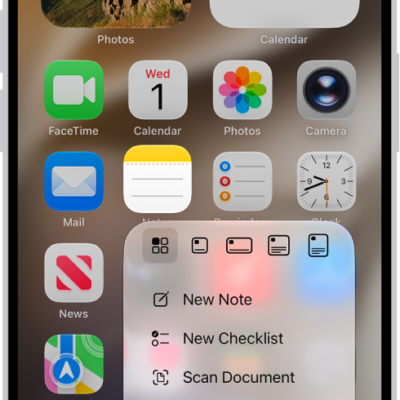
How to perform quick actions on iPad
You can perform quick actions on iPad by touching and holding items to see previews and open Quick Actions menus.
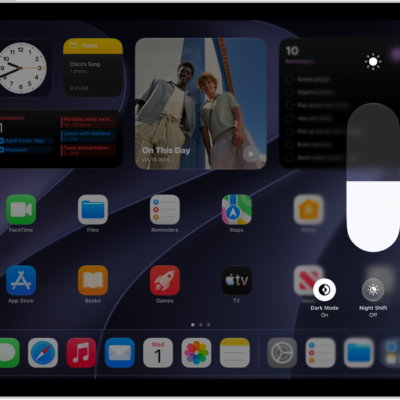
How to adjust the screen brightness and color on iPad
You can adjust the screen brightness and color on iPad manually or automatically, and use Dark Mode, True Tone, and Night Shift.
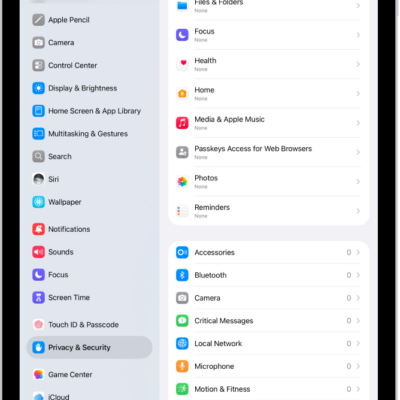
How to control access to hardware features on iPad
You can control access to hardware features on iPad, like the camera, microphone, and Bluetooth, and change which apps can use them.
How to use and customize Control Center on iPad
You can use and customize Control Center on iPad for instant access to controls like Airplane Mode, volume, and brightness.
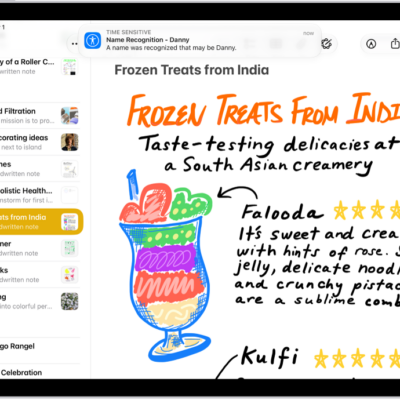
How to have iPad notify you when your name is called
You can have iPad notify you when your name is called with Name Recognition, and record how your name is said.