









GeeksModo Story Archive - October 2026
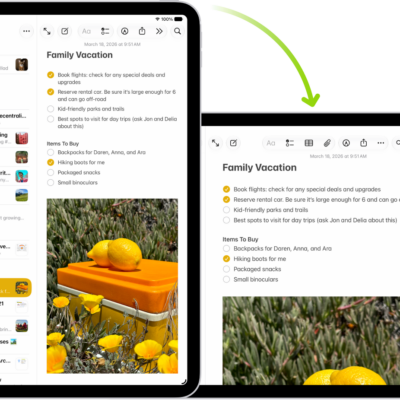
How to rotate your iPad screen
You can rotate your iPad screen to change the view, and lock or unlock your screen orientation in Control Center.
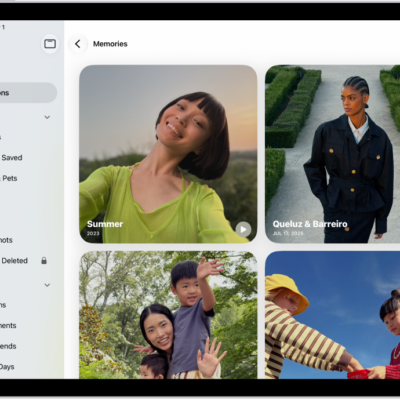
How to view your memories in Photos on iPad
You can view your memories in Photos on iPad, personalized collections of photos and videos, and add memories to Favorites.
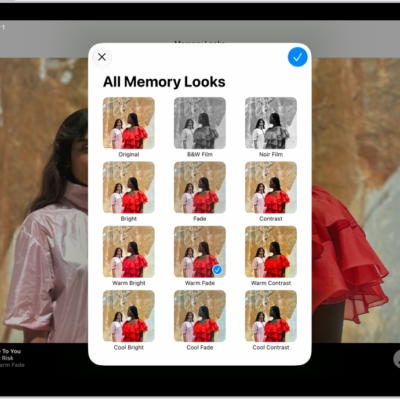
How to personalize your memory movies in Photos on iPad
You can personalize your memory movies in Photos on iPad with Memory Looks, new music, a new title, and different photos.
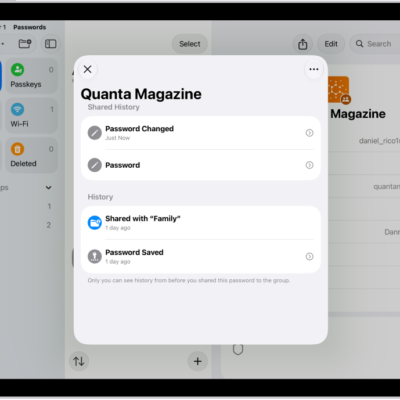
How to remove a password from your iPad and iCloud Keychain
You can remove a password from your iPad and iCloud Keychain in the Passwords app, and recover it within 30 days.

How to recover a password you deleted from your iPad
You can recover a password you deleted from your iPad within 30 days from Deleted in the Passwords app.

How to find your password for a website or app on iPad
You can find your password for a website or app on iPad in the Passwords app by searching for the account or sorting your accounts.
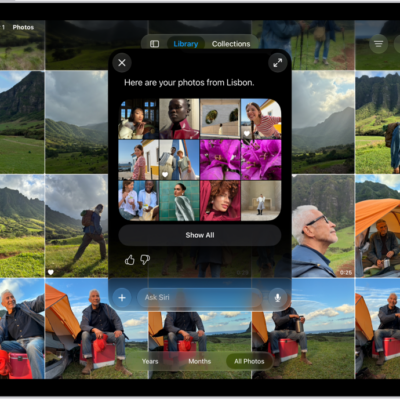
How to use Siri to find information and get things done on iPad
You can use Siri to find information and get things done on iPad hands free, from calls and messages to answers.
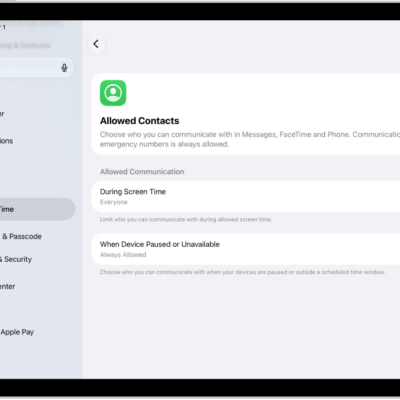
How to choose who you can communicate with at certain times with Screen Time on iPad
You can choose who you can communicate with at certain times with Screen Time on iPad, for calls, FaceTime, and messages.
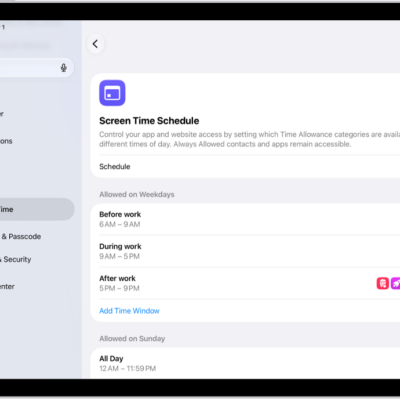
How to set Screen Time Schedules and Time Allowances with Screen Time on iPad
You can set Screen Time Schedules and Time Allowances on iPad to control when and how long you use your apps.
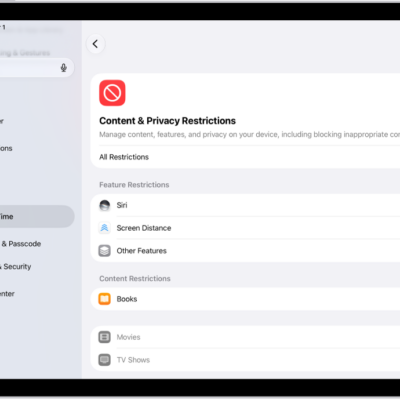
How to block features or content with Screen Time on iPad
You can block features or content with Screen Time on iPad, restrict explicit content in Music, TV, and Books, and block built-in apps.