









GeeksModo Story Archive - October 2026

How to get started with Siri AI on iPad
You can get started with Siri AI on iPad, turn it on, find what you need, get more done, and use Visual Intelligence.
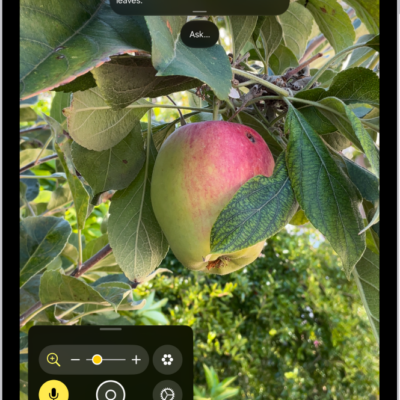
How to customize controls in Magnifier on iPad
You can customize controls in Magnifier on iPad, choose primary controls, set up activities, and adjust live scene descriptions.
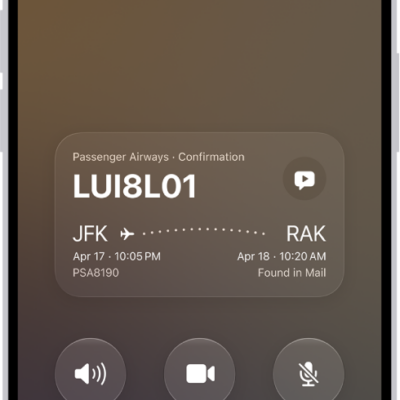
What you can do while on a call on iPad
You can switch the audio, use other apps, and get a wait time prediction while on a call on iPad.
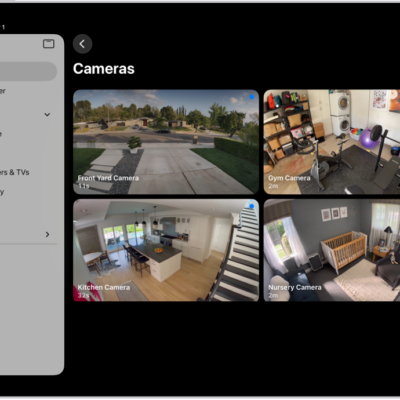
How to use Face Recognition in Home on iPad
You can use Face Recognition in Home on iPad with a HomeKit Secure Video camera or doorbell to know who's at your door.
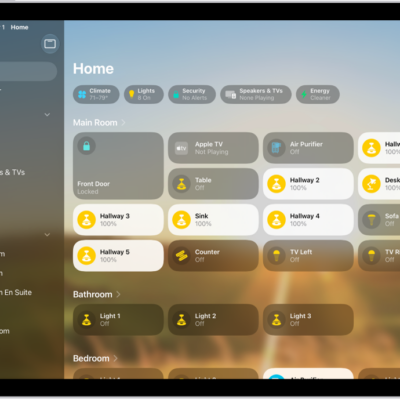
How to set up accessories with Home on iPad
You can set up accessories with Home on iPad, add an accessory, show accessories in a room, and change room assignments.

How to use iPhone to allow calls and text messages on your iPad
You can use iPhone to allow calls and text messages on your iPad, relaying them through your iPhone when you're signed in to the same Apple Account.
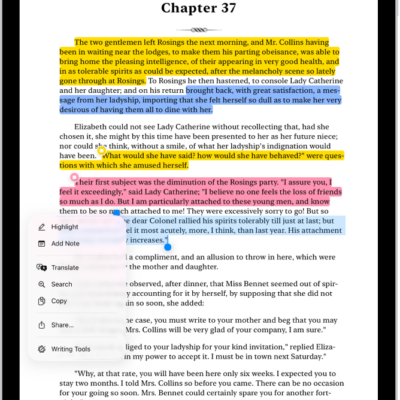
How to annotate books in the Books app on iPad
You can annotate books in the Books app on iPad, highlight or underline text, add notes, and share your highlights and notes.
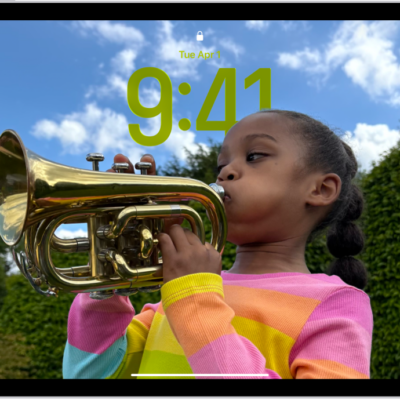
How to create a custom iPad Lock Screen
You can create a custom iPad Lock Screen with a wallpaper, photo, font, and widgets, link it to a Focus, and switch between Lock Screens.
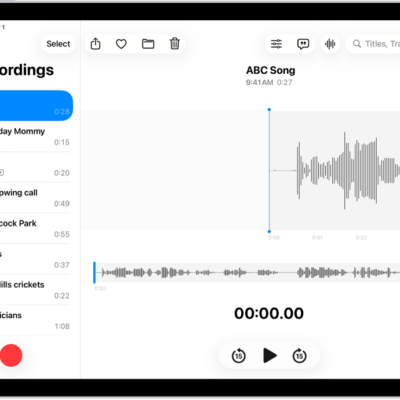
How to export a Voice Memos recording to Files on iPad
You can export a Voice Memos recording to Files on iPad, keep layers and effects, and import it into Logic Pro.

How to keep track of messages on iPad
You can keep track of messages on iPad, catch up on missed messages, mark conversations as unread, and pin conversations.