









GeeksModo Story Archive - October 2026
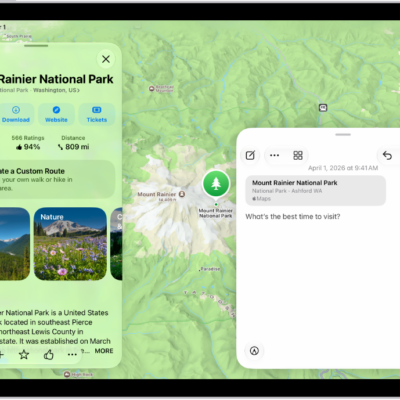
How to add photos, video, and more to notes on iPad
You can add photos, video, and more to notes on iPad, attach info from other apps, and change the preview size of attachments.
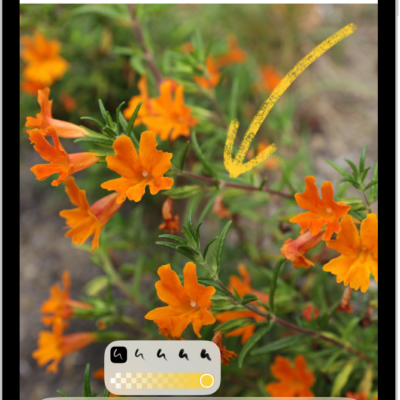
How to draw and handwrite with Markup on iPad
You can draw and handwrite with Markup on iPad in apps like Notes and Photos, draw straight lines, and edit or move a drawing.
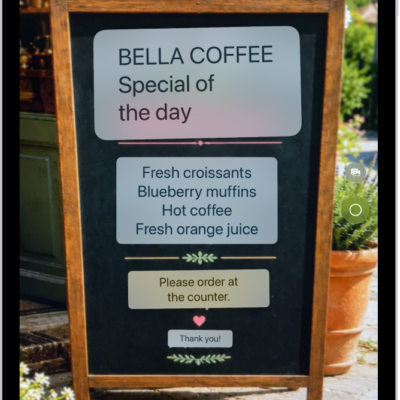
How to translate text in messages on iPad
You can translate text in messages on iPad with Live Translation, so incoming texts in other languages appear in your preferred language.
How to wake, unlock, and lock iPad
You can wake, unlock, and lock iPad with Face ID, Touch ID, or a passcode, and iPad locks on its own when you're not using it.
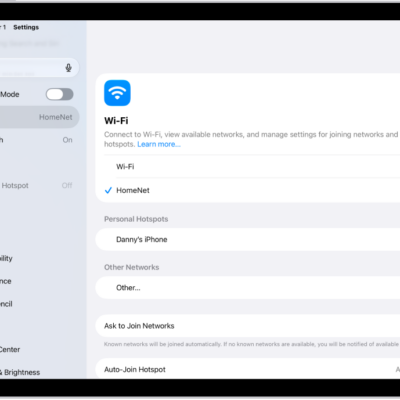
How to share your internet connection from your iPad (Wi-Fi + Cellular) with Personal Hotspot
You can share your iPad internet connection with Personal Hotspot on Wi-Fi + Cellular models, and turn it on or off.
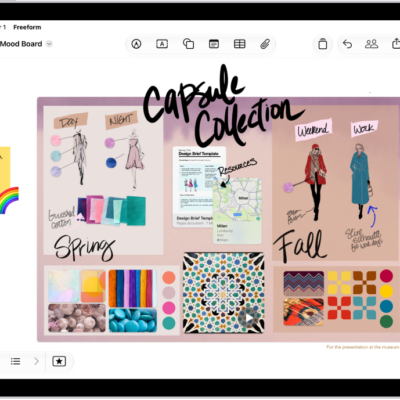
How to create a Freeform board on iPad
You can create a Freeform board on iPad, start one from another app, and open, duplicate, or add a board to Favorites.
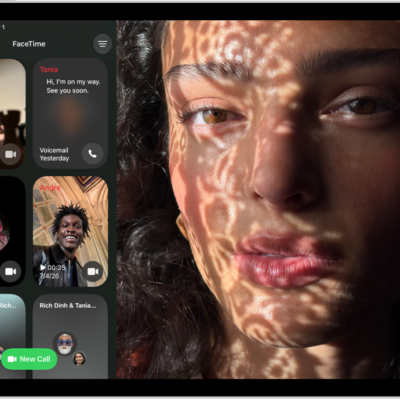
How to block a FaceTime call and report it as spam on iPad
You can block a FaceTime call and report it as spam on iPad, block unknown callers, and unblock a caller later.
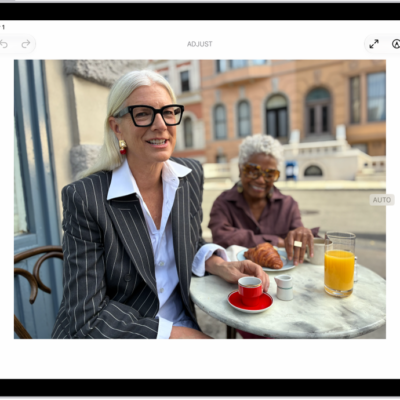
How to edit photos and videos on iPad
You can edit photos and videos on iPad, adjust light and color, add filters, use Enhance, and change Photographic Styles.

How to back up and sync your photos and videos with iCloud on iPad
You can back up and sync your photos and videos with iCloud Photos on iPad, check their sync status, and see them on any device.

How to save webpages to read later in Safari on iPad
You can save webpages to read later in Safari on iPad with Reading List, download items to read offline, and view your list.