









GeeksModo Story Archive - October 2026
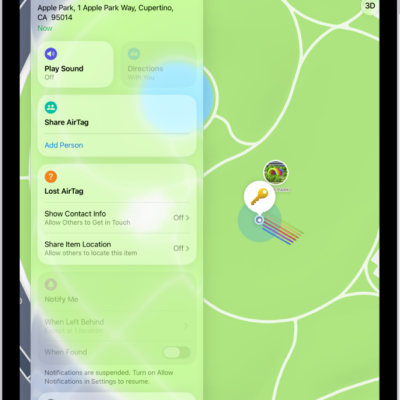
How to mark an AirTag or other item as lost in Find My on iPad
You can mark an AirTag or other item as lost in Find My on iPad, add a message and your contact info, and turn on Show Contact Info.
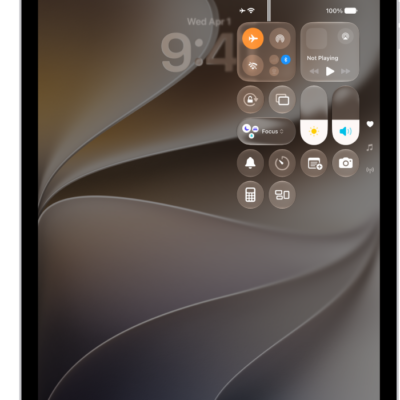
How to choose iPad settings for travel
You can choose iPad settings for travel, turn on Airplane Mode, and turn Wi-Fi or Bluetooth back on when your airline allows it.
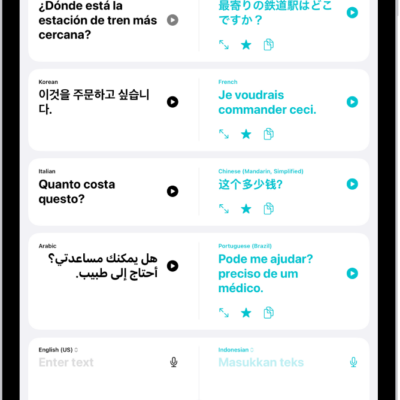
How to change your Translate settings on iPad
You can change your Translate settings on iPad, download languages, use on-device translation, and choose a default translation app.
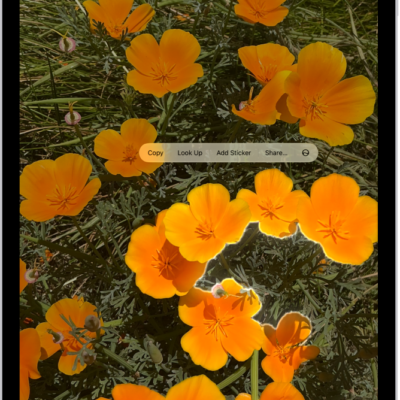
How to lift a subject from the photo or video background on iPad
You can lift a subject from the photo or video background on iPad and copy, share, or drag it into other apps.

How to type with the onscreen keyboard on iPad
You can type with the onscreen keyboard on iPad to enter and edit text, by tapping keys or sliding from letter to letter.
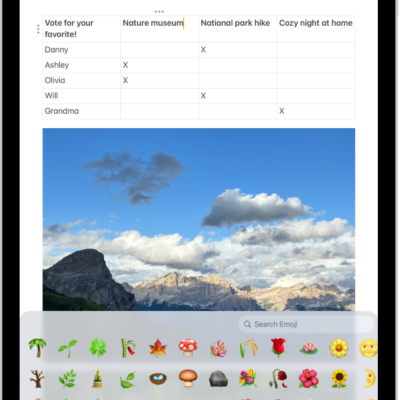
How to add emoji, Memoji, and stickers with the iPad keyboard
You can add emoji, Memoji, and stickers with the iPad keyboard, choose skin tones, and make your own stickers and Memoji.
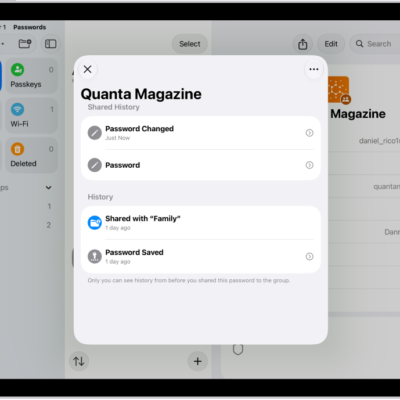
How to use passwords on iPad
You can use passwords on iPad in the Passwords app to find all your passwords, passkeys, and verification codes in one place.
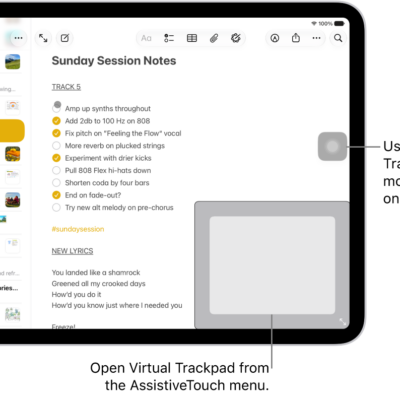
How to make the pointer easier to see when using a mouse or trackpad with iPad
You can make the pointer easier to see when using a mouse or trackpad with iPad by changing its size, color, and contrast.
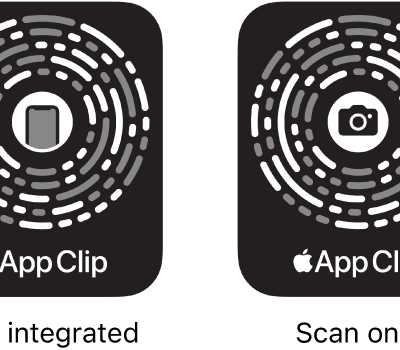
How to scan a QR code with your iPad camera
You can scan a QR code with your iPad camera or from Control Center for websites, apps, coupons, and tickets.
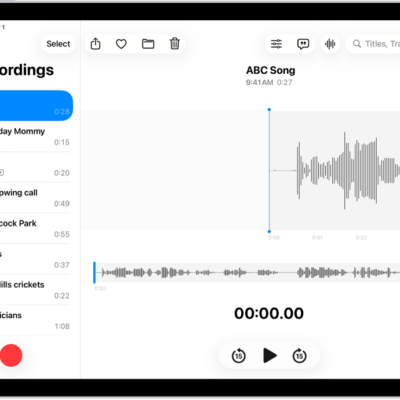
How to organize recordings in Voice Memos on iPad
You can organize recordings in Voice Memos on iPad, mark recordings as favorites, and sort them into folders.