









GeeksModo Story Archive - October 2026
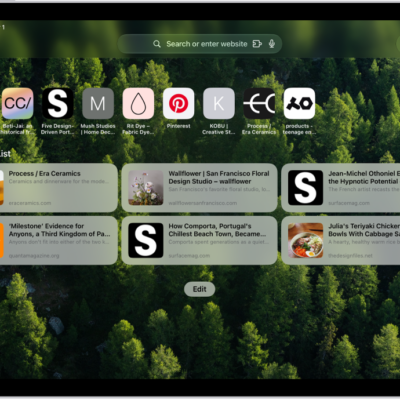
How to find links shared with you in Safari on iPad
You can find links shared with you in Safari on iPad in the Shared with You section, show them on your start page, or remove them.
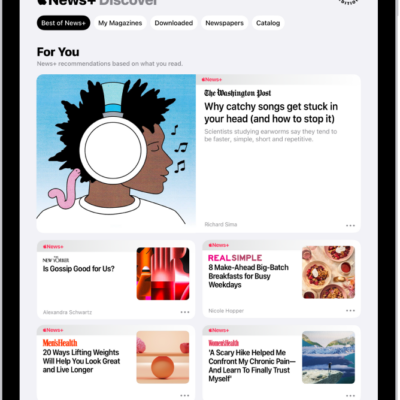
How to subscribe to Apple News+ on iPad
You can subscribe to Apple News+ on iPad, or to Apple One Premier, to access magazines, newspapers, puzzles, and more.
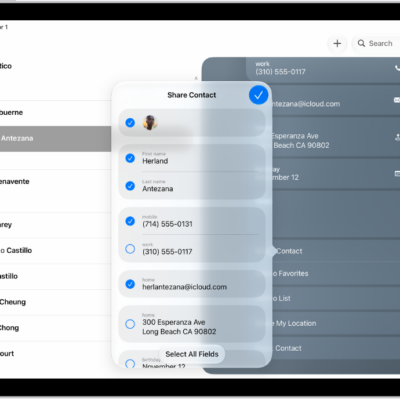
How to share contacts on iPad
You can share contacts on iPad from the Contacts app with Messages, Mail, or another sharing option.
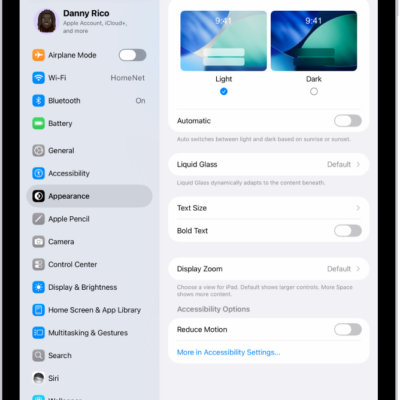
How to adjust iPad display and text settings
You can adjust iPad display and text settings, change text size, make text bold, choose a Liquid Glass look, and use Display Zoom.
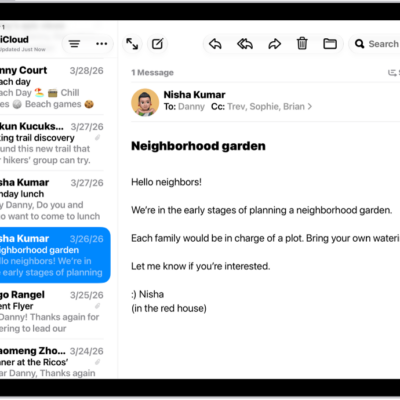
How to make text easier to read on iPad
You can make text easier to read on iPad by making it bigger and bolder in all supported apps.
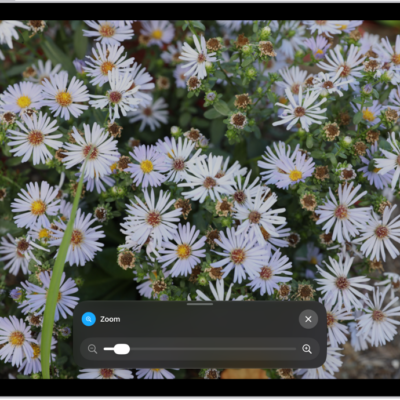
How to zoom in on the iPad screen
You can zoom in on the iPad screen with Full Screen Zoom, Window Zoom, or Pinned Zoom, and use Zoom with VoiceOver.

How to control what you share on iPad
You can control what you share on iPad, choosing which apps can access your data, location, camera, and microphone.
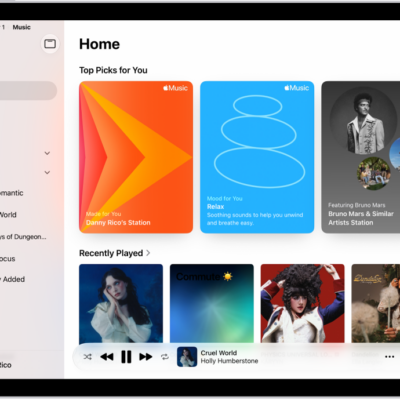
How to subscribe to Apple Music on iPad
You can subscribe to Apple Music on iPad, or to Apple One, to stream millions of songs ad-free and share music with family.
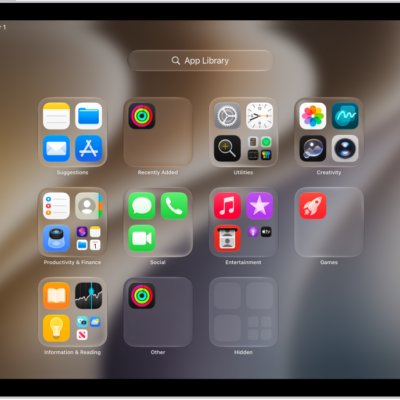
How to find and use your apps in App Library on iPad
You can find and use your apps in App Library on iPad, open apps by category, and move apps to the Home Screen.

How to get apps in the App Store on iPad
You can get apps in the App Store on iPad, discover and find apps, get app information, buy and download apps, and share them.