









GeeksModo Story Archive - October 2026
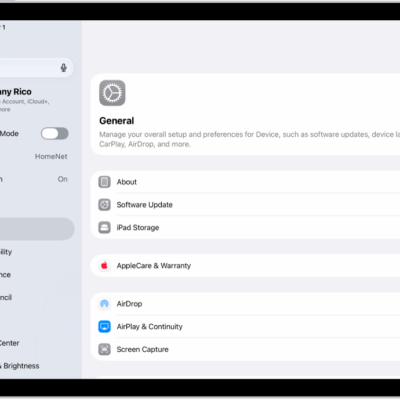
How to change iPad sounds
You can change iPad sounds, turn Silent Mode on or off, change your ringtone, and set separate volumes for alerts and alarms.
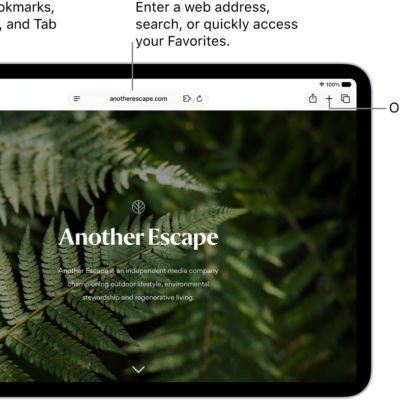
How to use Hide My Email in Safari on iPad
You can use Hide My Email in Safari on iPad with iCloud+ to generate unique, random email addresses for forms and newsletters.
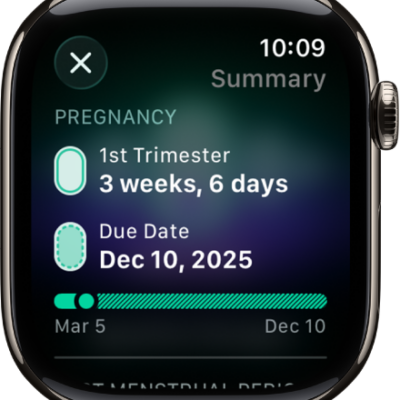
How to track your pregnancy with Apple Watch
You can track your pregnancy with Apple Watch, view your gestational age and pregnancy summary, and log bleeding and other symptoms.
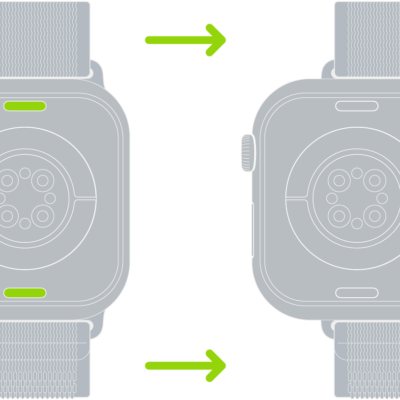
How to clean and care for your Apple Watch band
You can find band care information for Apple Watch, including how to clean leather, stainless steel, and other Apple-branded bands.
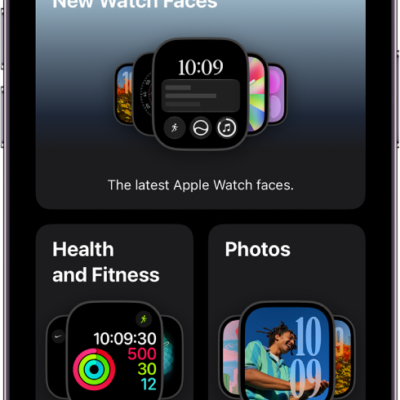
How to share Apple Watch faces
You can share Apple Watch faces from your iPhone, including their complications, and receive shared faces in Messages, Mail, or a link.
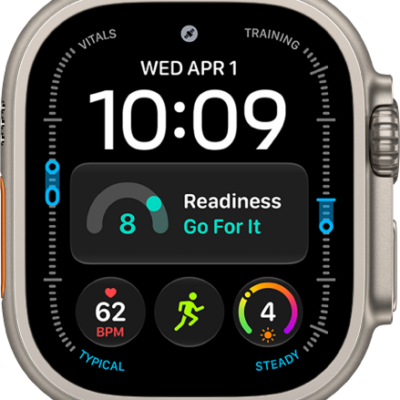
Apple Watch Ultra features for the outdoors: Action button, siren, and satellite messaging
You can use Apple Watch Ultra outdoors with the Action button, night vision, the siren, satellite messaging, and Modular Ultra watch faces.
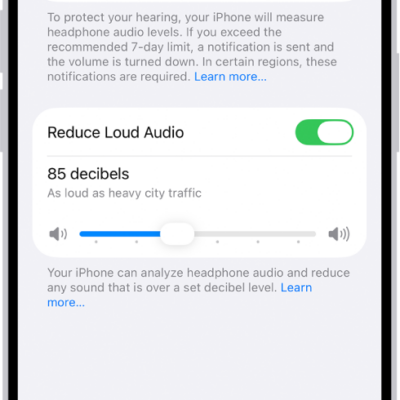
How to adjust accessibility audio settings on Apple Watch
You can turn on Mono Audio on Apple Watch, adjust the audio balance, change AirPods settings, and turn on headphone notifications.
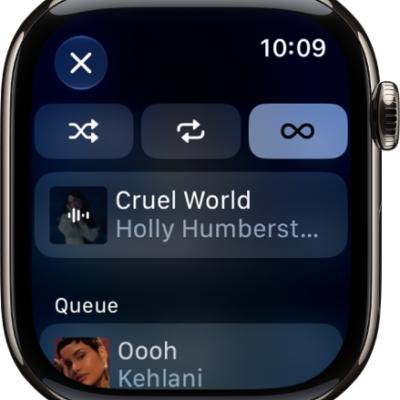
How to do more with Music on Apple Watch
You can do more with Music on Apple Watch, add songs to your library, share music, and view Made for You playlists and downloads.
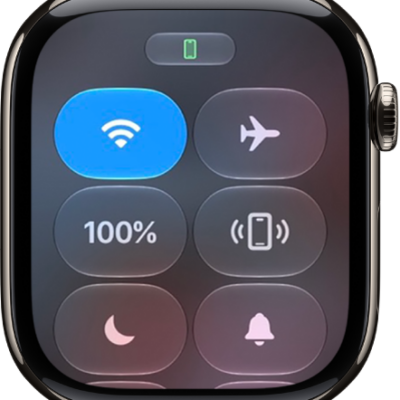
How to pair another Apple Watch with your iPhone
You can pair another Apple Watch with your iPhone and switch between watches automatically or manually.
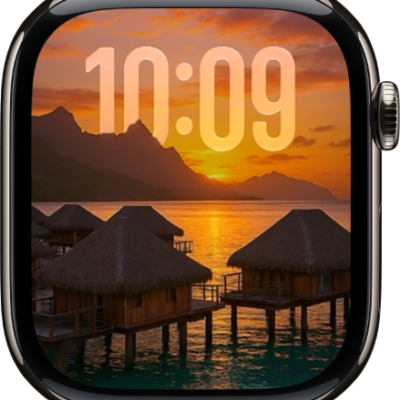
How to customize the Photos watch face on Apple Watch
You can customize the Photos watch face on Apple Watch to shuffle your library or an album, or show up to 24 photos you choose.