









GeeksModo Story Archive - October 2026
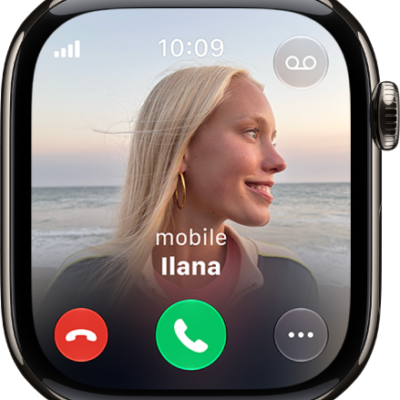
How to announce calls with Siri on Apple Watch
You can have Siri announce calls on Apple Watch with supported headphones, then answer or decline by saying yes or no.
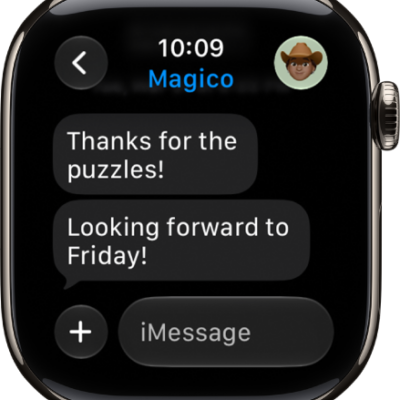
How to stay connected with Apple Watch
You can stay connected with Apple Watch by sending messages, making calls, sharing your live location, and translating texts across languages.
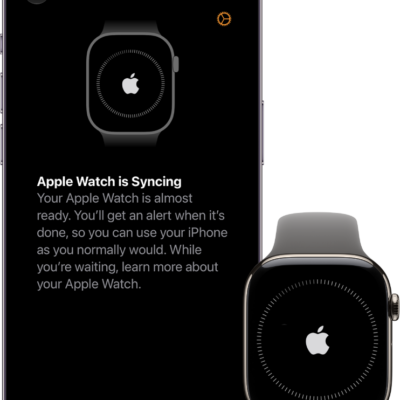
How to get started with Apple Watch
You can get started with Apple Watch in minutes: pair it with iPhone, choose a watch face, open apps, and change settings in Control Center.
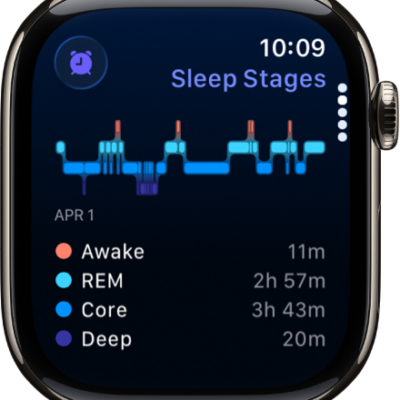
How to receive sleep apnea notifications on Apple Watch
You can receive sleep apnea notifications on Apple Watch by tracking breathing disturbances while you sleep, and review your breathing data.
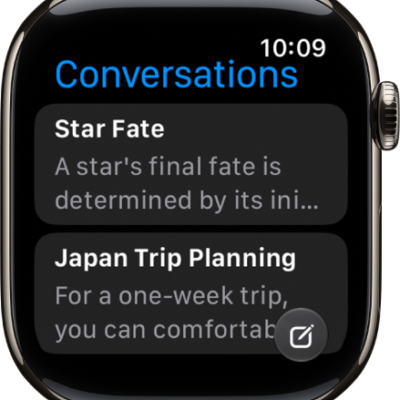
How to change how Siri responds on Apple Watch
You can change how Siri responds on Apple Watch, choose when it speaks, and display captions and transcriptions of your Siri requests.
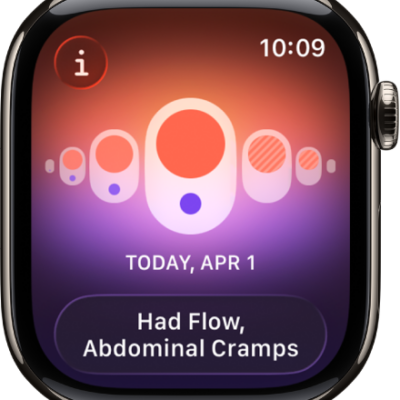
How to track menopause stages with Apple Watch
You can track menopause stages with Apple Watch, log perimenopause or menopause and related symptoms, and log bleeding after menopause.
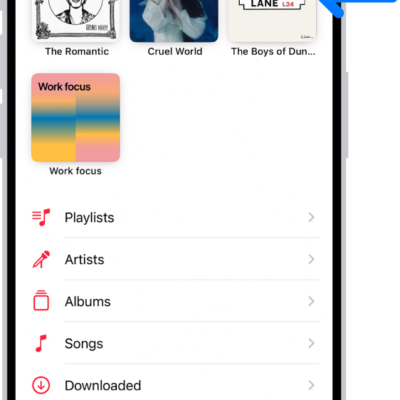
How to pin albums, songs, and more in Music on Apple Watch
You can pin albums, songs, playlists, and artists to the top of your library in Music on Apple Watch, and unpin them anytime.
How to automatically open the focused app in the App Switcher on Apple Watch
You can have the App Switcher on Apple Watch automatically open the focused app after 1 second by turning on Auto-Select Focused App.
How to track your sleep on Apple Watch
You can track your sleep on Apple Watch, see time in each sleep stage and your sleep score, and review your sleeping respiratory rate.
How to listen and respond to incoming notifications with AirPods and Beats headphones on Apple Watch
You can have Siri read incoming notifications on AirPods and Beats headphones with Apple Watch, reply to messages, and choose which apps announce.