








Got a tip for us?

GeeksModo Story Archive - October 2026
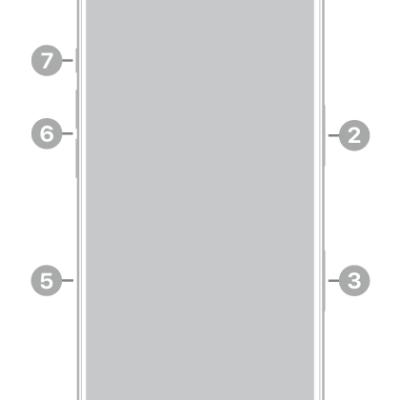
The front view of iPhone 18 Pro. The front camera is at the top center. The side button is on the right side. The USB-C connector is on the bottom. On the left side, from bottom to top, are the SIM tray, the volume buttons, and the Action button.

iPhone 18 Pro hardware: buttons, cameras, and ports

You can find the cameras, buttons, and other essential hardware features on iPhone 18 Pro, plus links to help you get started.
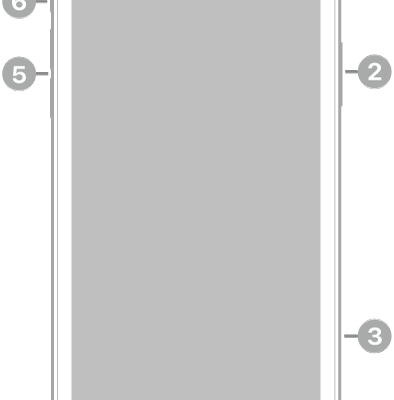
The front view of iPhone 11. The front camera is at the top center. On the right side, from top to bottom, are the side button and the SIM tray. The Lightning connector is on the bottom. On the left side, from bottom to top, are the volume buttons and the Ring/Silent switch.

iPhone 11 hardware: buttons, cameras, and ports

You can find the cameras, buttons, and other essential hardware features on iPhone 11, plus links to help you get started.
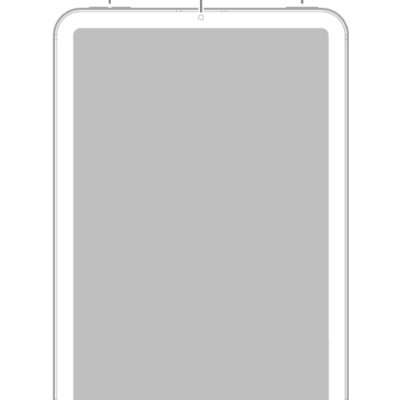
The front view of iPad mini with callouts to the volume buttons at the top left, the front camera at the top center, and the top button and Touch ID at the top right.

iPad mini (6th generation) hardware: buttons, cameras, and ports

You can learn the location of the cameras, buttons, and other essential hardware features on iPad mini (6th generation).

A show page in the Podcasts app showing an episode list. At the top of the screen are the Back, Follow, and More buttons. Toward the bottom of the screen is the MiniPlayer. Below that are the Home, New, Library, and Search buttons.

How to get started with Podcasts on iPhone

You can get started with Podcasts on iPhone and stream or download millions of shows, find them by category, and follow them.
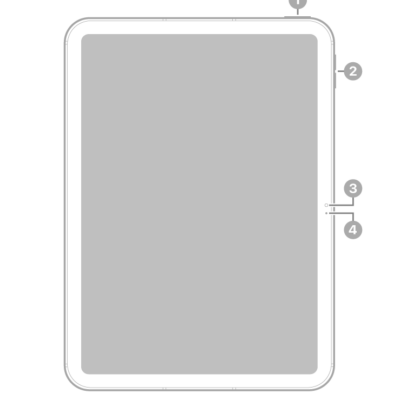
The front view of iPad with callouts to the top button and Touch ID at the top right. The volume buttons, front camera, and microphone are on the right side.

iPad (10th generation) hardware: buttons, cameras, and ports

You can learn the location of the cameras, buttons, and other essential hardware features on iPad (10th generation).
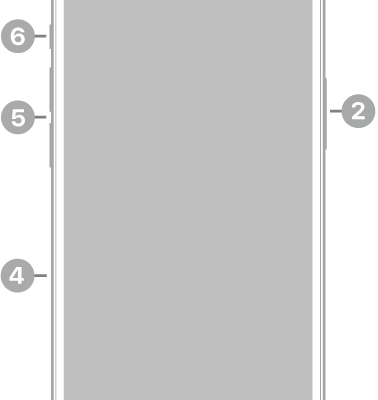
The front view of iPhone 15. The front camera is at the top center. The side button is on the right side. The USB-C connector is on the bottom. On the left side, from bottom to top, are the SIM tray, the volume buttons, and the Ring/Silent switch.

iPhone 15 hardware: buttons, cameras, and ports

You can find the cameras, buttons, and other essential hardware features on iPhone 15, plus links to help you get started.
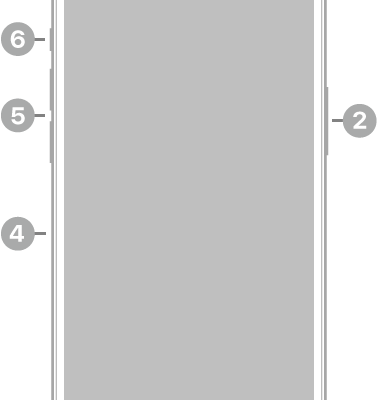
The front view of iPhone 14 Pro. The front camera is at the top center. The side button is on the right side. The Lightning connector is on the bottom. On the left side, from bottom to top, are the SIM tray, the volume buttons, and the Ring/Silent switch.

iPhone 14 Pro hardware: buttons, cameras, and ports

You can find the cameras, buttons, and other essential hardware features on iPhone 14 Pro, plus links to help you get started.
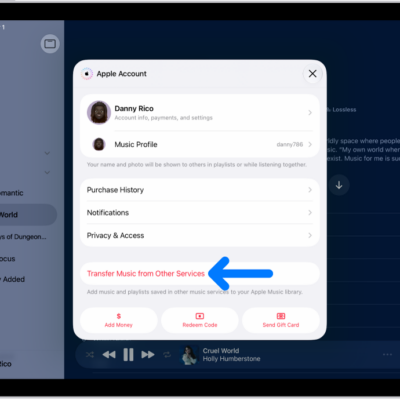
The Transfer Music from Other Services button on the Apple Account screen in Apple Music.

How to get music on iPad

You can get music on iPad by subscribing to Apple Music, transferring music from other services, or buying music.
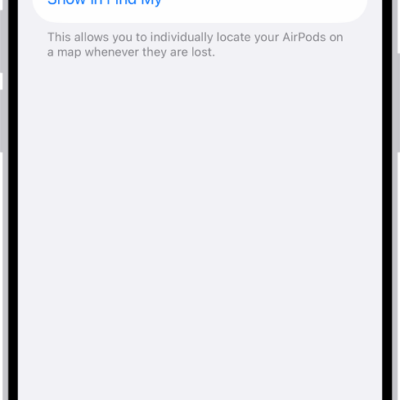
Bluetooth settings on an iPhone showing options for AirPods Pro. The Find My Network option is on, which allows AirPods to be located individually on a map whenever they're lost.

How to rename your AirPods

You can rename your AirPods using your iPhone, iPad, or Mac, and the new name is updated on every device signed in to your Apple Account.
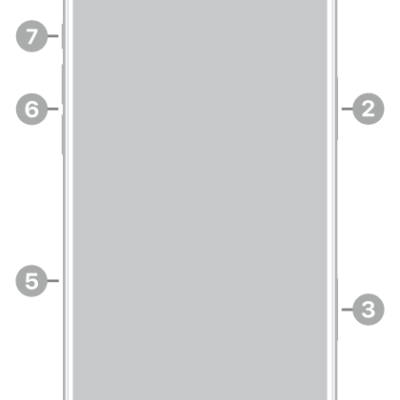
The front view of iPhone 18 Pro Max. The front camera is at the top center. The side button is on the right side. The USB-C connector is on the bottom. On the left side, from bottom to top, are the SIM tray, the volume buttons, and the Action button.

iPhone 18 Pro Max hardware: buttons, cameras, and ports

You can find the cameras, buttons, and other essential hardware features on iPhone 18 Pro Max, plus links to help you get started.