









GeeksModo Story Archive - October 2026

How to control several devices with one switch on iPhone
You can use the same switch that controls your iPhone to navigate your iPad, Mac, or Apple TV 4K with Platform Switching.

How to manage storage on iPhone
You can check available storage on iPhone, remove items you no longer need, and offload unused apps automatically.
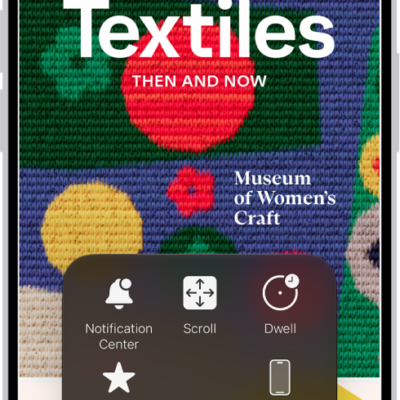
How to use Switch Control on iPhone to select items, perform actions, and more
You can select items with item mode, a gliding cursor, head tracking, or eye tracking, then perform actions with Switch Control on iPhone.
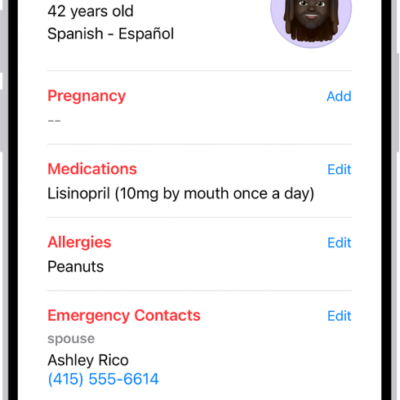
How to share your data in Health on iPhone
You can share health data and alerts from Health on iPhone with family and caregivers, and review or stop sharing at any time.
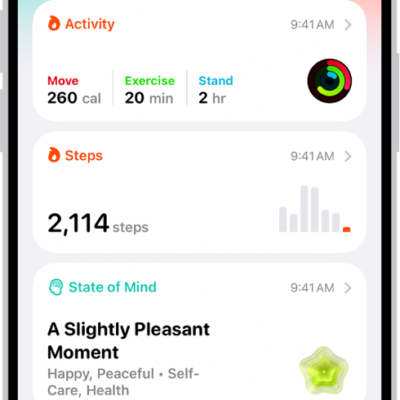
Where Health app data comes from on iPhone
You can keep Health data from iPhone, Apple Watch, and other apps and devices in the Health app, plus data you add yourself.
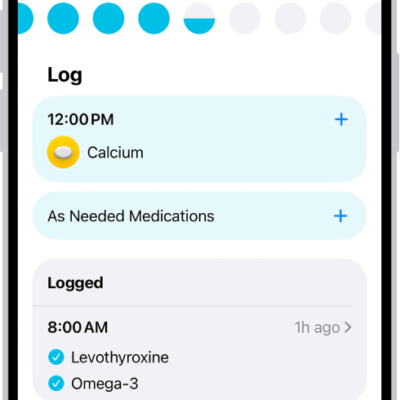
How to track your medications in Health on iPhone
You can track medications, vitamins, and supplements in Health on iPhone, schedule them, log doses, and share your medication list.
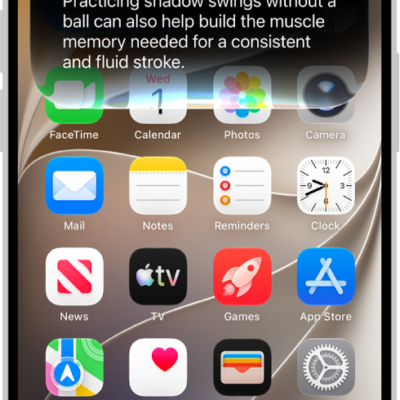
What’s new in iOS 27 for iPhone
You can see what's new in iOS 27 for iPhone, from Siri AI and Liquid Glass to Photos, Camera, Safari, Phone, FaceTime, Health, and Maps.
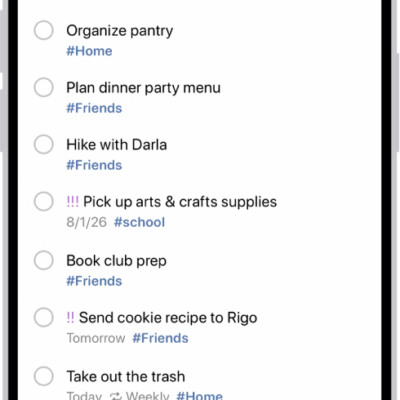
How to get started with Reminders on iPhone
You can use Reminders on iPhone to set reminders, make grocery lists that sort themselves, create project checklists, and share lists.
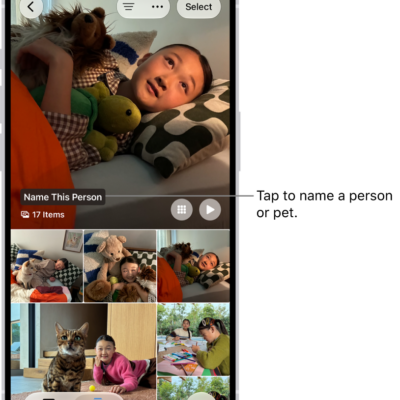
How to find and name people and pets in Photos on iPhone
You can find and name people, dogs, and cats in the People & Pets collection in Photos on iPhone, and Photos names them across your library.

How to undo and revert photo edits on iPhone
You can undo and redo changes while editing a photo or video on iPhone, and revert to the original after saving.