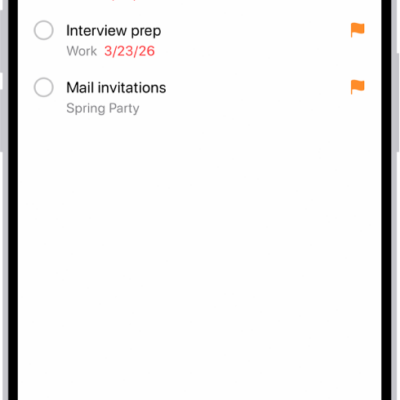
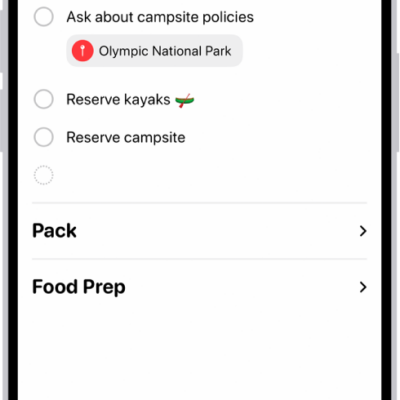
The Reminders app helps you remember anything you need to track. You can set reminders, make grocery lists, create checklists for projects, and organize tasks in to-do lists.
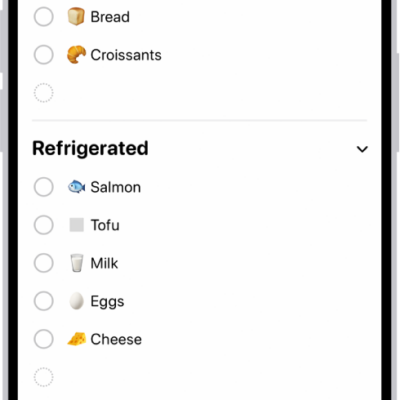
You can simply type, dictate, or ask Siri whenever you need to remember something. A grocery list automatically sorts items into categories, and you can invite people to collaborate on a list. You can also convert a regular list into a grocery list.
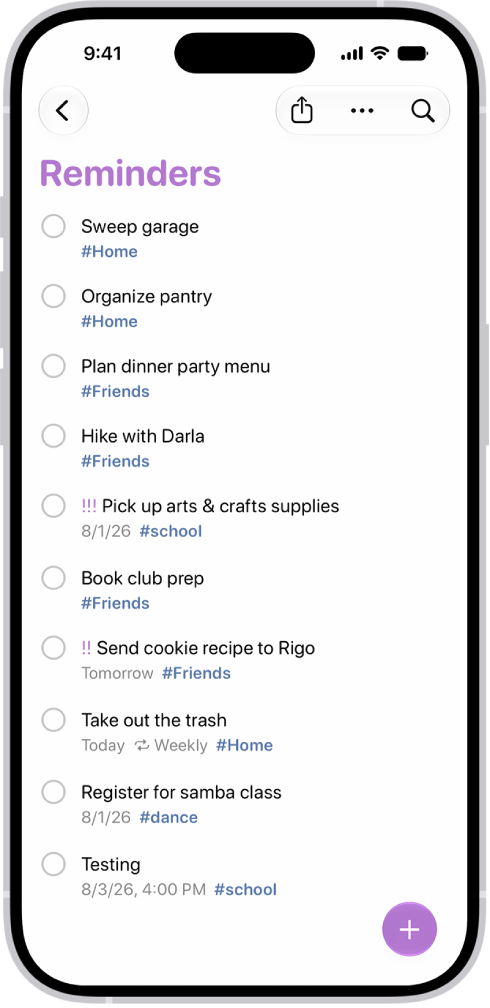
Set a reminder
Whenever you need to remember something, type it, dictate it, or ask Siri.
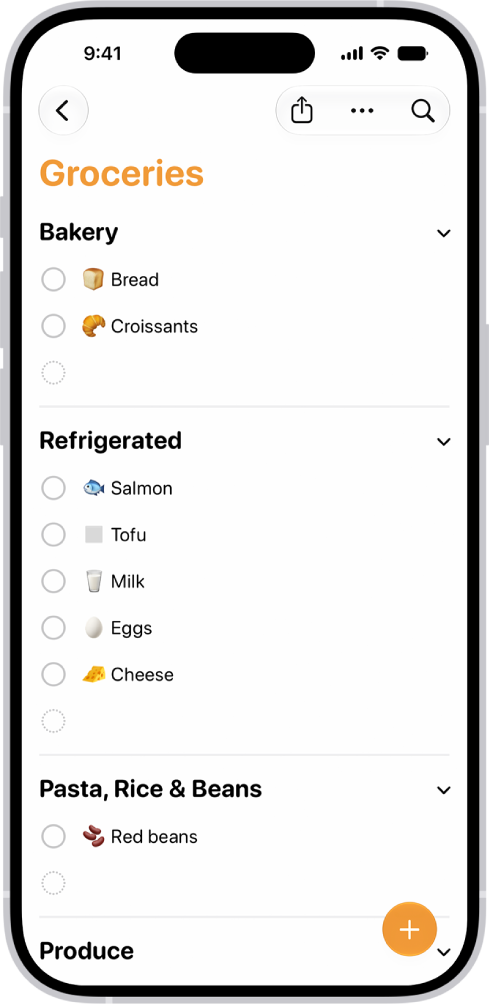
Create a grocery list
Make your shopping easier with a grocery list that automatically sorts items into categories. To convert a regular list into a grocery list, tap the More button, tap Show List Info, tap List Type, then choose Groceries.
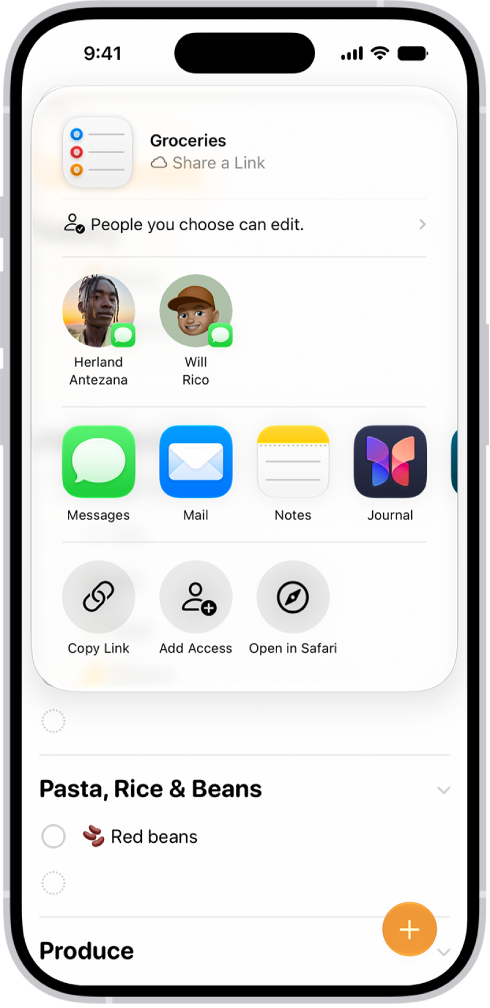
Collaborate on a list
To invite people to work on a list, tap the Share button, then choose a sharing option.
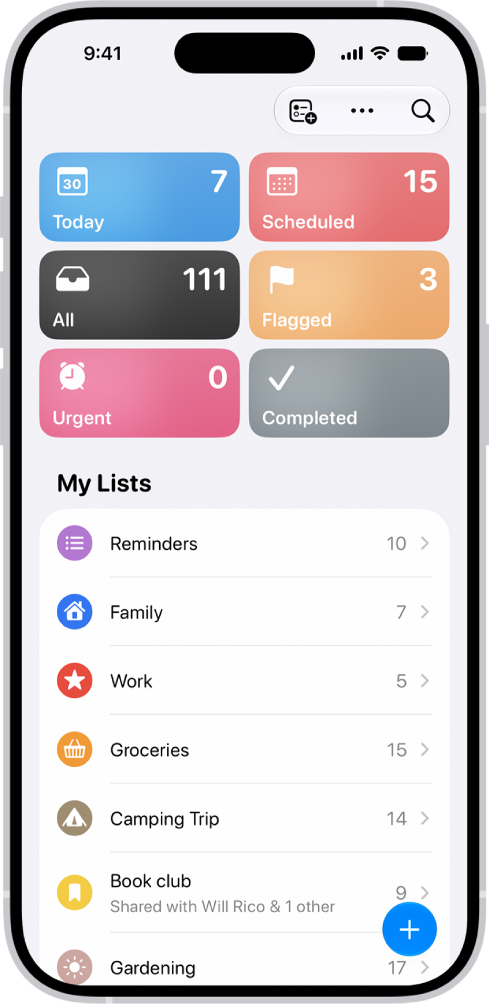
Organize your reminders
Along with tags for categorizing, you can create new lists to suit your needs and manage your reminders with Smart Lists. Note: Using updated reminders in iCloud gives you all Reminders features described in this guide, but some features aren’t available with other accounts.