









GeeksModo Story Archive - October 2026
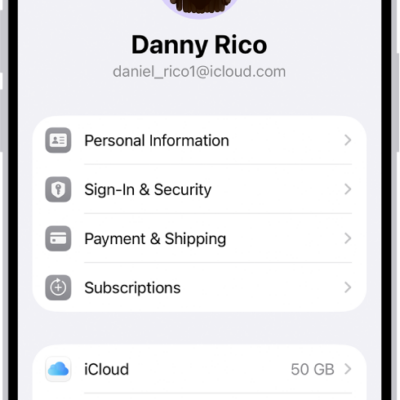
How to update your Apple Account settings on Apple Watch
You can update your Apple Account settings on Apple Watch, edit personal information, change your password, and manage subscriptions and devices.
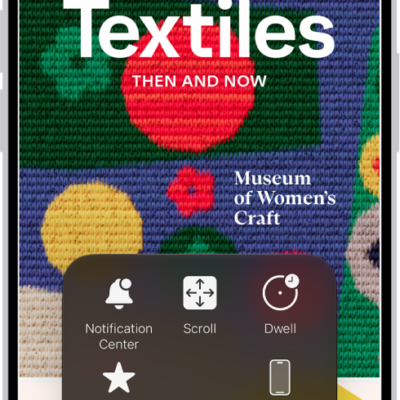
How to use AssistiveTouch on Apple Watch
You can use AssistiveTouch on Apple Watch to control it with hand gestures, use the Motion Pointer, and run quick actions.
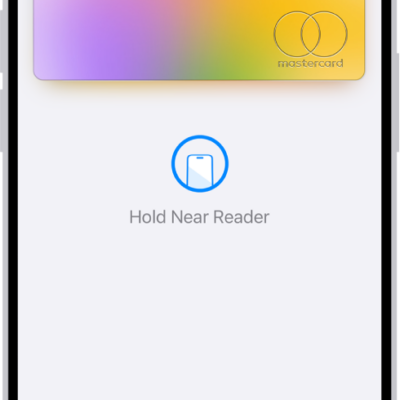
How to make purchases with Apple Pay on Apple Watch
You can make purchases with Apple Pay on Apple Watch at contactless terminals, online, and in apps, and set your default card.
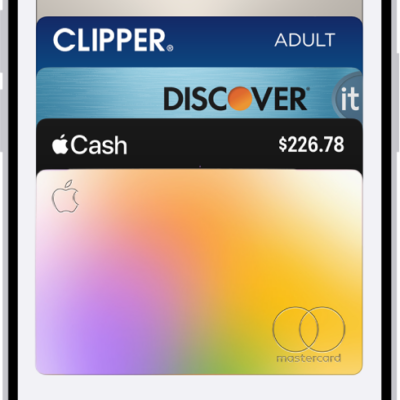
How to set up cards and passes in Wallet on Apple Watch
You can set up cards and passes in Wallet on Apple Watch, from debit and credit cards to transit cards, IDs, and keys, and rearrange them.
How to manage cards and passes in Wallet on Apple Watch
You can manage cards and passes in Wallet on Apple Watch, view their details, show or remove expired passes, and remove a card.
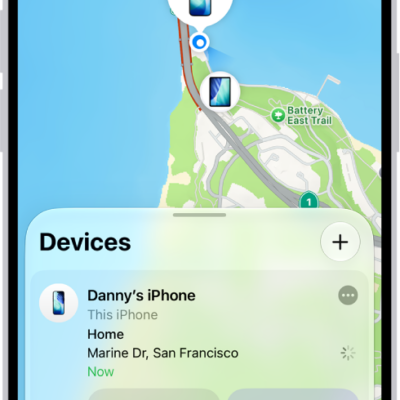
How to protect a lost Apple Watch
You can protect a lost Apple Watch by locating it in Find My, marking it as lost, erasing it, and removing payment cards.
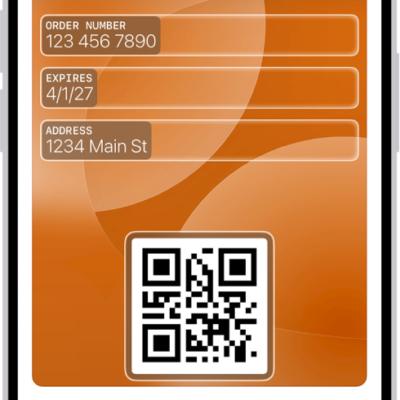
How to use cards and passes in Wallet on Apple Watch
You can use cards and passes in Wallet on Apple Watch, present a code or pass to a reader, and set a card to be selected automatically.
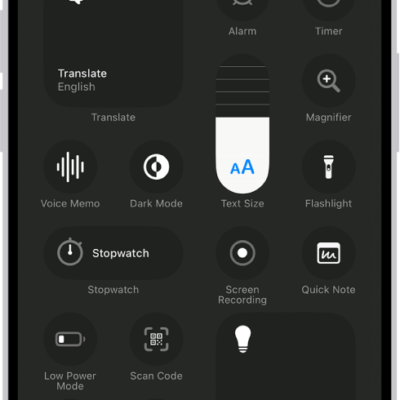
How to ping your Apple Watch with iPhone
You can ping your Apple Watch with iPhone from Control Center to find it when it's nearby.

How to unlock your iPhone with Apple Watch
You can unlock your iPhone with Apple Watch when Face ID can't recognize your face, by turning on Unlock With Apple Watch.
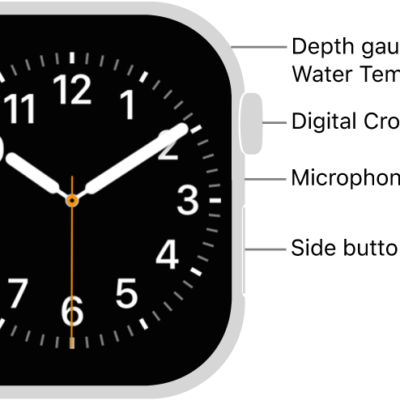
How to unlock your Mac with Apple Watch
You can unlock your Mac with Apple Watch by turning on Auto Unlock, as long as both are signed in to the same Apple Account.