









GeeksModo Story Archive - October 2026
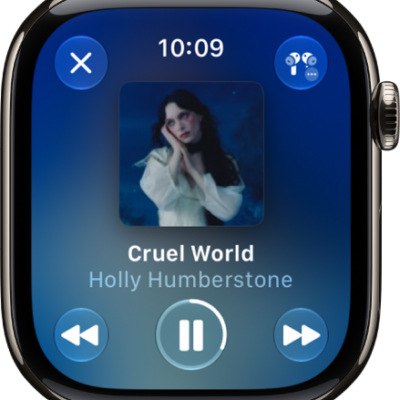
How to play audio during a workout on Apple Watch
You can play audio during a workout on Apple Watch, with music picked by Apple Music or media you choose for each workout type.
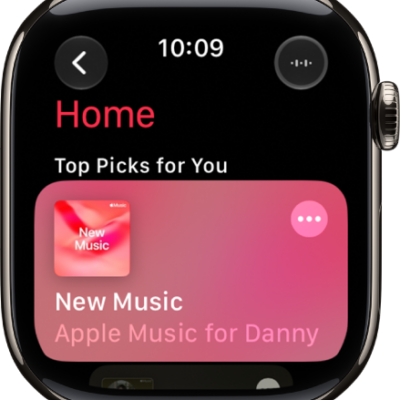
How to add music to Apple Watch
You can add music to Apple Watch with the Apple Watch app on iPhone or the Music app, and listen even without your iPhone.
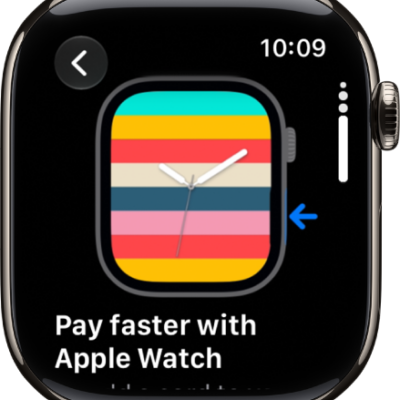
How to use the Tips app on Apple Watch
You can use the Tips app on Apple Watch to view collections of tips, discover new watchOS features, and quickly access the latest tips.
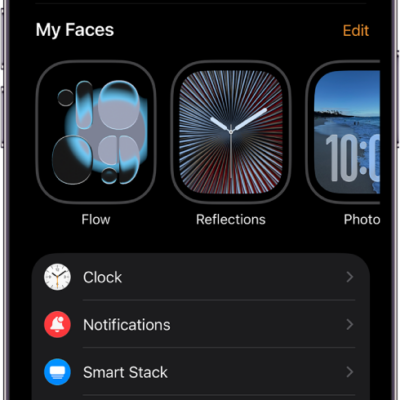
How to change the settings on Apple Watch
You can change the settings on Apple Watch in the Apple Watch app on iPhone, the Settings app, or Control Center, and they stay in sync.
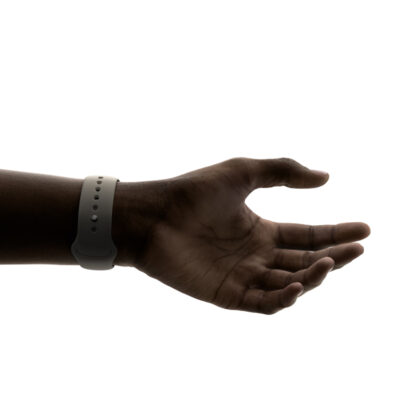
How to use tap gestures on Apple Watch
You can use tap gestures on Apple Watch, double tapping to answer a call or reply to a message, and single tapping to select a widget.
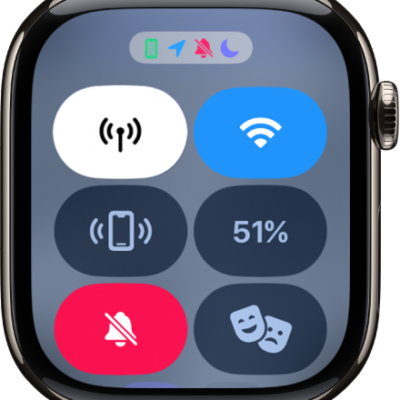
How to check the status of Apple Watch
You can check the status of Apple Watch with the icons at the top of the watch face and in Control Center, and learn what each icon means.
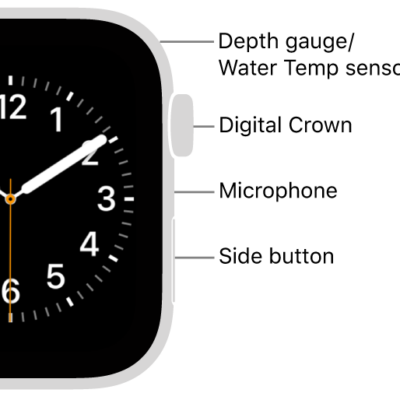
How to change the language and orientation on Apple Watch
You can change the language and region on Apple Watch, and switch wrists or the Digital Crown orientation.
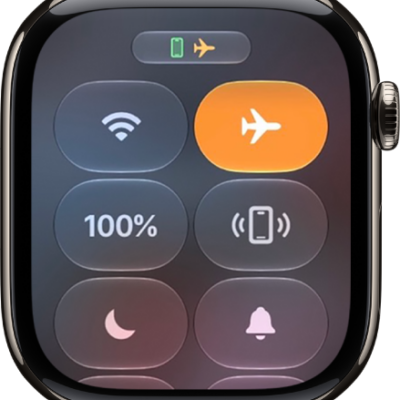
How to use Airplane Mode on Apple Watch
You can use Airplane Mode on Apple Watch, turn it on for both Apple Watch and iPhone at once, and change its default settings.
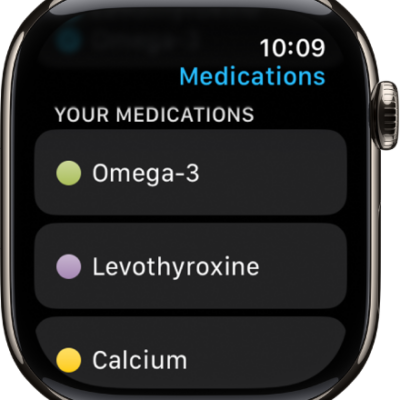
How to track your medications on Apple Watch
You can track your medications on Apple Watch, log them with reminders, and turn on Follow Up Reminders and Critical Alerts.
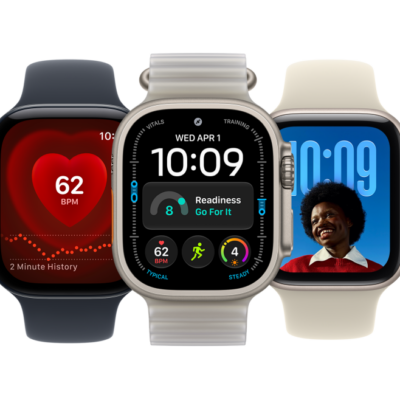
How to set up Handwashing on Apple Watch
You can set up Handwashing on Apple Watch to get a 20-second timer when you wash your hands, and see your average times in Health.