









GeeksModo Story Archive - October 2026
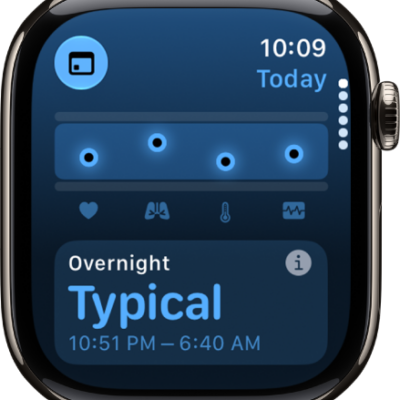
How to get started with health features on Apple Watch
You can get started with health features on Apple Watch to track sleep, heart health, medications, state of mind, and your menstrual cycle.
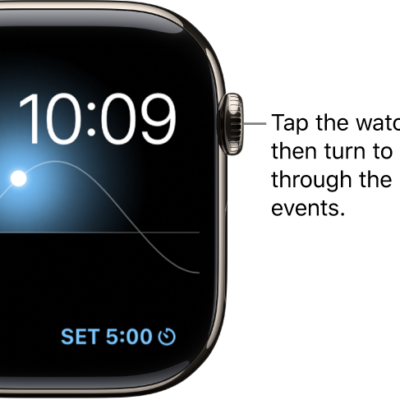
How to see time spent in daylight on Apple Watch
You can see time spent in daylight on Apple Watch, estimated by its ambient light sensor, and turn off time in daylight tracking.
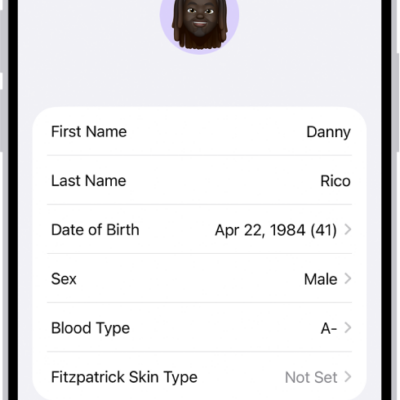
How to update your health details on Apple Watch
You can update your health details on Apple Watch, like height, weight, and wheelchair status, to make calorie and distance data more accurate.
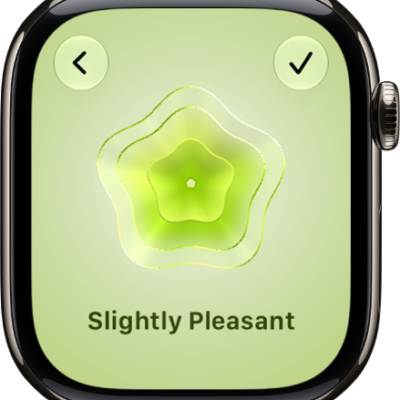
How to log your state of mind on Apple Watch
You can log your state of mind on Apple Watch, record emotions and daily moods, and view your state of mind history.
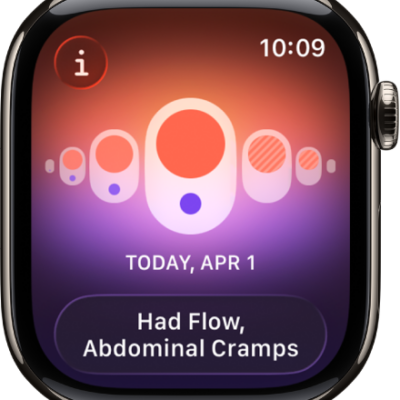
How to use Cycle Tracking on Apple Watch
You can use Cycle Tracking on Apple Watch to log your period and symptoms, and get predictions for your next period and fertile window.
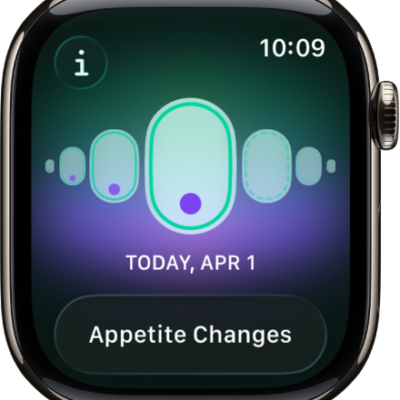
How to receive retrospective ovulation estimates on Apple Watch
You can receive retrospective ovulation estimates on Apple Watch by wearing it to sleep, using wrist temperature to improve period predictions.
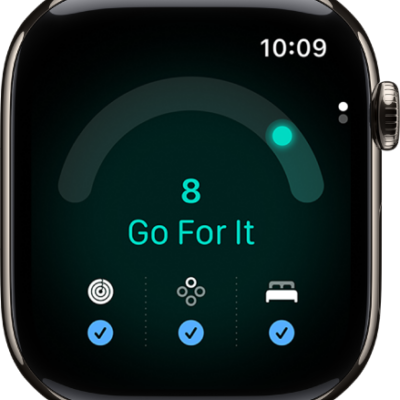
How to use the Readiness app on Apple Watch
You can use the Readiness app on Apple Watch to see a readiness score from 0 to 10 that helps you know when to push yourself or rest.
How to track your nightly wrist temperature on Apple Watch
You can track your nightly wrist temperature on Apple Watch, review it in the Vitals app, and use it to improve period predictions.
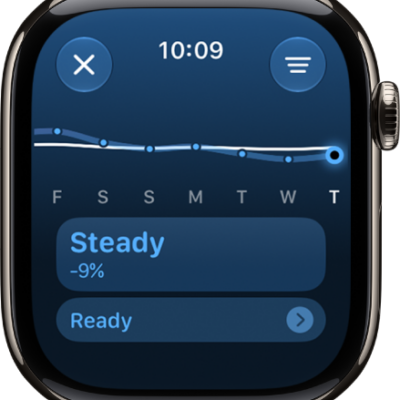
How to track your training load on Apple Watch
You can track your training load on Apple Watch, compare your last 7 days of workouts to the previous 28, and filter by workout type.
How to track your vitals on Apple Watch
You can track your vitals on Apple Watch in the Vitals app, view overnight and daytime health metrics, and get notified when they change.