









GeeksModo Story Archive - October 2026
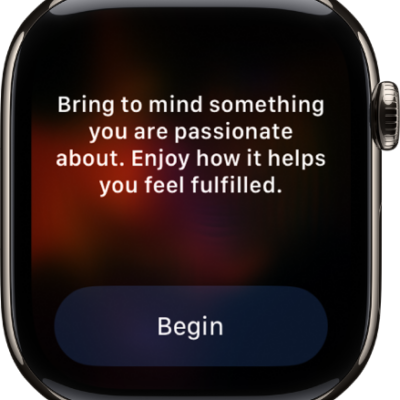
How to start a Reflect or Breathe session on Apple Watch
You can start a Reflect or Breathe session on Apple Watch in the Mindfulness app, set its duration, and see your heart rate during it.
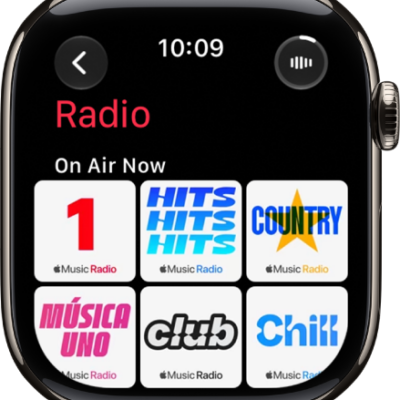
How to listen to radio on Apple Watch
You can listen to radio on Apple Watch, including Apple Music 1 and five other stations, with no subscription needed.
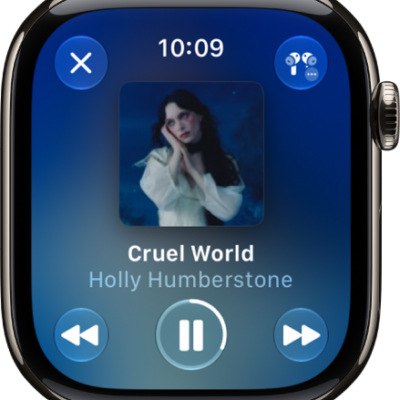
How to ask Siri to play audio on Apple Watch
You can ask Siri to play music, audiobooks, podcasts, and broadcast radio on Apple Watch, and control playback with your voice.
How to play music on Apple Watch
You can play music on Apple Watch from your library or Apple Music, control playback, shuffle or repeat, and play on another device.
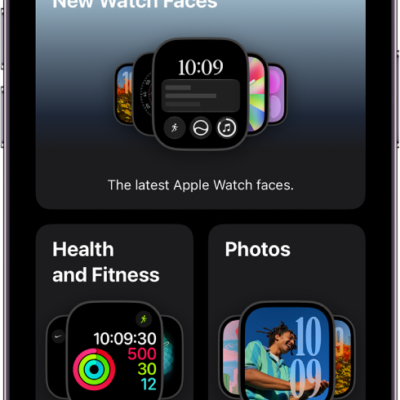
Apple Watch faces in watchOS 27 and what each one shows
You can see the Apple Watch faces available in watchOS 27 and their features, from Activity Analog and Astronomy to Chronograph Pro and GMT.
How to change Apple Watch faces
You can change Apple Watch faces, add new ones from the Face Gallery, customize colors and features, and delete faces from your collection.
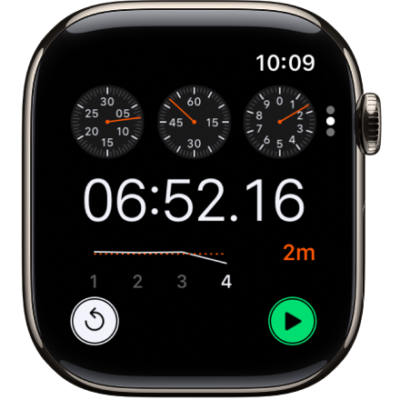
How to time events with a stopwatch on Apple Watch
You can time events with a stopwatch on Apple Watch, record laps and splits, and see results as a list, a graph, or on your watch face.
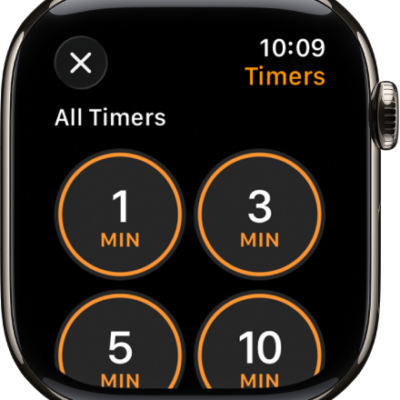
How to set timers on Apple Watch
You can set timers on Apple Watch, create custom and multiple timers up to 24 hours, and pause, end, or repeat a timer.
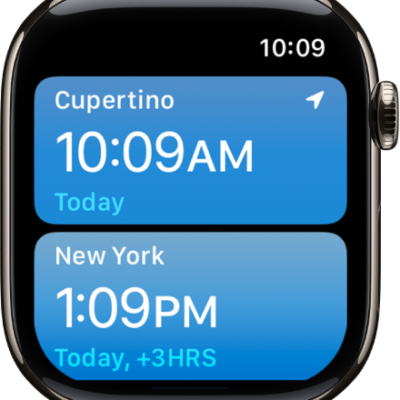
How to use World Clock on Apple Watch to check the time in other locations
You can use World Clock on Apple Watch to check the time in other locations, add and remove cities, and change city abbreviations.
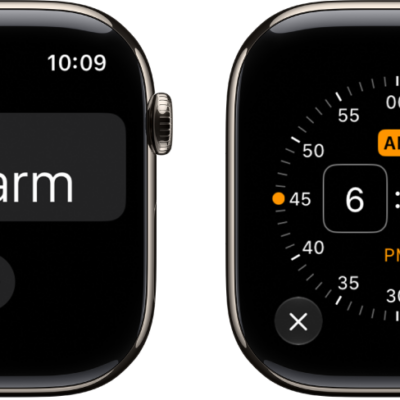
How to add an alarm on Apple Watch
You can add an alarm on Apple Watch in the Alarms app, edit or delete it, skip a wake-up alarm, and get alarms on iPhone too.