









GeeksModo Story Archive - October 2026
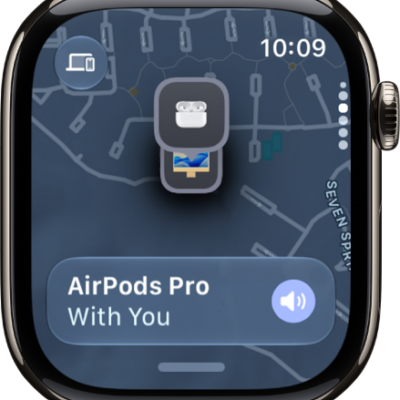
How to set up Find My on Apple Watch
You can set up Find My on Apple Watch, add people, turn on Find My for your watch, and add your devices, AirTag, and other items.
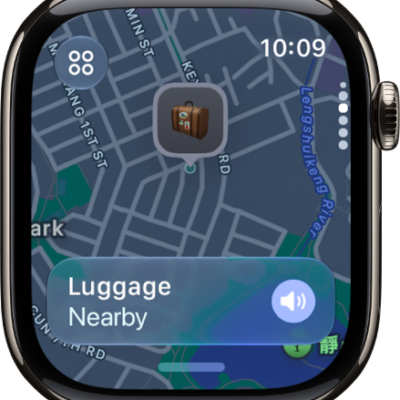
How to locate items in Find My on Apple Watch
You can locate items in Find My on Apple Watch, use Precision Finding with AirTag, and get notified when you leave an item behind.
How to locate devices in Find My on Apple Watch
You can locate devices in Find My on Apple Watch, get directions to them, and get notified when you leave a device behind.
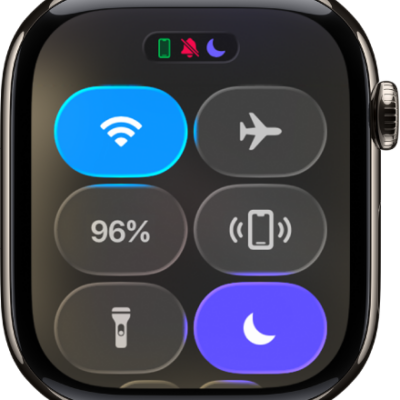
How to ping your iPhone with Apple Watch
You can ping your iPhone with Apple Watch to play a sound, and use Precision Finding on supported models to see its heading and distance.
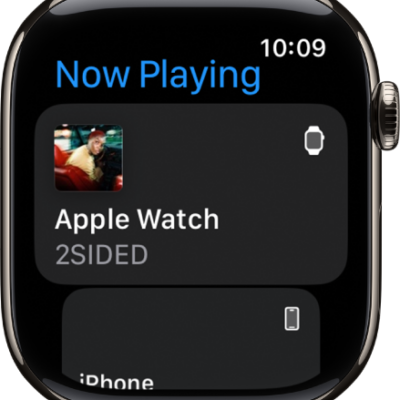
How to control media playback on other devices using your Apple Watch
You can control media playback on iPhone, iPad, and HomePod with Apple Watch, adjust the volume, and switch or add AirPlay devices.
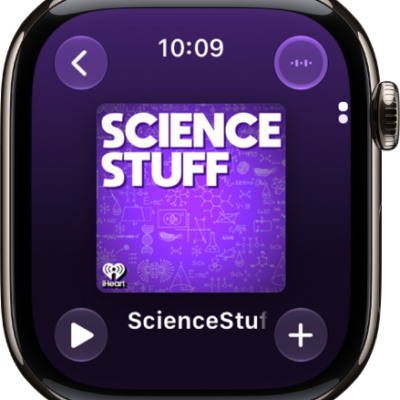
How to play podcasts on Apple Watch
You can play podcasts on Apple Watch, stream episodes or play ones stored on your watch, and change Podcasts settings.
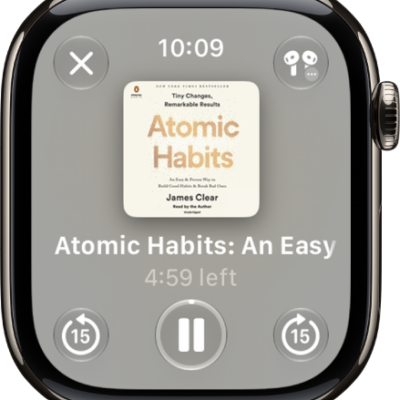
How to listen to audiobooks on Apple Watch
You can listen to audiobooks on Apple Watch, stream them from your Apple Books library, or download them for offline listening.
How to choose an audio destination on Apple Watch
You can choose an audio destination on Apple Watch, like your iPhone, Bluetooth headphones, or the watch speaker, with the AirPlay button.
How to use the flashlight on Apple Watch
You can use the flashlight on Apple Watch to light up a door lock or nearby objects, choose a light mode, and adjust its brightness.
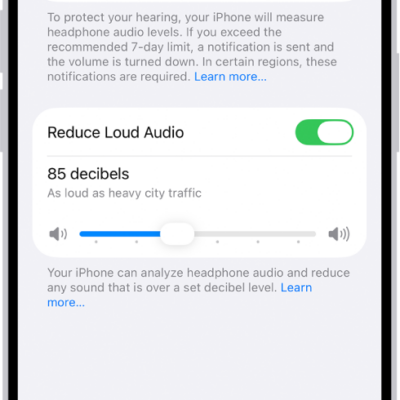
How to connect Apple Watch to Bluetooth headphones or speakers
You can connect Apple Watch to Bluetooth headphones or speakers, monitor headphone volume, reduce loud sounds, and view loud audio notifications.