









GeeksModo Story Archive - October 2026
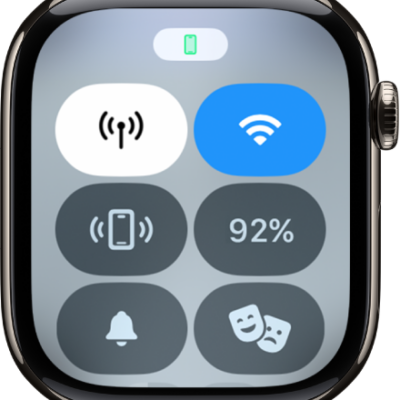
How to use a Dual SIM iPhone with Apple Watch
You can use a Dual SIM iPhone with Apple Watch to set up multiple cellular plans, switch between them, and receive calls from both lines.
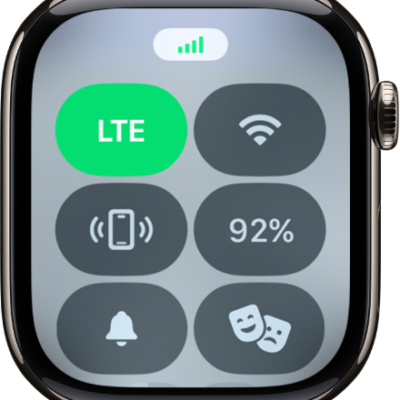
How to set up and use cellular service on Apple Watch
You can set up and use cellular service on Apple Watch to make calls, reply to messages, and stream music without your iPhone or Wi-Fi.
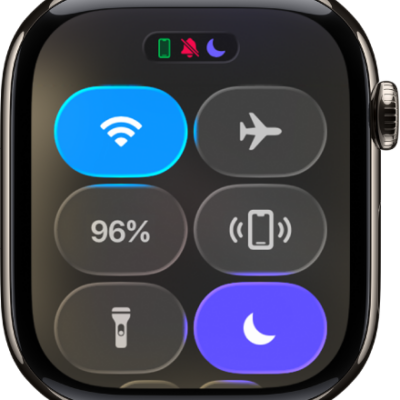
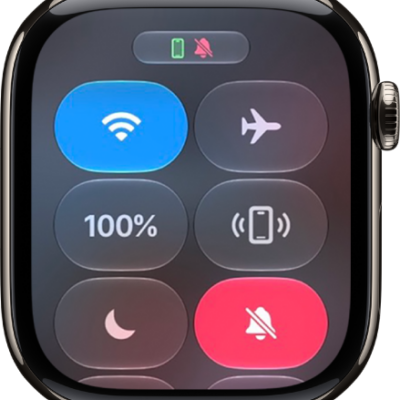
How to use Control Center on Apple Watch
You can use Control Center on Apple Watch to check battery and connection status, turn on modes, and rearrange or add controls.
How to connect Apple Watch to a Wi-Fi network
You can connect Apple Watch to a compatible Wi-Fi network, use a private network address, and disconnect from Wi-Fi.
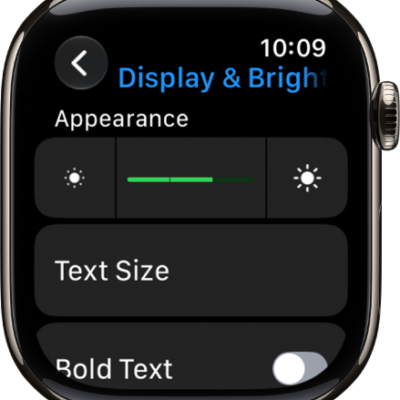
How to adjust the display settings on Apple Watch
You can adjust the display settings on Apple Watch, including brightness, text size, wake settings, and the Always On display.
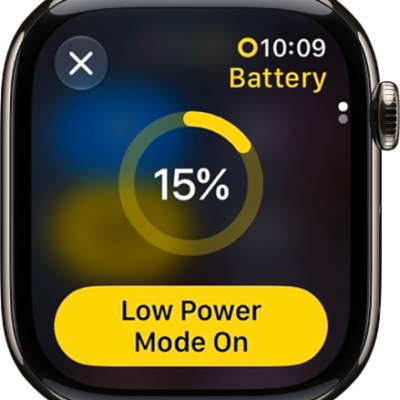
How to extend the battery life on Apple Watch
You can extend the battery life on Apple Watch with Low Power Mode and by stopping apps from refreshing in the background.
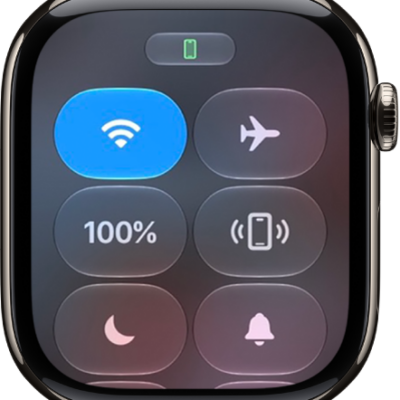
How to check battery health and usage on Apple Watch
You can check battery health and usage on Apple Watch, see the battery level in Control Center or on the watch face, and view charging history.
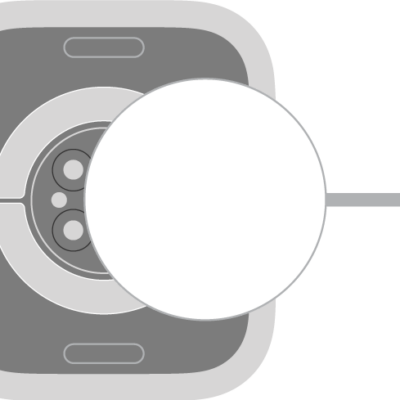
How to charge the battery on Apple Watch
You can charge the battery on Apple Watch with its magnetic charger, optimize battery charging, and learn about fast charging.
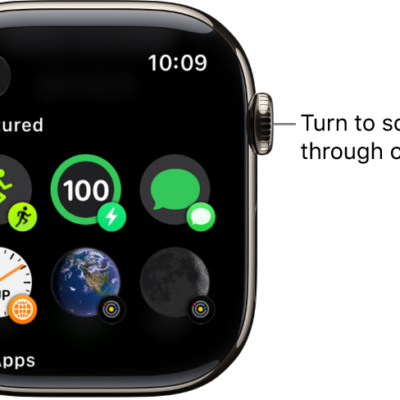
How to add complications to the watch face on your Apple Watch
You can add complications to the watch face on Apple Watch to check stock prices, weather, and info from your apps at a glance.
How to adjust volume and haptics on Apple Watch
You can adjust volume and haptics on Apple Watch for alerts, alarms, Siri, and media, and change the strength of haptic feedback.