









GeeksModo Story Archive - October 2026
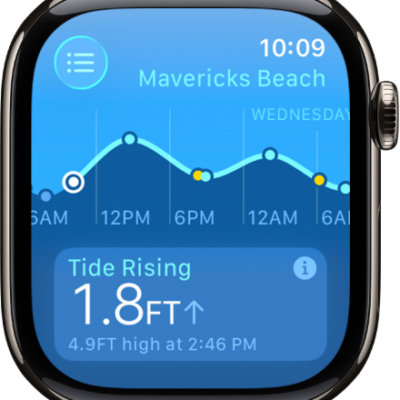
How to use Tides on Apple Watch
You can use Tides on Apple Watch to check tidal conditions over 7 days, add and remove locations, and view details like swell.
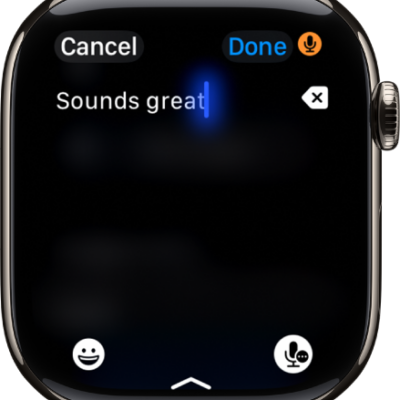
How to enter text on Apple Watch
You can enter text on Apple Watch by dictating, scribbling, or typing on the onscreen keyboard, add emoji, or type on your iPhone.
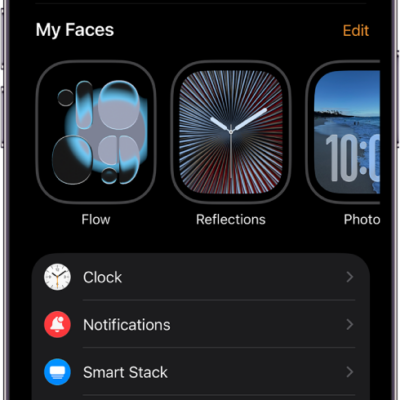
How to update Apple Watch software
You can update Apple Watch software directly on your watch or in the Apple Watch app on your iPhone.
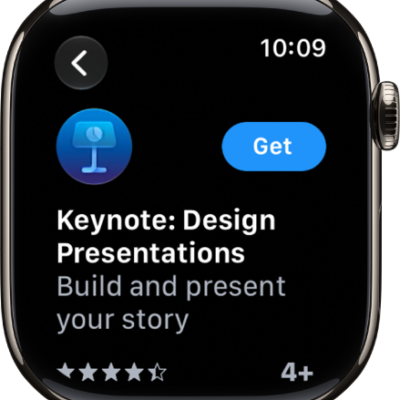
How to get apps in the App Store on Apple Watch
You can get apps in the App Store on Apple Watch, install apps you have on iPhone, and get automatic downloads and updates.
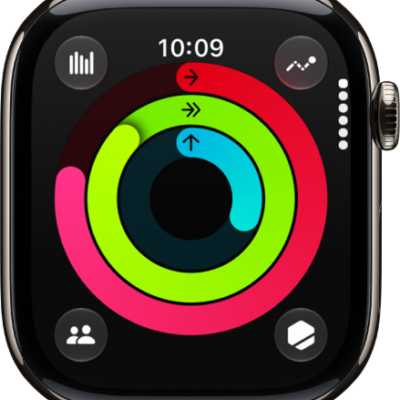
How to track daily activity with Apple Watch
You can track daily activity with Apple Watch in the Activity app, close your Move, Exercise, and Stand rings, and see trends in Fitness.
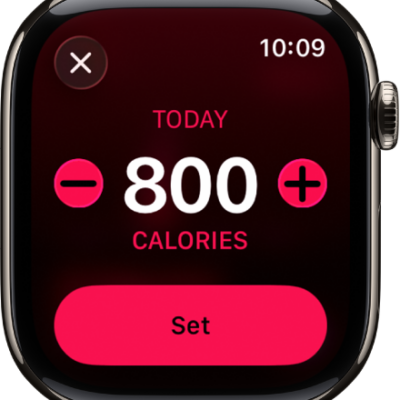
How to adjust your Activity ring goals on Apple Watch
You can adjust your Activity ring goals on Apple Watch, customize them by day of the week, and pause your rings at any time.
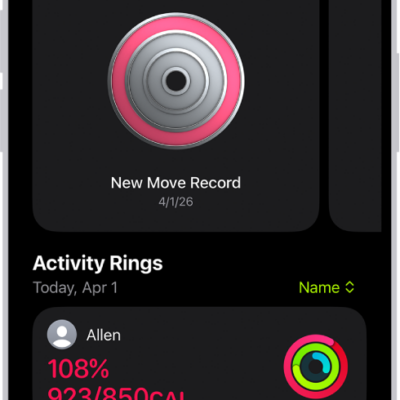
How to share your activity from Apple Watch
You can share your activity from Apple Watch with friends, check their progress, compete with them, and change your friend settings.
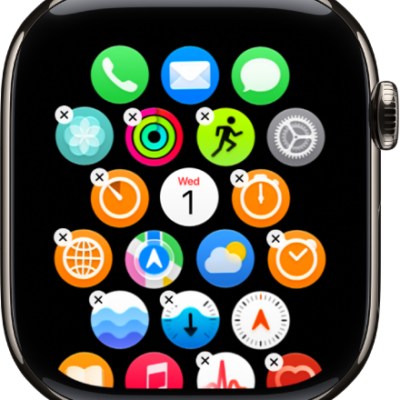
How to organize apps on Apple Watch
You can organize apps on Apple Watch, rearrange them on the App Grid, switch to list view, and remove apps you don't use.
How to view app settings and storage on Apple Watch
You can view app settings and storage on Apple Watch, change settings for apps, set Screen Time restrictions, and check storage used by apps.
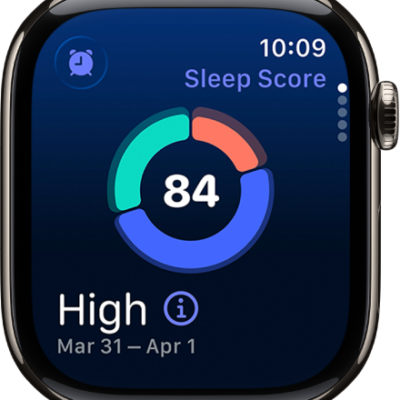
How to view your sleep score on Apple Watch
You can view your sleep score on Apple Watch, a score from 0 to 100 based on how long you slept, bedtime consistency, and interruptions.