









GeeksModo Story Archive - October 2026
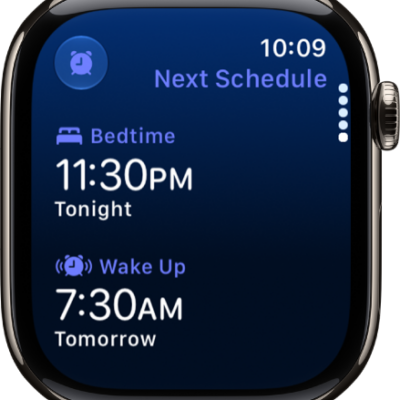
How to set up sleep schedules on Apple Watch
You can set up sleep schedules on Apple Watch to meet your sleep goals, add schedules for weekdays and weekends, and change your wake-up alarm.
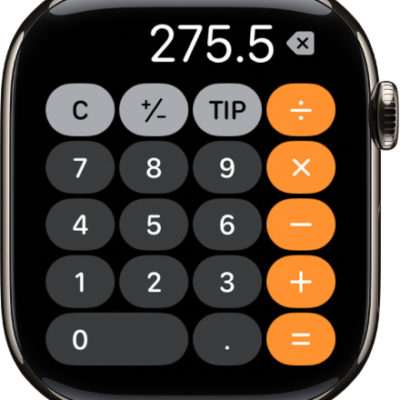
How to use Calculator on Apple Watch
You can use Calculator on Apple Watch for quick calculations, and calculate a tip and split the check.
How to control Apple TV 4K with Apple Watch
You can control Apple TV 4K with Apple Watch through the Remote app, and use Siri to start watching something.
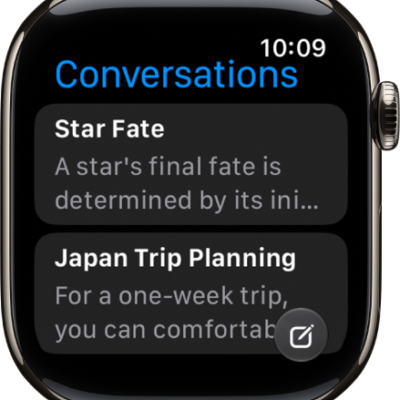
How to find information with Siri on Apple Watch
You can find information with Siri on Apple Watch, from web answers and calculations to detailed answers with Siri AI.
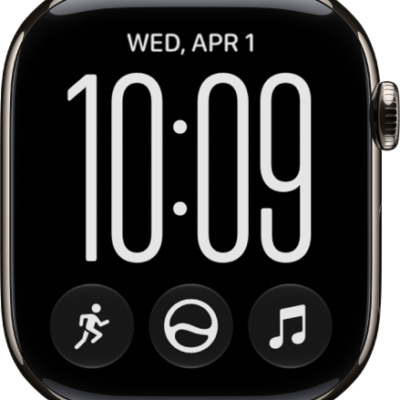
How to take action with Siri on Apple Watch
You can take action with Siri on Apple Watch to complete everyday tasks and shortcuts in apps, and get more done with Siri AI.
How to use Siri on Apple Watch
You can use Siri on Apple Watch to get answers and get things done, turn it on, activate it by raising your wrist, or type to Siri.
How to get started with Siri AI on Apple Watch
You can get started with Siri AI on Apple Watch, ask about any topic, take action in apps, and keep conversations in the Siri app.
How to use the Siri app on Apple Watch
You can use the Siri app on Apple Watch with Siri AI to keep your conversations in one place, continue them, and pin or delete them.
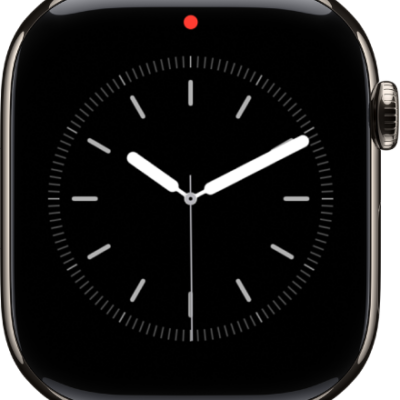
How to see and respond to notifications on Apple Watch
You can see and respond to notifications on Apple Watch as they arrive, or check unread ones later in Notification Center.
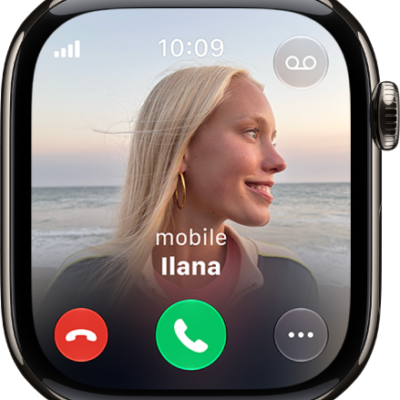
How to use gestures for notifications and alerts on Apple Watch
You can use gestures for notifications and alerts on Apple Watch, covering the display to mute an alert or flicking your wrist to dismiss.