









GeeksModo Story Archive - October 2026
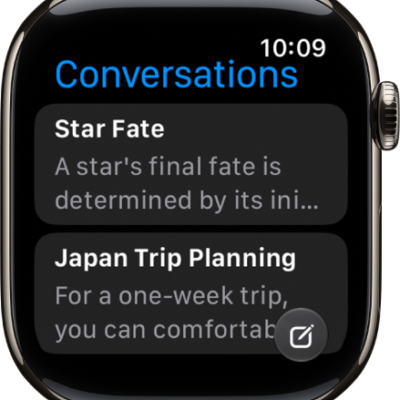
How to get started with Siri AI on Apple Watch
You can get started with Siri AI on Apple Watch, ask about any topic, take action in apps, and keep conversations in the Siri app.
How to use the Siri app on Apple Watch
You can use the Siri app on Apple Watch with Siri AI to keep your conversations in one place, continue them, and pin or delete them.
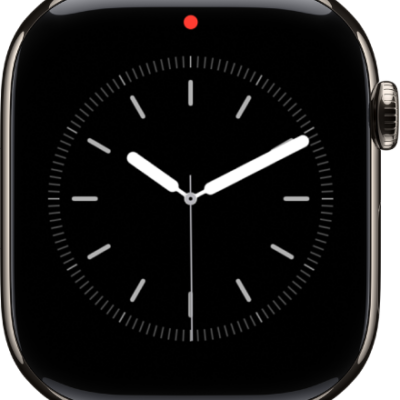
How to see and respond to notifications on Apple Watch
You can see and respond to notifications on Apple Watch as they arrive, or check unread ones later in Notification Center.
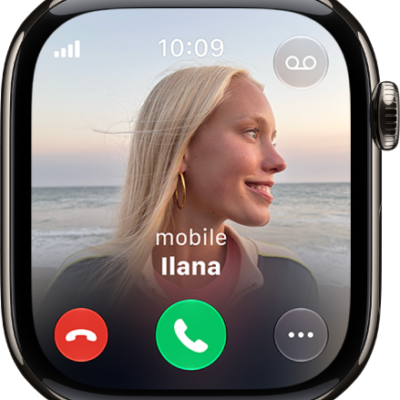
How to use gestures for notifications and alerts on Apple Watch
You can use gestures for notifications and alerts on Apple Watch, covering the display to mute an alert or flicking your wrist to dismiss.
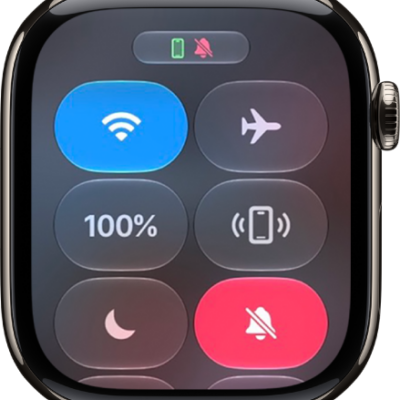
How to silence notifications for extended periods on Apple Watch
You can silence notifications for extended periods on Apple Watch with Silent Mode, Theater Mode, Do Not Disturb, or a Focus.
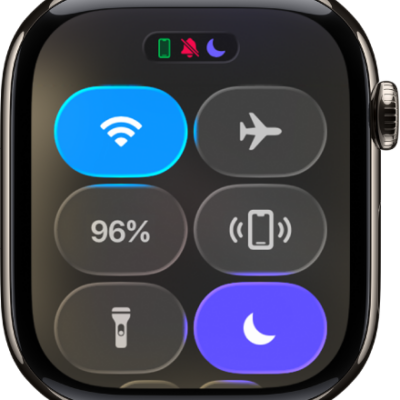
How to use Focus on Apple Watch
You can use Focus on Apple Watch to limit notifications, turn on Do Not Disturb or a custom Focus, and set a Focus schedule.
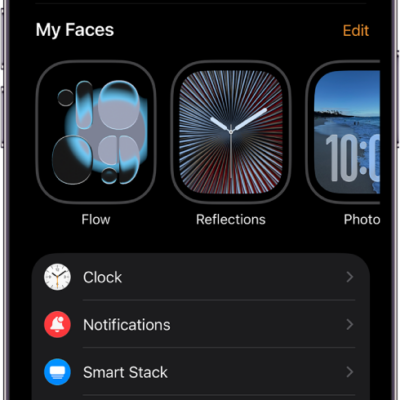
How to change notification settings on Apple Watch
You can change notification settings on Apple Watch, customize how apps send notifications, and choose what shows on the Lock Screen.
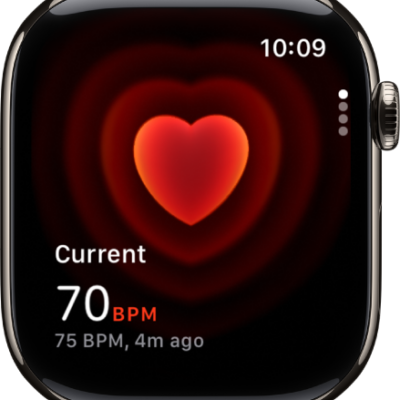
How to check your heart rate on Apple Watch
You can check your heart rate on Apple Watch, turn on heart rate data, see graphs of your readings, and view your recovery heart rate variability.
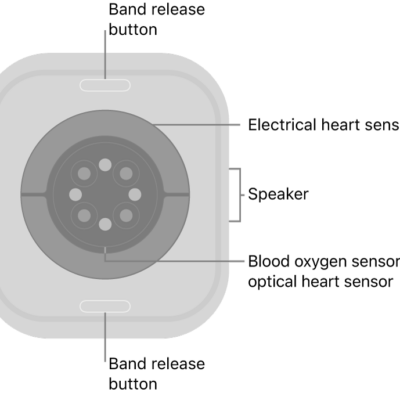
How to record an electrocardiogram with the ECG app on Apple Watch
You can record an electrocardiogram with the ECG app on Apple Watch, set it up in the Health app on iPhone, and get a classification.
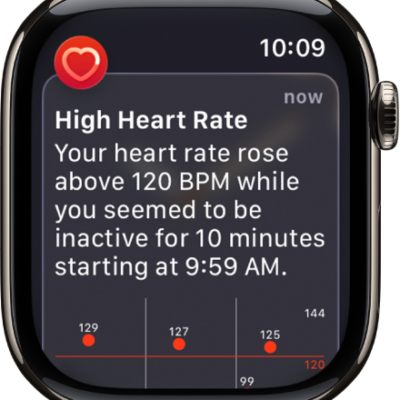
How to monitor your heart health on Apple Watch
You can monitor your heart health on Apple Watch with high and low heart rate notifications, irregular rhythm alerts, and AFib History.