









GeeksModo Story Archive - October 2026
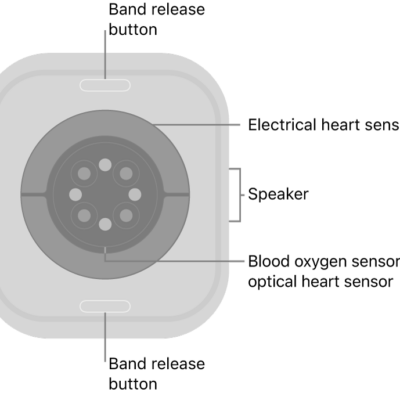
How to record an electrocardiogram with the ECG app on Apple Watch
You can record an electrocardiogram with the ECG app on Apple Watch, set it up in the Health app on iPhone, and get a classification.
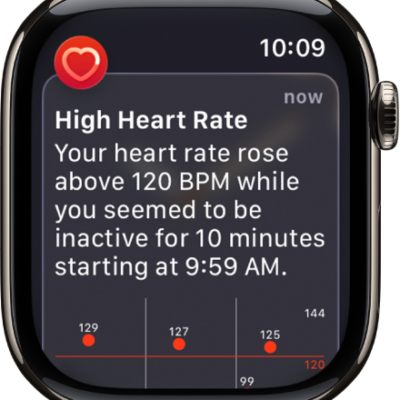
How to monitor your heart health on Apple Watch
You can monitor your heart health on Apple Watch with high and low heart rate notifications, irregular rhythm alerts, and AFib History.
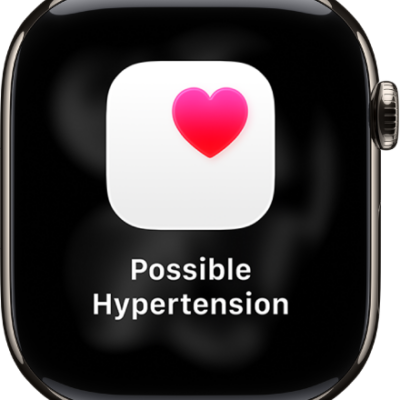
How to receive hypertension notifications on Apple Watch
You can receive hypertension notifications on Apple Watch, set up a Blood Pressure Log, and log your blood pressure in Health.
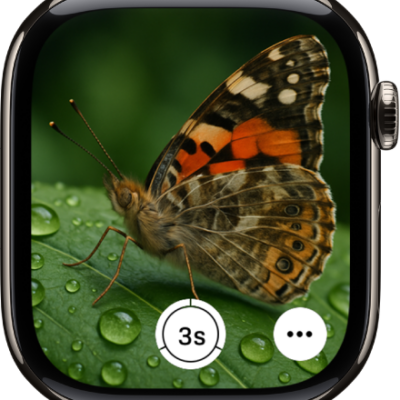
How to use Camera Remote on Apple Watch
You can use Camera Remote on Apple Watch as a viewfinder for your iPhone camera, take photos and videos, and review your shots.
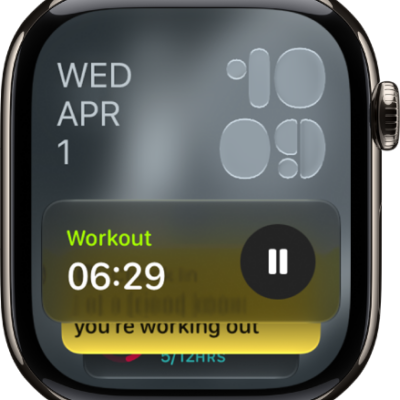
How to see timely widgets in the Smart Stack on Apple Watch
You can see timely widgets in the Smart Stack on Apple Watch, open it with a tap gesture, use Smart Stack hints, and customize it.
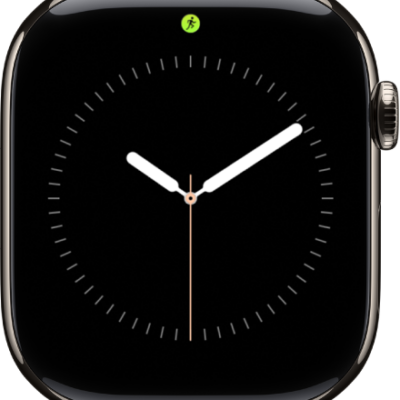
How to view Live Activities on Apple Watch
You can view Live Activities on Apple Watch, like a workout, timer, or music, and choose when and how they appear.
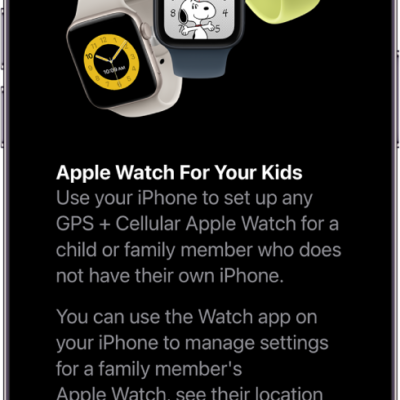
How to use Apple Watch For Your Kids
You can use Apple Watch For Your Kids to set up a cellular Apple Watch for a child or family member without their own iPhone.
How to find more resources for iPad software and service
You can find more resources for iPad software and service, including support, Apple Account, iCloud, and warranty information.
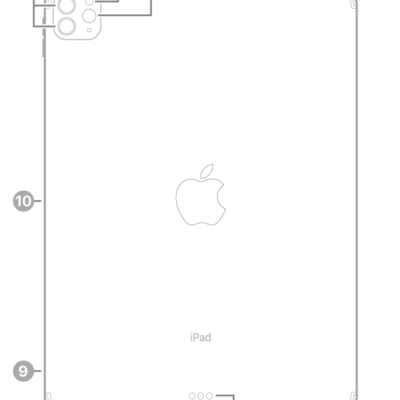
How to clean the nano-texture glass on iPad Pro with the Apple Polishing Cloth
You can clean the nano-texture glass on iPad Pro 11-inch and 13-inch (M4 and M5) models with the included Apple Polishing Cloth.

How to use Advanced Data Protection for your iCloud data on iPad
You can use Advanced Data Protection for your iCloud data on iPad to end-to-end encrypt more data categories.