









GeeksModo Story Archive - October 2026
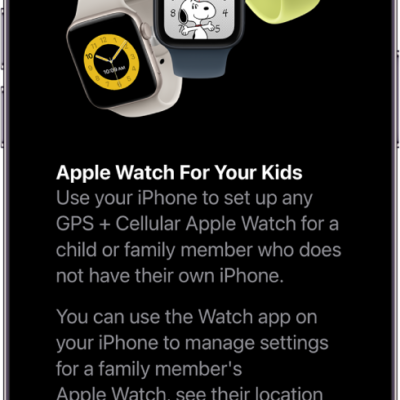
How to use Apple Watch For Your Kids
You can use Apple Watch For Your Kids to set up a cellular Apple Watch for a child or family member without their own iPhone.
How to find more resources for iPad software and service
You can find more resources for iPad software and service, including support, Apple Account, iCloud, and warranty information.
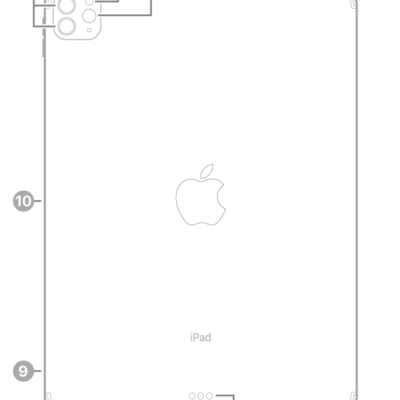
How to clean the nano-texture glass on iPad Pro with the Apple Polishing Cloth
You can clean the nano-texture glass on iPad Pro 11-inch and 13-inch (M4 and M5) models with the included Apple Polishing Cloth.

How to use Advanced Data Protection for your iCloud data on iPad
You can use Advanced Data Protection for your iCloud data on iPad to end-to-end encrypt more data categories.
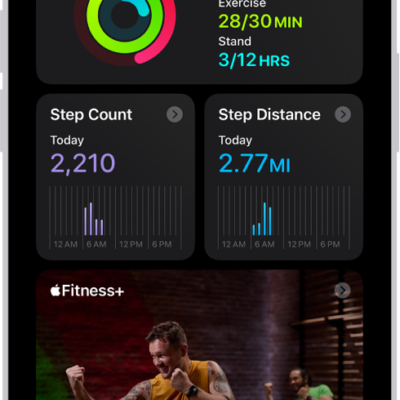
How to use Apple Watch with Fitness+ workouts on iPad
You can use Apple Watch with Fitness+ on iPad to follow trainer-led workouts and see your heart rate and calories on screen.

How to control how Apple delivers advertising to you on iPad
You can control how Apple delivers advertising to you on iPad, review the information Apple uses, and turn personalized ads on or off.
How to use Impersonation Risk Detection on iPad
You can use Impersonation Risk Detection on iPad to help protect you from scams in supported third-party apps.
How to adjust HDR camera settings on iPad
You can adjust HDR camera settings on iPad, turn off automatic HDR, and choose whether to save the non-HDR version of a photo.

How to change game-related settings on iPhone
You can change Apple Games app and Game Center settings on iPhone to control friend requests, activity sharing, multiplayer games, and restrictions.
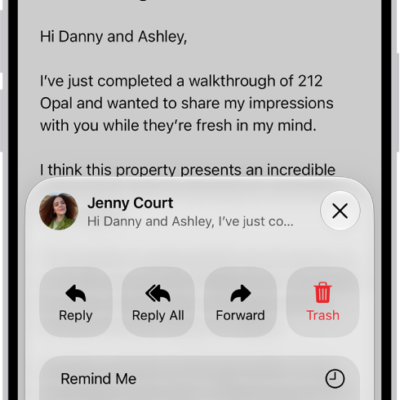
How to flag or block emails in Mail on iPhone
You can flag important emails in Mail on iPhone, create a Flagged mailbox, flag messages from VIPs, and block senders.