









GeeksModo Story Archive - October 2026

How to change game-related settings on iPhone
You can change Apple Games app and Game Center settings on iPhone to control friend requests, activity sharing, multiplayer games, and restrictions.
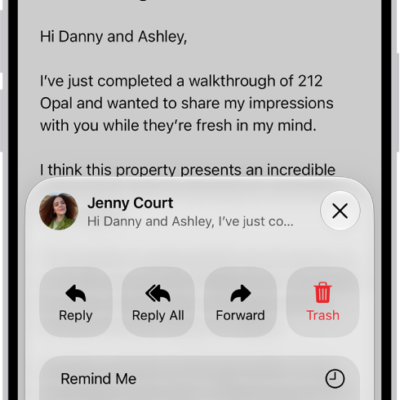
How to flag or block emails in Mail on iPhone
You can flag important emails in Mail on iPhone, create a Flagged mailbox, flag messages from VIPs, and block senders.
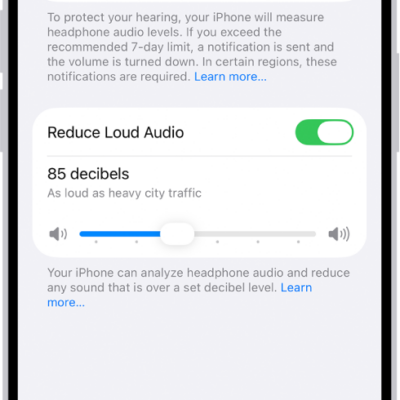
How to use hearing devices with iPhone
You can pair MFi hearing aids and sound processors with iPhone, adjust their settings, and use the Hearing Aid feature with AirPods Pro.
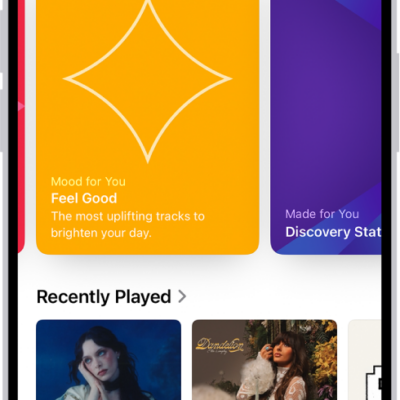
How to share music with friends on iPhone
You can share music with friends on iPhone, choose who follows you, and hide music from followers with an Apple Music profile.
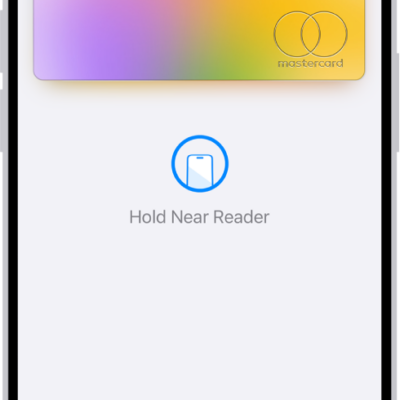
How to make purchases with Apple Pay on iPhone
You can use Apple Pay on iPhone in stores, online, and in apps, and your actual card number is never shared with merchants.
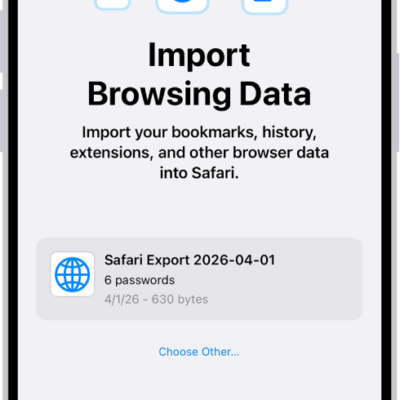
How to import passwords from another password manager into Passwords on iPhone
You can import passwords you exported to a CSV file from another password manager into the Passwords app on iPhone.
How to get started with Music on iPhone
You can listen to your music library in the Music app on iPhone, stream Apple Music, and access all your music on all your devices.
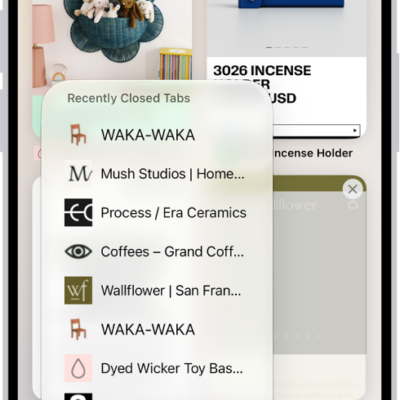
How to view your Safari tabs from another Apple device on iPhone
You can see the Safari tabs open on your other Apple devices from iPhone, and keep tabs and Tab Groups updated across them.
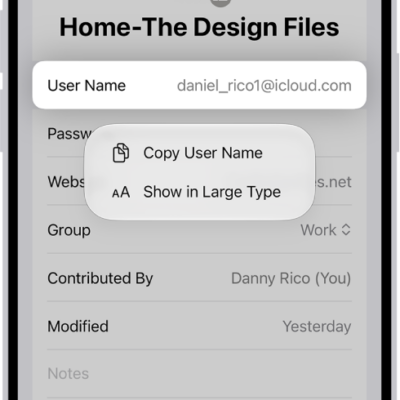
How to show user names and passwords in large text on iPhone
You can show a user name, password, or verification code in large text from the Passwords app on iPhone.

How to configure a router in Home on iPhone
You can use the Home app on iPhone to let a compatible router control which services your Apple Home accessories can reach.